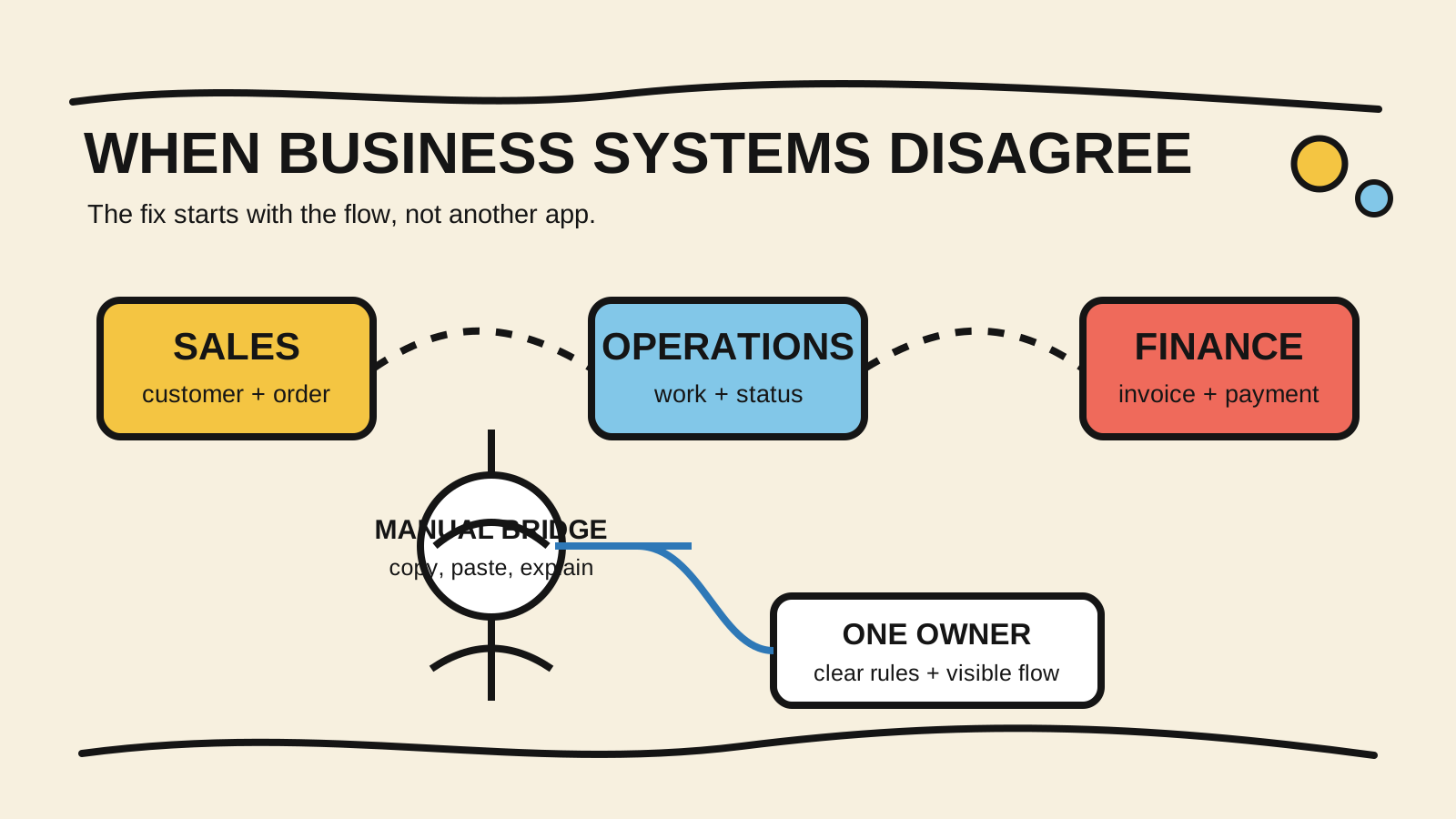
Sales enters the customer in the CRM, someone copies the order into a spreadsheet, finance asks for the amount in a group chat, and inventory still shows a different balance. When the customer calls, the team has to rebuild the story before answering.
That is the symptom of business systems that do not talk to each other. The fix starts by mapping one real operation, deciding where each piece of information begins, and giving someone responsibility for the flow. If the business needs someone to organize and maintain that software, diagnose the problem before buying another tool.
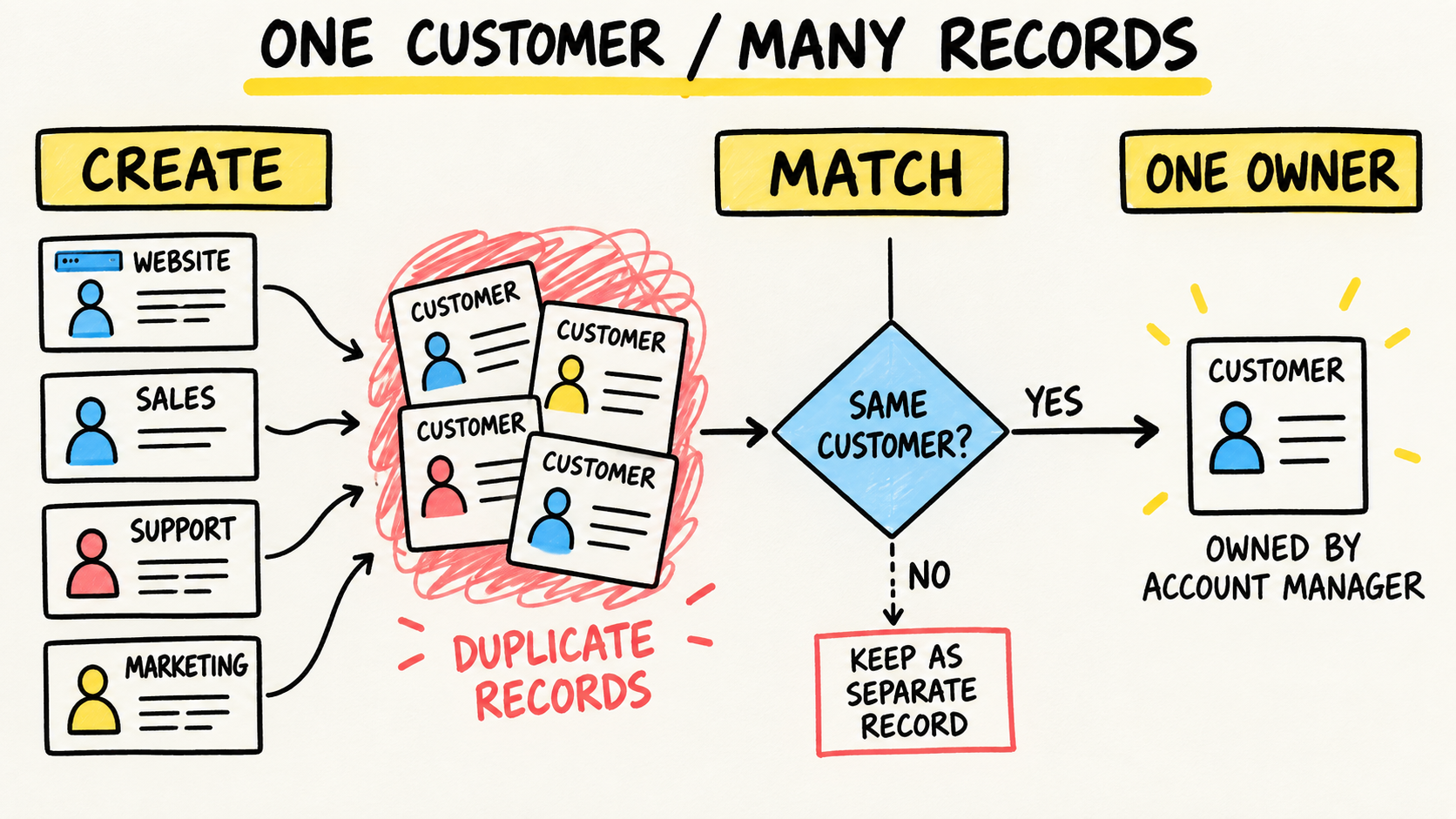
When the visible failure is the same customer appearing in more than one record, see how to prevent duplicate customers across systems.
The short answer
- Different systems can coexist. Trouble starts when nobody defines the meaning, owner, and path of each piece of information.
- Start with the flow that creates the most copying, checking, or customer explanations.
- Fix the process and ownership rule before choosing whether to connect, replace, or build software.
Why do business systems stop talking to each other?
In April 2026, IBM's article "What is enterprise application integration?" explained that CRM, ERP, databases, and other systems may use different formats, environments, and rules (IBM). In a smaller business, that appears in plain language: each team creates its own version of the customer, order, or status.
The problem usually grows in stages. The business buys one tool for sales, another for billing, and a spreadsheet for an exception. Then one person starts copying data between them. That person becomes the integration nobody documented.
Separate these four causes:
- Different definitions: "customer" might mean a contact, the paying company, or the person who placed the order.
- Unclear ownership: nobody knows which system can change the price, address, or status.
- An incomplete flow: the sale reaches finance but not inventory or customer support.
- A connection without follow-up: the automation works until a field changes, a credential expires, or one step fails.
Connecting applications cannot settle a rule the business never decided. Describe the work first. Then choose the smallest connection that removes a repeated task, a delay, or a mismatch the team can already recognize.
When the argument is specifically about CRM and inventory, follow one order between the two before mapping the whole business. The diagnosis of different CRM and inventory numbers separates timing, definition, identity, and missing-event problems.
How can you tell whether the problem is integration or process?
Follow one real case from the order through delivery, payment, or support before looking for a platform. Note every place where someone retypes, checks, messages another person, downloads a file, or asks, "Which amount is correct?" That map is more useful than a list of tools because it shows where the work actually stops.
Ask these questions:
- What event starts the flow: an approved sale, a received order, a confirmed payment, or something else?
- What information is created then, and who can correct it?
- Which systems need to read the data, and how quickly?
- What happens when the transfer fails or arrives twice?
- Who receives the alert and decides what happens next?
If nobody can answer the second question, the process still lacks a decision. If the answer exists but staff keep copying the same data, there is a clear integration candidate. If a failure has no alert or owner, the risk is not only in the connection. It is also in the operation meant to maintain it.
What does it mean to choose a trusted source?
A trusted source does not mean putting everything in one program. In "System of Record vs. Source of Truth: What's the Difference?", IBM explains that a system of record maintains data for one domain, while a source of truth combines information from several systems into a coherent view (IBM).
In practice, choose the authority by type of information. The CRM can be where the customer and account owner begin. The finance system can control invoices and payments. Inventory can control stock and movements. A dashboard can bring those facts together without letting someone edit the stock balance there.
Write a small table before any project:
| Information | Where it begins | Who can change it | Who only reads it |
|---|---|---|---|
| Customer | sales system | sales team | support and finance |
| Order | sales flow | sales or operations | finance and fulfillment |
| Inventory | operations routine | inventory team | sales and purchasing |
| Payment | finance system | finance team | sales and management |
The names vary by business. The important decision is to avoid two systems editing the same fact without a rule for resolving conflict. A copy can be useful. Two authorities for the same field become a dispute.
Which flow should you fix first?
Start with the step that combines repetition, customer impact, and a result someone can observe. Do not connect the whole business in one project. Microsoft's documentation on integration patterns recommends modular flows for specific triggers and processes, and warns that one monolithic flow increases maintenance work (Microsoft Learn).
A good first flow usually has these traits:
- it begins with an event the team recognizes;
- it moves a small set of data;
- someone can check the result;
- the operation can be repeated without creating a second charge, sale, or delivery;
- it leaves a record when something fails.
When the most visible symptom is typing the same order into more than one screen, follow the flow for stopping repeated order entry before mapping the entire business.
The goal does not need to be "integrate CRM, ERP, and WhatsApp." It can be: when a sale is approved, create the order in the operations system, notify finance, and show a status someone can check. The scope stays small enough to test and important enough for the team to notice.
If the first flow that repeats the most data is proposal preparation, use the diagnosis of why business quotes take so long to measure the waits before connecting more tools.
Define the acceptable delay too. Some updates need to appear immediately, such as checking inventory before promising a delivery. Others can arrive in batches, such as consolidating data for a meeting. Microsoft documents scheduled and event-driven patterns for different needs. Do not make every routine real time out of habit.
Should you integrate, replace the tool, or build software?
There are three reasonable paths. The decision depends on the problem you measured, not on the number of features shown in a demo.
| Path | Makes sense when | Risk to control |
|---|---|---|
| Improve the process | the team has not agreed on steps, data, or owners | automating a routine that is still confusing |
| Integrate what you have | the tools serve each area but repeat data between them | creating connections without monitoring or an owner |
| Replace or build a solution | the main flow does not fit the current tools and changes often | starting a large project before validating the operation |
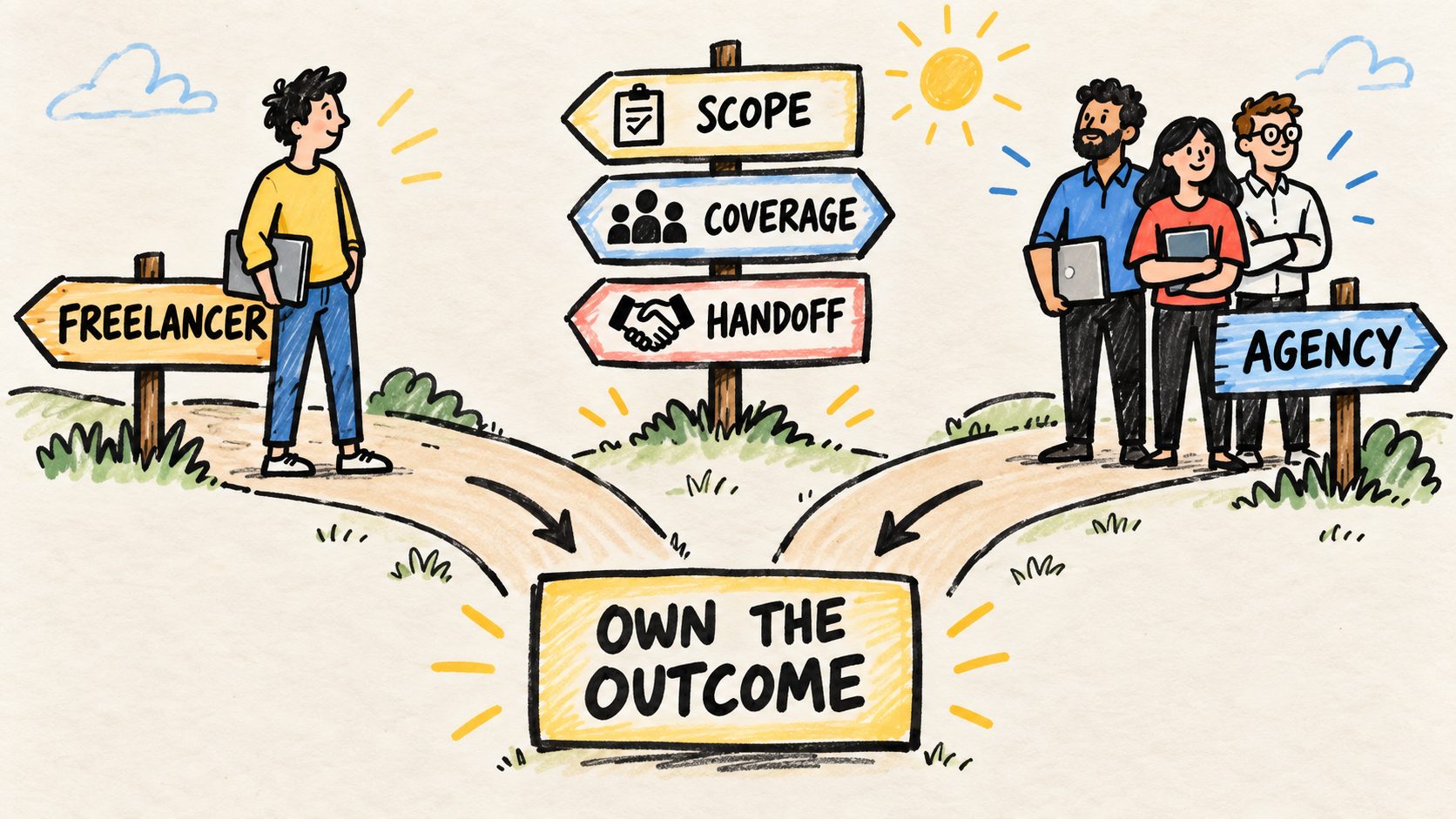
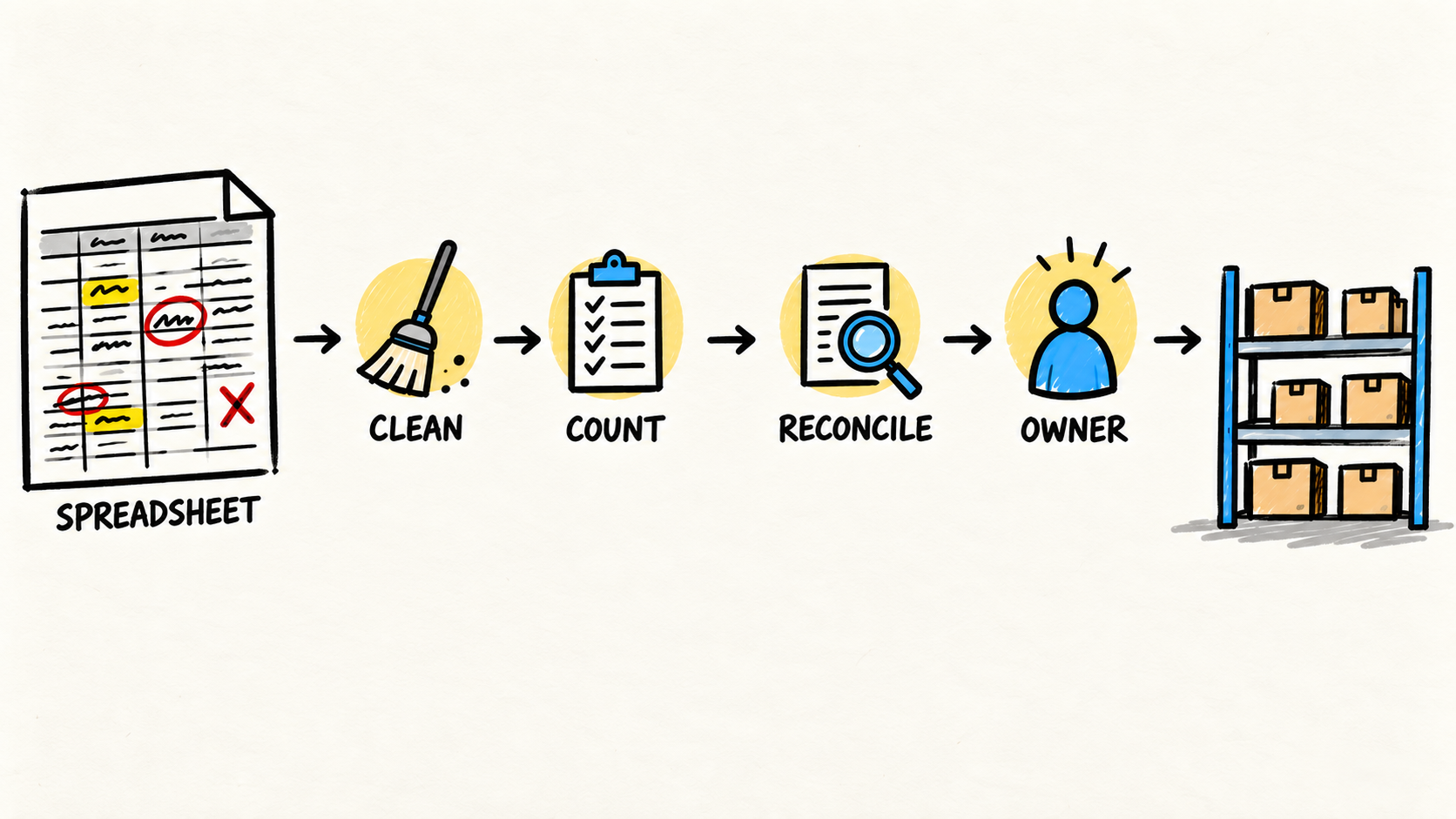
The article on when to replace an inventory spreadsheet uses a similar decision: separate a routine problem from a tool problem. The guide to who maintains software after launch adds the question that often gets missed: who will maintain the solution when the business changes?
Before opening another integration, use the checklist for deciding when to stop buying software tools and confirm that the next tool has a clear workflow and owner.
When the disagreement appears in the answer a customer requests by phone, see also how to reduce calls about order status.
When the operation needs to turn recurring lookups and approvals into a customer-facing experience, the next question may be whether the business needs a customer portal.
A ready-made integration may be enough. Custom work may be needed for specific rules, old data, or a flow the product cannot represent. In both cases, ask how the team will inspect failures, correct data, and take over the operation. The connector cannot be a black box only the salesperson can explain.
What should you ask before hiring an integration provider?
A proposal does not need to start with a technical diagram. Ask for an explanation an operator can follow:
- Which process changes, and which part stays manual?
- Where does each piece of data begin, and which system remains responsible for it?
- How will staff see a failure, duplicate, or delay?
- Who corrects the data after a failure?
- How will you test a new case, an invalid case, and a repeat?
- Who maintains the connection when a provider changes a field or rule?
- Does the business control the accounts, data, documentation, and recovery access?
The FTC's small-business cybersecurity guidance recommends setting security and data-handling expectations with vendors. For an integration, add access, logging, export, and exit conditions. That protects continuity without requiring the owner to choose the technology alone.
The simplest test is to ask someone to describe the flow without opening any tool. If the explanation depends on "then I check the spreadsheet" or "that person knows," the business does not yet have an integration. It has a sequence of invisible dependencies that needs to become explicit.
Frequently asked questions
Do I need to replace every system to fix the problem?
No. Many businesses can begin by defining the source for each piece of information and fixing one flow. Replacing everything can erase context and create a larger migration. Confirm where copying, delays, conflicts, and missing ownership happen first. Then choose the smallest change that improves the work without hiding the next risk.
Does a spreadsheet prevent integration?
Not necessarily. A spreadsheet can take part in a flow when it has a clear purpose, an owner, and a way to validate changes. The problem is when it becomes the informal authority for several processes and nobody knows which version counts. Then the question is ownership and operation, not the file format alone.
Who should own the integration?
Someone inside the business needs to answer for the process, even if another person implements the connection. That owner approves definitions, watches failures, sets priorities, and plans the handoff. An ongoing software owner can fill that role when the business does not yet have the capacity internally.
Conclusion
Business systems that do not talk to each other rarely need a promise of total automation. They need a visible flow, definitions the team shares, and an owner for each important piece of information.
Start with the case where staff copy, check, or explain the most. Define where the data begins, who can change it, which systems need it, and what happens when the transfer fails. Only then decide whether to improve the process, connect the tools you have, or choose another solution.
Sources consulted
- IBM, "What is enterprise application integration?", updated 2026-04-06, retrieved 2026-08-19, https://www.ibm.com/think/topics/enterprise-application-integration
- IBM, "System of Record vs. Source of Truth: What's the Difference?", retrieved 2026-08-19, https://www.ibm.com/think/topics/system-of-record-vs-source-of-truth
- Microsoft Learn, "Explore integration patterns", retrieved 2026-08-19, https://learn.microsoft.com/en-us/power-platform/architecture/key-concepts/integration-patterns/patterns
- Federal Trade Commission, "Cybersecurity for Small Business", retrieved 2026-08-19, https://www.ftc.gov/business-guidance/small-businesses/cybersecurity
- Reddit, "I'm starting to realise that SMEs don’t necessarily need another ERP", retrieved 2026-08-19, https://www.reddit.com/r/smallbusiness/comments/1vn0txg/im_starting_to_realise_that_smes_dont_necessarily/
- Reddit, "Small business back end help", retrieved 2026-08-19, https://www.reddit.com/r/SmallBusinessOwners/comments/1v88xvx/small_business_back_end_help/