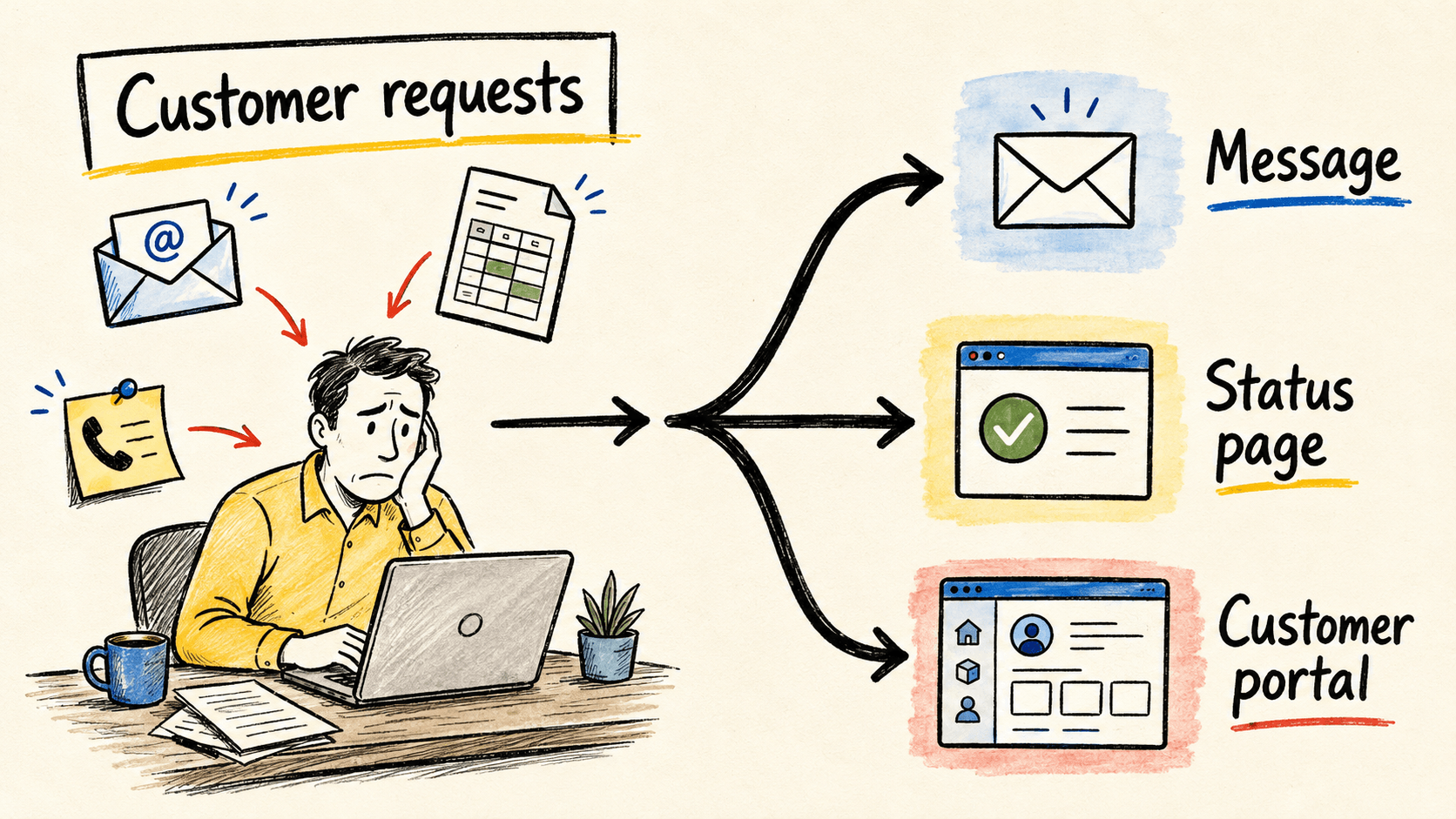
The customer asks for the same document for the third time. Someone else calls to ask whether an order has moved forward. Your team searches email, a spreadsheet, and the system that only someone in the office can open. Then a person copies the answer into another message and promises to check again tomorrow.
A customer portal may fix that work, but it is not the right first answer for every business. It makes sense when customers need to look up or complete repeated actions, each person must see their own data, and staff already spend time assembling the same answer from different places. For a one-off notice or a simple process, a message, form, or status page may be a better fit.
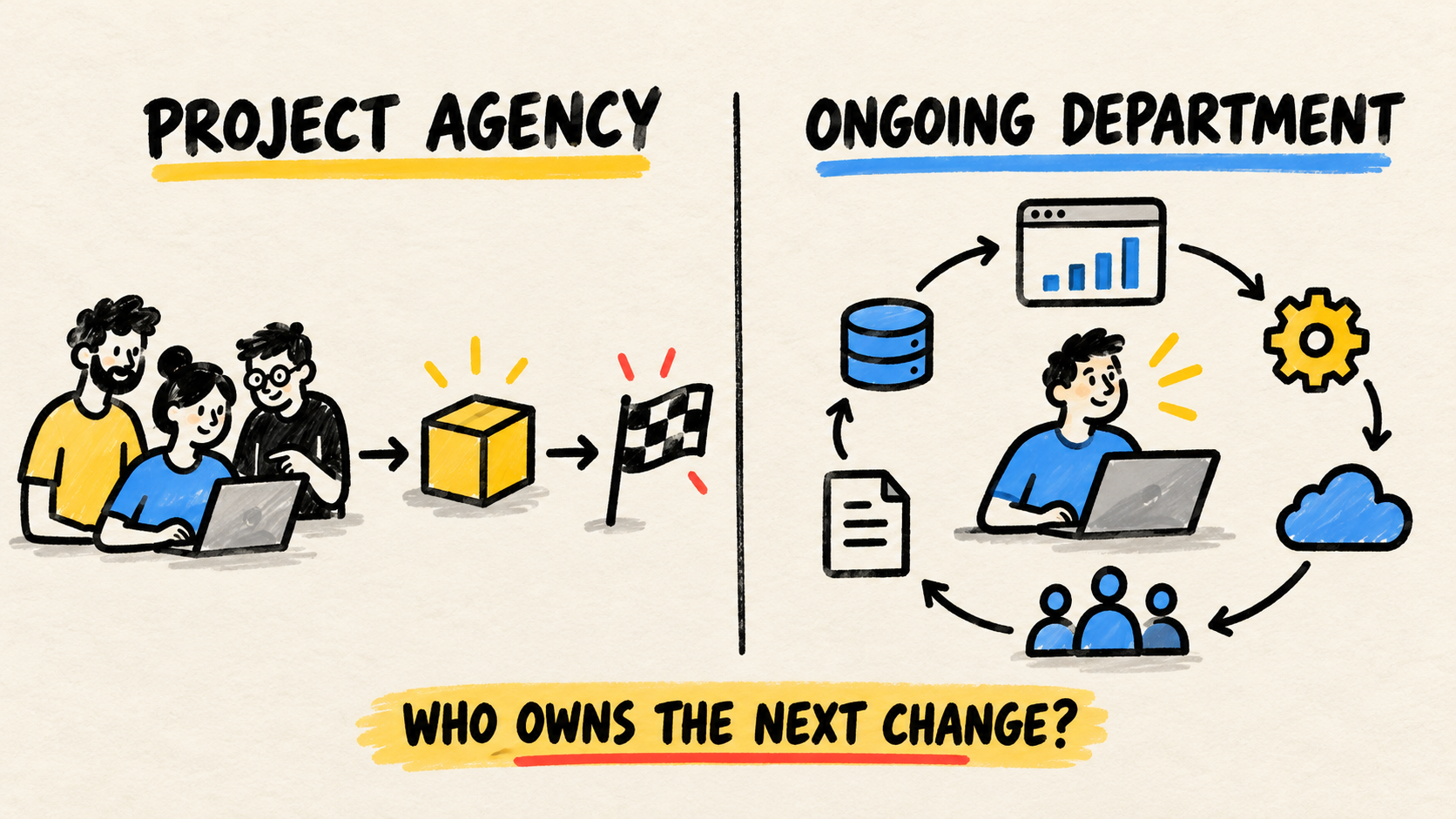
If the business needs ongoing responsibility for the software running the operation, the decision must include who will maintain the data, permissions, and workflow after launch. A portal without an owner becomes another inbox.
The short answer
- Consider a portal when customers repeat requests or actions that staff handle manually.
- Do not confuse a portal with a public webpage, a standalone form, or an internal dashboard.
- First check whether your current software already offers the function and whether the internal process has clear states and owners.
- Measure repeat contacts, handling time, errors, and actual use before deciding that the portal worked.
What does a customer portal actually solve?
A portal is a private space where a customer signs in to find information and complete actions related to their business. It might bring together documents, invoices, orders, service stages, requests, and replies. It is more than a nicer website page. It needs accurate data, customer separation, and a record of what was viewed or changed.
Dubsado describes a portal as a login-protected page that brings together forms, invoices, appointments, email communication, and project details for a client (Dubsado, "What are client portals?", retrieved 2026-09-05). The example shows the important boundary: customers see a curated view of their work, not the entire internal dashboard.
Common uses include:
- viewing documents, orders, invoices, or stages;
- sending information staff repeatedly have to request;
- approving a proposal, file, or next step;
- tracking more than one order or project;
- replying to a request inside the same history.
A portal cannot fix information that was never recorded. It also cannot decide which date is correct, who may approve an exception, or which system owns a balance. Those decisions still belong to the operation.
What signs show that a business needs a portal?
One request does not justify a project. A combination of signals is more useful than a fixed customer count.
The same question comes back every week
If staff repeatedly send a report, confirm a status, find an invoice, or explain the next step, there may be a self-service opportunity. Look at the complete question, though. If every answer depends on negotiation or an exception, a portal may only route the case to a person.
The customer needs to act, not only read
The case is stronger when a customer must attach a document, approve a version, choose a date, or open a request. Email can receive all of that, but someone must reconstruct the request afterward. A portal can keep the action with the right record if the workflow is defined first.
Staff copy data between places
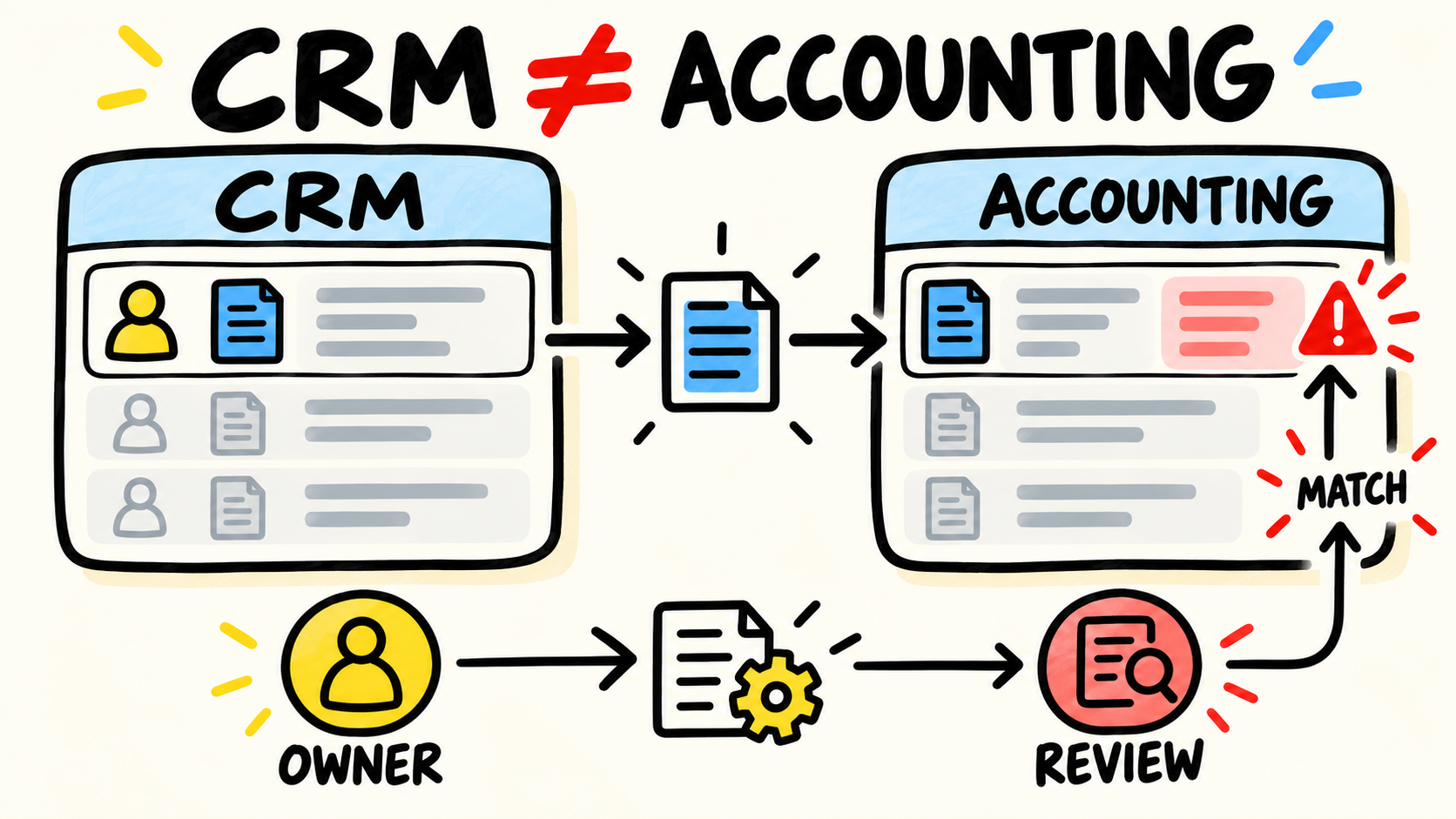
An employee reads an order in email, looks up the customer in another system, updates a spreadsheet, and sends the result back. Each copy creates an opportunity for delay or disagreement. A portal should not create another ownerless copy. It should read from the right source or clearly record which system receives the action.
Each customer needs a different view
If documents, amounts, addresses, or orders must not be exposed to other customers, shared links and attachments need more control. The portal then has an access function, not merely a convenience function.
The team can explain the process
A portal is safer when the business knows which states exist, what changes each state, and who responds when work leaves the normal path. If every person explains the process differently, the screen will preserve the confusion instead of removing it.
When is a message, form, or status page enough?
Choose the smallest path that answers the customer’s question. This matrix helps separate an information need from an action need and an ownership need.
| Situation | First path to test | Reconsider when |
|---|---|---|
| The customer needs to know an order was received | Confirmation with an identifier and next step | Orders arrive through many channels and staff retype them |
| A predictable event changed | Proactive message | The status is uncertain or the team cannot support the date |
| The customer checks one simple stage | Status page | There are several orders, documents, or actions in the relationship |
| The customer needs to send or approve something | Form that records the reply | The action needs history, permissions, or several stages |
| The customer frequently looks up information and takes action | Portal | No current system can support the workflow or data |
| The case is an exception or negotiation | Human service | The exceptions repeat and can become a clear rule |
The guide to reducing calls about order status explains how to separate confirmation, progress, timing, action, and exception. This article asks the earlier question: when do that group of lookups and actions deserve a customer-facing space of its own?
Do not build a portal to avoid sending one message. Use one when the operation repeats a structured interaction and customers benefit from looking up or completing it without starting a new conversation every time.
What must be organized before creating a portal?
Map one real interaction. Choose a recent order, project, or request and follow it from the customer’s question to the team’s answer. Record where the data started, who changed it, how long it waited, and which person had to interpret the situation.
Before asking for a product demo, answer these questions:
- which system owns each fact;
- which data the customer may see and which stays internal;
- which events change the status;
- who may approve, correct, and cancel an action;
- what happens when an integration fails;
- who answers the customer when the rule does not apply.
If those answers do not exist, the first project may be process design. The diagnosis of business systems that do not talk to each other helps locate copies, manual handoffs, and divided responsibility. A portal can wait until the operation knows which answer it should show.
Also check what the business already pays for. Salesforce documents portals that can expose account data, allow updates, show invoices, and connect information from other systems, with user and access configuration (Salesforce, "Manage Customer Relationships with Experience Cloud", retrieved 2026-09-05). That does not make Salesforce the right choice. It means the decision should start with an existing capability or a proven gap, not a list of screens.
Should you buy, configure, or build?
Use a ready-made product when the work is common, the needed data is organized, and the permissions fit the product. Configuring software the business already uses can reduce the number of changes made at once.
Consider a specific solution when the workflow belongs to the business. This may happen when customers need documents, approvals, scheduling, and data from several systems that do not have a suitable portal. The reason to build should be the work that must exist, not the wish to put different branding on a screen.
In either case, ask who will remain responsible for:
- customer accounts and permissions;
- integrations and synchronization;
- data corrections and incorrect messages;
- security updates;
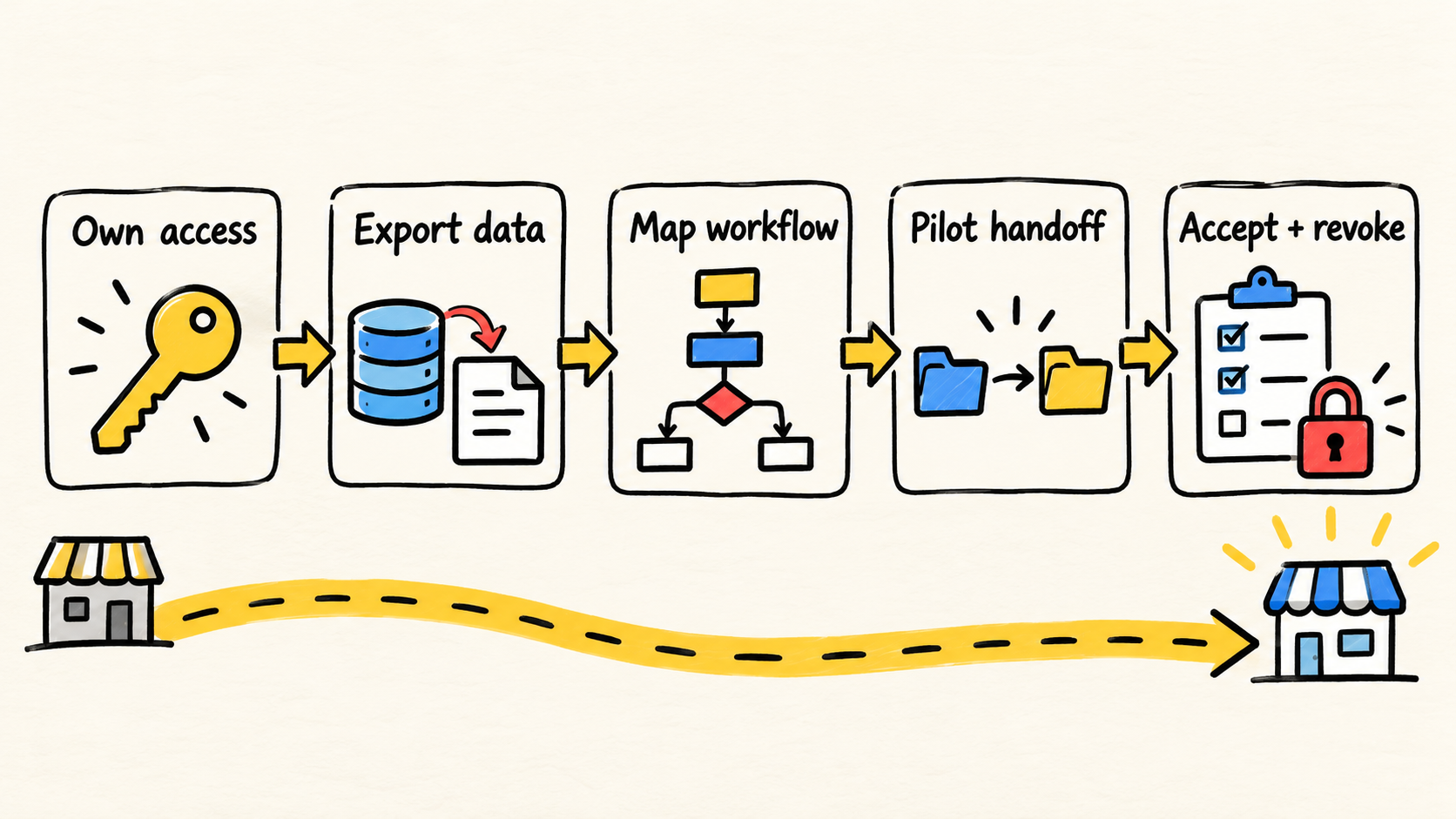
- export and service termination;
- workflow changes after the first version is in use.
If a vendor delivers the screen and disappears, the business still has to run the portal. The guide to who maintains software after launch covers the account, data, maintenance, and transition questions that belong in that conversation.
How do you protect customer data?
A portal turns part of the operation into an external access surface. Before publishing it, define what proves identity, which records each account can see, which actions are allowed, and how access is revoked. Do not use an easy-to-guess identifier as the only protection for customer data.
The Federal Trade Commission’s guidance on cybersecurity for small businesses recommends inventorying software, data, and services, limiting access to what is needed, using multifactor authentication when appropriate, protecting data in transit and at rest, and putting security expectations in vendor contracts (retrieved 2026-09-05). For a portal, turn that guidance into simple questions:
- can each customer see only their own data?
- does the business control the accounts, or only the vendor?
- is there a plan to block an account and investigate unauthorized access?
- are data protections still clear when an integration or contract ends?
- does someone test permissions with a user who should not see that record?
The more a portal can do, the more care it needs. Looking up an order status and approving a financial change are different risks. Permissions should follow the action, not the login alone.
How can you tell whether the portal is solving the problem?
Record the process before changing it. During a period the team can compare later, count contacts about documents, status, approval, changes, and exceptions. Mark when the answer was already available and when someone had to search another system.
Afterward, watch the same type of operation:
- repeat contacts by customer and order;
- time to the first answer;
- actions completed without retyping;
- requests that wait because nobody owns them;
- permission or status errors;
- exceptions that still need human service.
More logins do not prove value. Fewer calls do not prove satisfaction either: customers may have changed channels or given up. Pair portal usage with resolved requests, complaints, cancellations, and completion time. If the business does not have those measures, record the launch as a hypothesis and set a date to review it.
Frequently asked questions
Does every small business need a customer portal?
No. A portal is worth evaluating when repeated lookups or actions consume time, need separate access, or cross systems that staff must assemble manually. A low-volume process that is easy to explain can continue with messages, forms, or a status page.
Does a portal replace email and phone calls?
No. It can concentrate structured work such as documents, requests, approvals, and recurring lookups. Exceptions, negotiations, delays, and situations without a reliable answer still need a person. The goal is to remove repetition from the queue, not hide the help channel.
Does a customer portal need to be custom built?
Not necessarily. First check whether current software already has suitable portal, form, permission, and notification features. Custom software makes sense when the business workflow depends on several systems and existing options force unsafe copies or workarounds.
How many customers justify a portal?
There is no universal number. Request frequency, handling time, data risk, rule complexity, and the actions customers must complete matter more than a single account count. Measure the repeated work before deciding.
Conclusion
Your business should evaluate a customer portal when customers ask for the same information or actions, staff search several places for the answer, and each customer needs their own access. Before building, check whether a message, form, status page, or feature already available in current software solves the case.
If the need is larger, organize the data source, states, permissions, and owner. Then choose to buy, configure, or build based on the workflow the business can maintain. A good portal does not eliminate every conversation. It keeps customers and staff from rebuilding the same answer every time someone asks.
Production note
Samuel Fajreldines is the editorial owner of this article. The research combined current search results, public product and security documentation, and public operator discussions. AI assistance helped with discovery, source comparison, first drafting, translation, image prompting, and consistency review. There was no client test, private benchmark, or invented case study.
Sources consulted
- Dubsado, "What are client portals?", retrieved 2026-09-05.
- Salesforce, "Manage Customer Relationships with Experience Cloud", retrieved 2026-09-05.
- Federal Trade Commission, "Cybersecurity for Small Business", retrieved 2026-09-05.