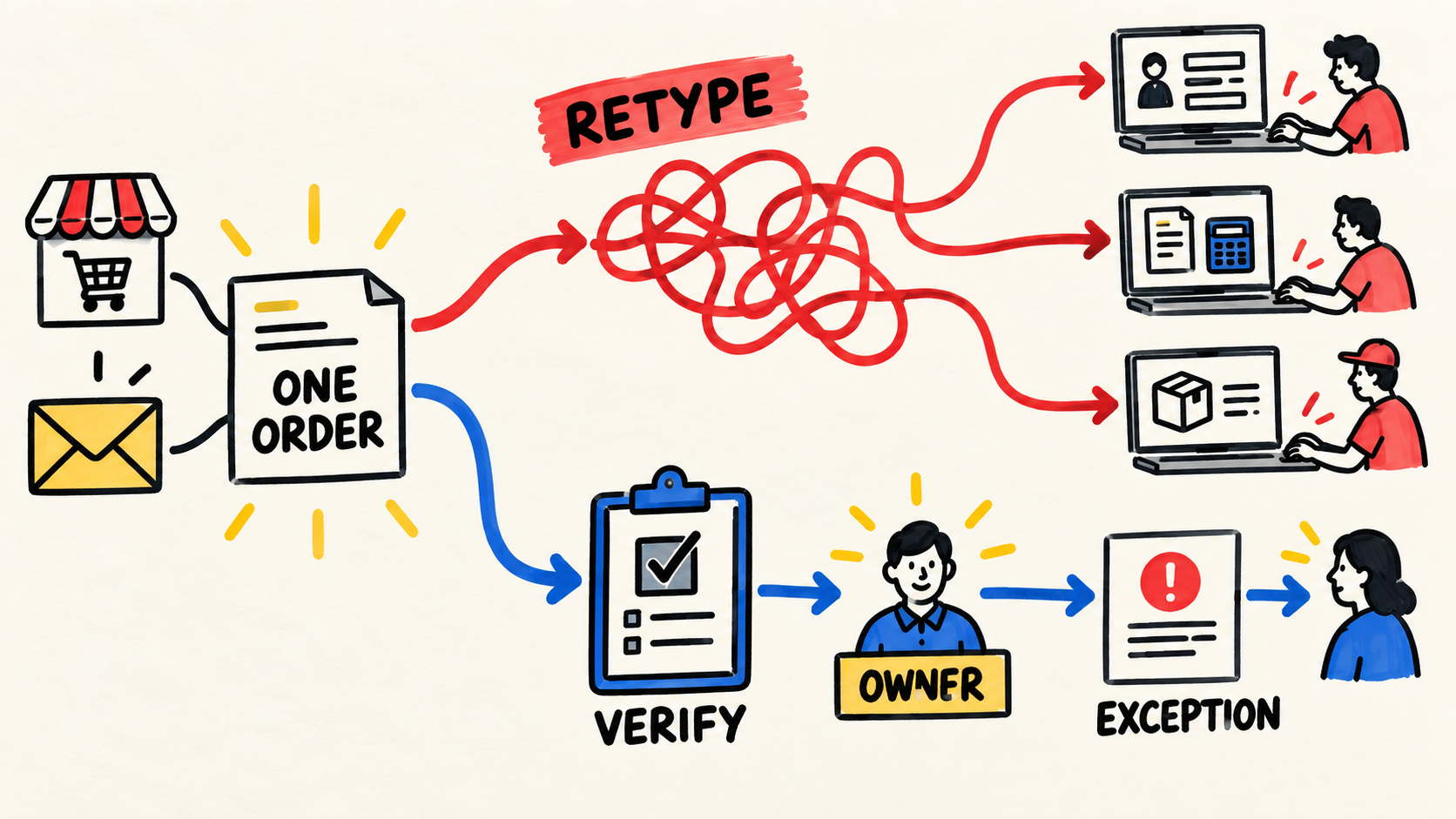
The order arrives by email, storefront, or message. Someone records it in sales. Then another person types the same items into finance, and a third checks them in the warehouse system. When the numbers disagree, the business has to work out which of the three versions deserves trust.
This is a workflow problem that has turned people into the bridge between systems. The broader diagnosis of disconnected business systems helps you see the larger pattern. If nobody owns ongoing responsibility for the software behind the operation, even a good connection can become unmaintained after delivery.
Short answer
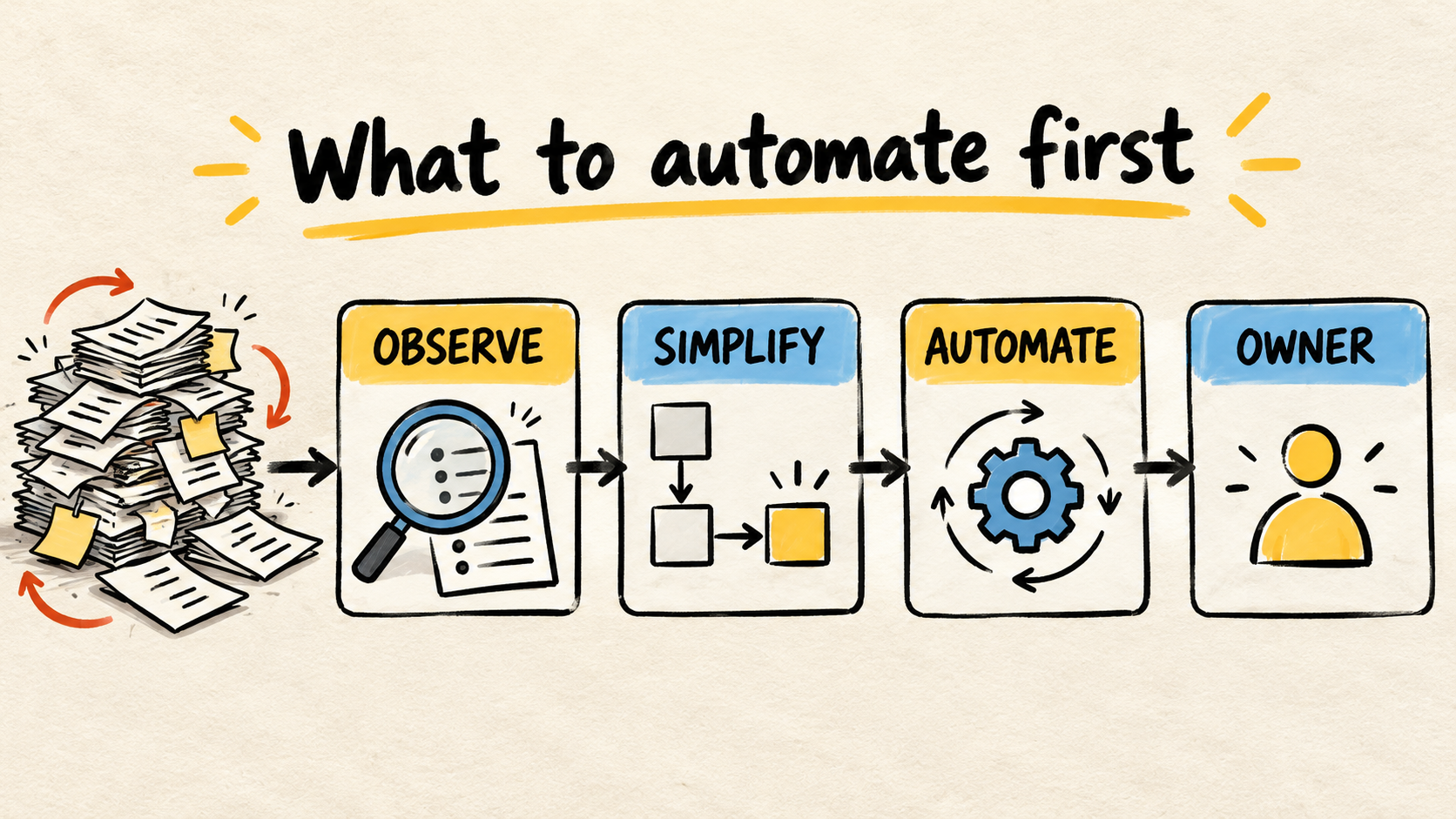
- Follow one real order from intake through billing, picking, or delivery and mark every place where someone copies its data.
- Decide which system creates each fact, who may correct it, and how the other systems receive the change.
- Start by removing one visible re-entry. Choose a larger integration only after proving that the destination received the right order and someone can handle exceptions.
What does re-entering the same order mean?
Re-entering means inserting the same information again after it has already been recorded somewhere else. The order may start in a storefront, a form, a phone call, or an email. Duplication appears when someone copies the customer, products, quantities, price, or address into another screen because the systems do not share that record reliably.
Entering an order once is not a defect. A person may need to review an unusual request, approve a commercial condition, or correct a customer record. The problem is asking for the same entry without adding a decision. Each repetition creates a chance to change a code, skip a line, use an old price, or create a second version of the order.
There is an important difference between copying information for reference and creating a second authority. A dashboard may show an order status. It should not also let someone change that status without a rule that says which system remains responsible for it.
How should you trace a real order before choosing a tool?
Choose an order that has already been completed and reconstruct its path with the people who handled it. Do not start with a vendor's integration list. Start with what the team actually did.
- Find the intake. Record where the order arrived, who confirmed that it was valid, and which identifier it received.
- Follow the commercial data. See where the customer, products, quantities, prices, discounts, and address were checked or changed.
- Track each handoff. Mark every copy, export, message, spreadsheet, or screen where someone had to repeat the information.
- Check the operation. Find out how inventory, picking, billing, or delivery learned that the order was ready for the next step.
- Close the loop. See where the final status was recorded and how support could answer the customer without searching old conversations.
The result can be a simple drawing. For each step, write: "what happens," "where it happens," "which data changes," "who may correct it," and "how we know it worked." If the answer is only "someone checks it," ask where that check is recorded.
This exercise also separates two problems. Sometimes the team re-enters an order because no tool receives it. In other cases, the tools are connected but nobody knows whether the update arrived, failed, or was applied twice. The next decision is different in each case.
Why does the same information appear in several places?
Four causes often appear when an order must be typed more than once:
- The order starts outside the main system. A customer sends an email or message, but the operations tool accepts only records created inside it.
- Each team adopted its own definition. For sales, an order may be an approved opportunity. For finance, it may mean an issued charge. For the warehouse, it may exist only once the items are available.
- There is no shared identifier. One system calls the customer by name, another by code, and another by address. The team must decide manually whether it is the same record.
- The connection has no owner. An automation worked when it was created, but nobody watches failures, credentials, field changes, or duplicate records.
The case where CRM and inventory numbers disagree is a more specific example of the same pattern. Before trying to make every screen agree, choose the fact that needs an authority. Sales may own the customer and the approved order. Inventory may own available quantity. Finance may own payment.
This does not mean that each fact can exist in only one place. It means the business must know where it starts, who may change it, and how copies are updated. Without that decision, an integration simply moves the disagreement into an automated flow.
What must a connection between systems prove?
A useful connection does not remove every human intervention. It removes a repeated step without hiding what happens when the normal path fails. Microsoft's guidance on integration patterns separates instant, event-driven, scheduled, consolidation, and synchronization patterns. The process need, not the most sophisticated tool name, should decide.
Before approving a project, ask for answers to these questions:
| Question | Evidence the operator should be able to see |
|---|---|
| What event allows the order to be created? | A clear condition, such as order confirmation or an approved payment. |
| Where does each fact start? | One responsible system for customer, items, price, inventory, and payment when these facts differ. |
| How does the destination recognize the order? | An identifier that finds the same order without relying only on the customer's name. |
| What happens if the same update arrives again? | The system does not create a second sale, charge, or delivery without an explicit decision. |
| How does the team see a failure? | A queue, alert, or record showing the pending order, reason, and accountable person. |
| How can someone confirm the result? | A destination read-back, checkable status, or other proof suited to the process risk. |
Microsoft's integration requirements guidance recommends considering volume, frequency, data direction, system capability, and the participation of process owners. For a business owner, that becomes a practical question: must the flow happen immediately, on a schedule, or only when someone asks for it? Paying for a faster connection will not settle a rule the business has not decided.
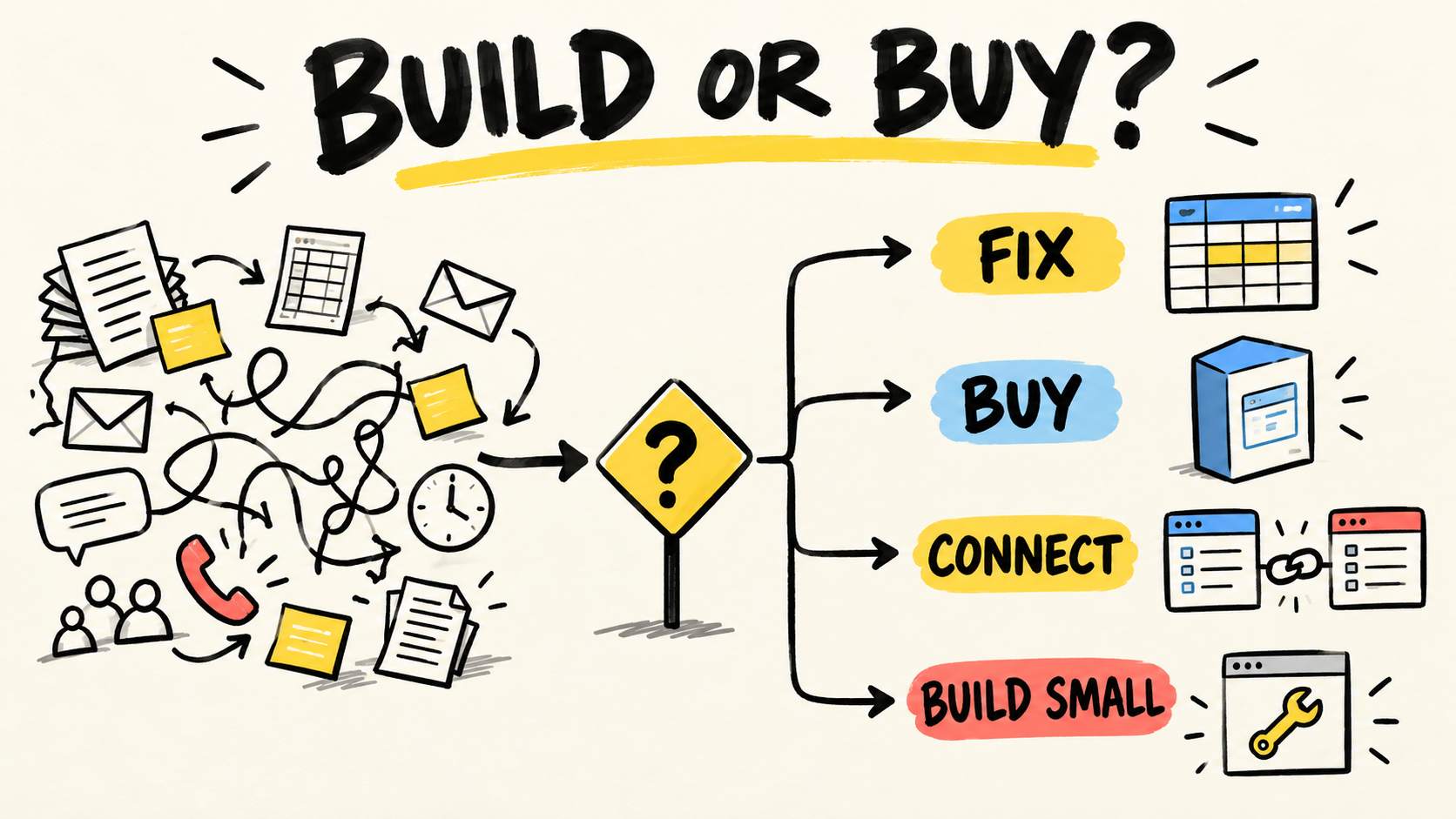
Should you fix the process, connect the systems, or replace one?
There are three reasonable paths. Choose based on where the order breaks, not on the number of features in a product demo.
| Next step | Choose it when | Necessary caution |
|---|---|---|
| Fix the routine | The team still disagrees about what counts as a valid order or who may change it. | Do not automate a step that remains ambiguous. |
| Connect what you have | The tools serve their teams but repeat data between them. | Define the flow owner, failure cases, and destination check. |
| Replace or build a solution | The main workflow does not fit the current tools or requires rules they cannot maintain. | Start with one small flow and preserve access, data, and an exit path. |
A new platform can reduce the number of screens and keep the same confusion. If the order still lacks an identifier, authority, exception rule, and owner, the business is only re-entering it inside a more expensive system.
What should you ask before hiring an integration provider?
Ask for an explanation that an operations person can verify, rather than a diagram full of boxes. These questions separate a concrete proposal from a broad promise:
- Which real order will we use for the test?
- Which part stops being typed, and which part remains manual by choice?
- Who controls the accounts, data, access, and documentation?
- How does the team find an order that failed or arrived twice?
- What happens when a product, price, address, or identifier is not recognized?
- Who corrects the information, and who approves the correction?
- How does the business confirm that the destination received the same items, quantities, and conditions?
- Who maintains the connection when one of the tools changes?
- How can the company export its data and end the relationship if the solution no longer fits?
You do not need to understand the technology to ask these questions. You do need to follow the order through an ordinary case and an exception. If the proposal cannot show how the operation will see a failure, it describes only the happy path.
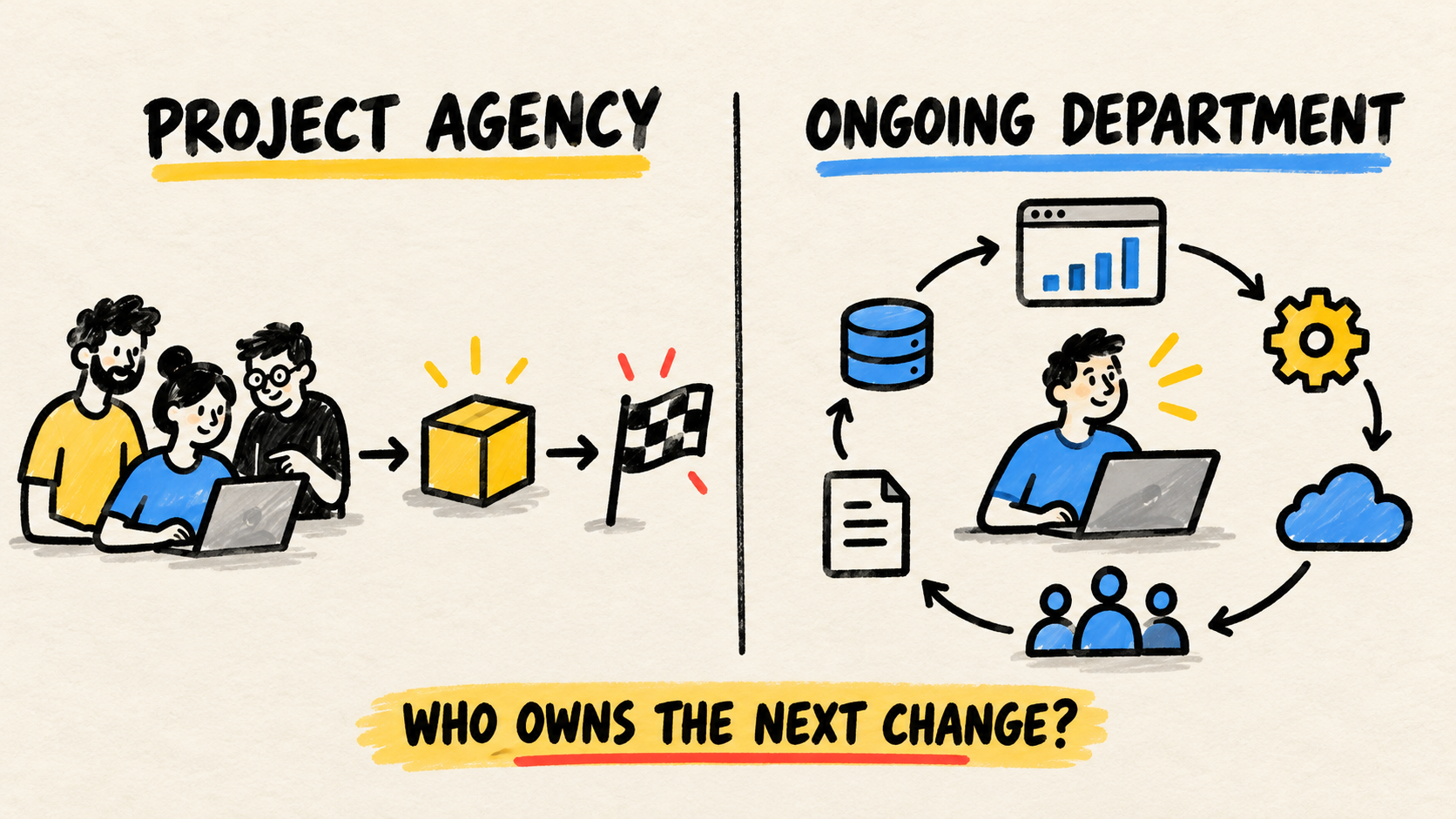
Who owns the connection after it goes live?
The project ends when the connection is available. Responsibility starts when a price changes, a field disappears, an account expires, or an unusual order arrives.
Before delivery, agree on who watches errors, approves changes, accesses the systems, and explains the flow to a new person. The guide on who maintains custom software after launch separates delivery from maintenance, control, context, and transition. The same separation applies to a small integration.
If the business has no internal owner, it can hire an employee, an agency, or an ongoing external owner. The label is less important than knowing who answers for the flow and how the company recovers access and context when the relationship changes.
Frequently asked questions
Do I need to replace every system to stop re-entering orders?
Not necessarily. Many businesses can start by removing one repeated handoff between tools that already serve their teams. Replace a system when the main workflow does not fit, the rules are incompatible, or maintaining the connection would cost more than a better-shaped solution.
Can a spreadsheet remain part of the process?
Yes, if it has a clear job, an owner, and a way to check its changes. A spreadsheet becomes risky when it is the hidden authority between sales, finance, and inventory. The problem is not the file extension. It is the lack of a rule for deciding which information is valid.
Does automating the order remove the need for review?
No. A connection can remove repeated typing and leave the team focused on exceptions. An unusual price, unknown customer, missing catalog item, or unavailable destination still needs a decision. Automation should show these cases instead of pretending that they do not exist.
Conclusion
If your team types the same order into more than one system, follow a real case before buying another tool. Mark every manual handoff, decide where each fact starts, and choose the smallest change that removes a repetition without hiding failures.
Then require simple proof: the right order reached the destination, a second attempt did not create a second action, and someone knows what to do when the connection cannot confirm the result. That is how a business replaces a human bridge with a flow that can be explained and maintained.
Sources consulted
- Microsoft Learn, Explore integration patterns, retrieved 2026-09-19.
- Microsoft Learn, Determine integration requirements, retrieved 2026-09-19.
- Samuel Fajreldines, Why don't your business systems talk to each other?, retrieved 2026-09-19.