The developer who understood your system has left. Now an integration fails, a password lives on an old laptop, and nobody knows whether the backup can actually be restored. The business still operates, but every change feels like a bet.
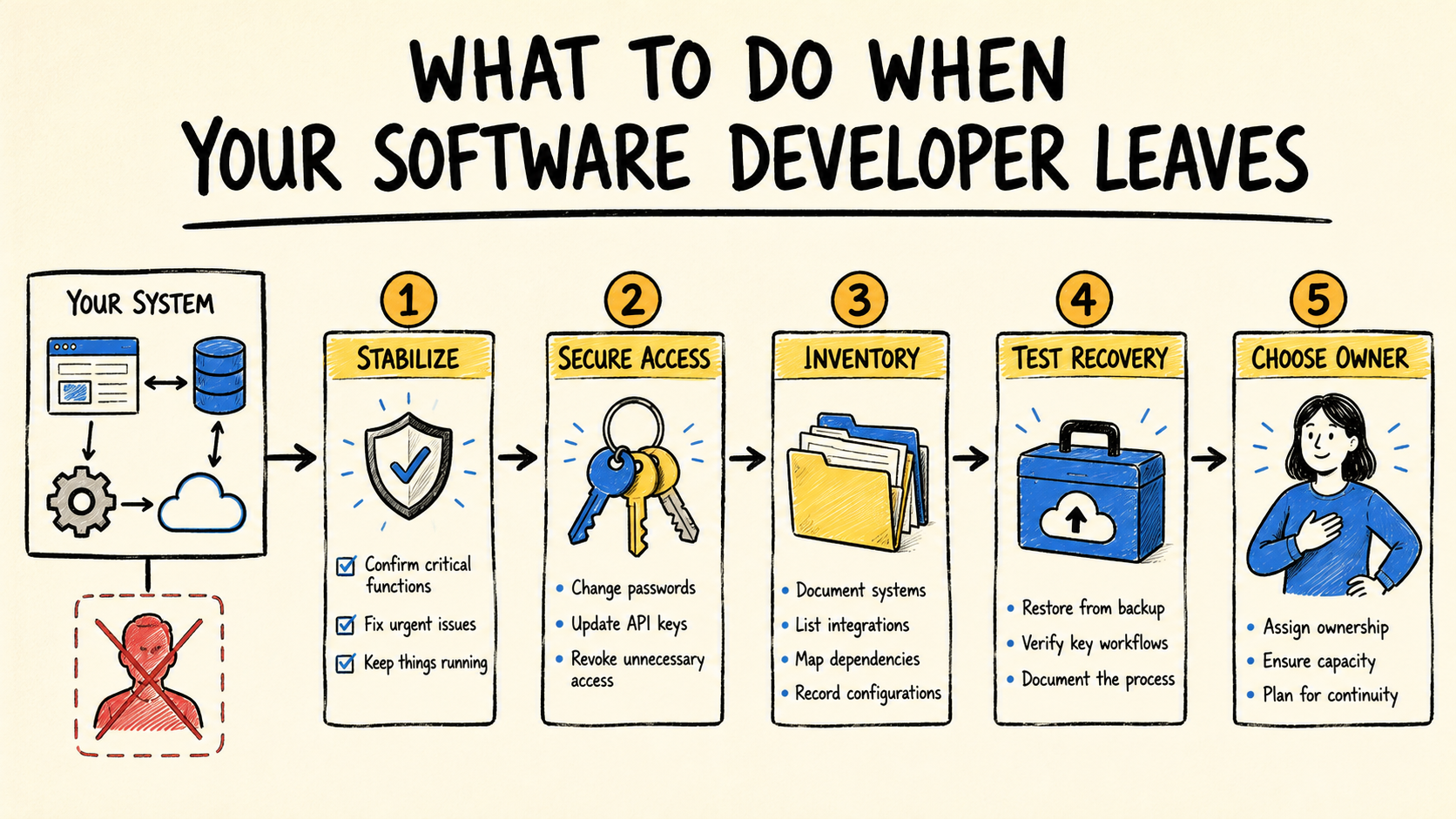
Do not start with a rewrite. First stabilize the work that keeps the business running, recover access that belongs to the company, and record what is in production. Then ask a professional to prove, in a safe environment, that they can understand, recover, and change the system.
If your business needs ongoing responsibility for the software running the operation, the transition also needs to name who sets priorities, tracks risk, and responds when the system changes. A new developer can write code. The business still needs someone accountable for the outcome.
Short answer
- Protect the workflows that cannot stop and postpone risky changes.
- Move accounts, data, code, and services under controls the business can access.
- Build an evidence-based inventory, not just a list of tool names.
- Accept the handoff when another person can observe, recover, and change the system safely.
Did the system stop, or did it simply lose its owner?
Separate an active outage from a loss of knowledge. If sales, billing, delivery, or support has stopped, address business continuity first. If everything still works, preserve the current state while you discover access, dependencies, and risk. Urgency changes the order, but it does not make a rewrite the automatic answer.
Ask these questions before commissioning any change:
- Which operation fails if the system goes down today?
- Who can confirm that the displayed data is correct?
- Does an account, payment, or certificate depend on the person who left?
- Does the latest backup have a date, a location, and a known restore process?
- Is any change in progress that should pause until someone understands the risk?
If the system is still online, avoid updating dependencies, changing settings, or accepting new features without recording the decision. A well-intended change can erase useful clues. If there is an incident, preserve logs and seek emergency help without letting a personal account remain the company's only control point.
What should you do in the first few hours?
Start with a control inventory. You do not need to understand every line of code. You need to find the parts that support the business and identify who can act on them today.
- Name a person inside the business. They coordinate decisions, record requests, and prevent several suppliers from making competing changes.
- List critical workflows. Record what must keep working, the highest-risk periods, and the temporary manual procedure.
- Preserve the current state. Note versions, alerts, recent errors, pending changes, and the last known run of each important workflow.
- Gather the accounts. Include hosting, domain, code, database, payments, messaging, automations, and monitoring.
- Freeze what can wait. New features and migrations come after control is recovered.
The guide to who maintains software after launch separates control, maintenance, context, and transition. Here the question is more urgent: which of those four things still depends on someone unavailable?
The clearest risk signal is not system size. It is the sentence, "Only that person knows." It can point to a password, business rule, deployment, backup routine, or decision that was never written down.
How do you regain control without spreading credentials?
The business should control the accounts that support the system. A supplier may receive access to work, but should not be the only owner of the domain, data, code, hosting, or recovery method.
Organize a list like this:
| Area | What to confirm | Evidence of control |
|---|---|---|
| Code and history | Where are the repositories, and who can administer them? | Individual access under a company account |
| Hosting and domain | Who pays, recovers, and changes the service? | Business account and recovery contact |
| Data | Where does the data live, and who can export it? | Known export and auditable access |
| Integrations | Which services exchange information with the system? | Connection, key, and owner list |
| Backups | When was the last copy made, and how is it restored? | Restore test or verifiable evidence |
| Users | Who has access, and why? | Current list with revocable permissions |
The Federal Trade Commission's guidance on cybersecurity for small businesses recommends putting security expectations in vendor contracts, limiting access to what a vendor needs for the time it needs it, using multifactor authentication when appropriate, and checking that controls keep working (retrieved 2026-09-06). Those choices still matter during a vendor change.
Do not ask someone to email every password. Recover accounts through official channels, rotate credentials that may have been exposed, and give the next professional individual access. If the business cannot recover a critical account, record it as an immediate risk and contact the provider or a security professional before changing the rest.
What inventory lets someone else take over?
A useful inventory connects each technical component to a business function. "We have a server and a database" does not explain what happens when an order arrives, who receives the result, or how staff work during a failure.
For each critical workflow, record:
- the event that starts the work;
- the information that enters and its system of record;
- the steps and services involved;
- the operator who confirms the result;
- known failures and the temporary procedure;
- costs, renewal dates, and support contacts;
- where code, configuration, data, and backups live;
- how to release a change and undo it.
Talk to the people who use the system. Ask them to describe a normal request, an exception, and a recent correction. Those conversations reveal rules that may not appear in code, including fields the business treats as required without having documented them.
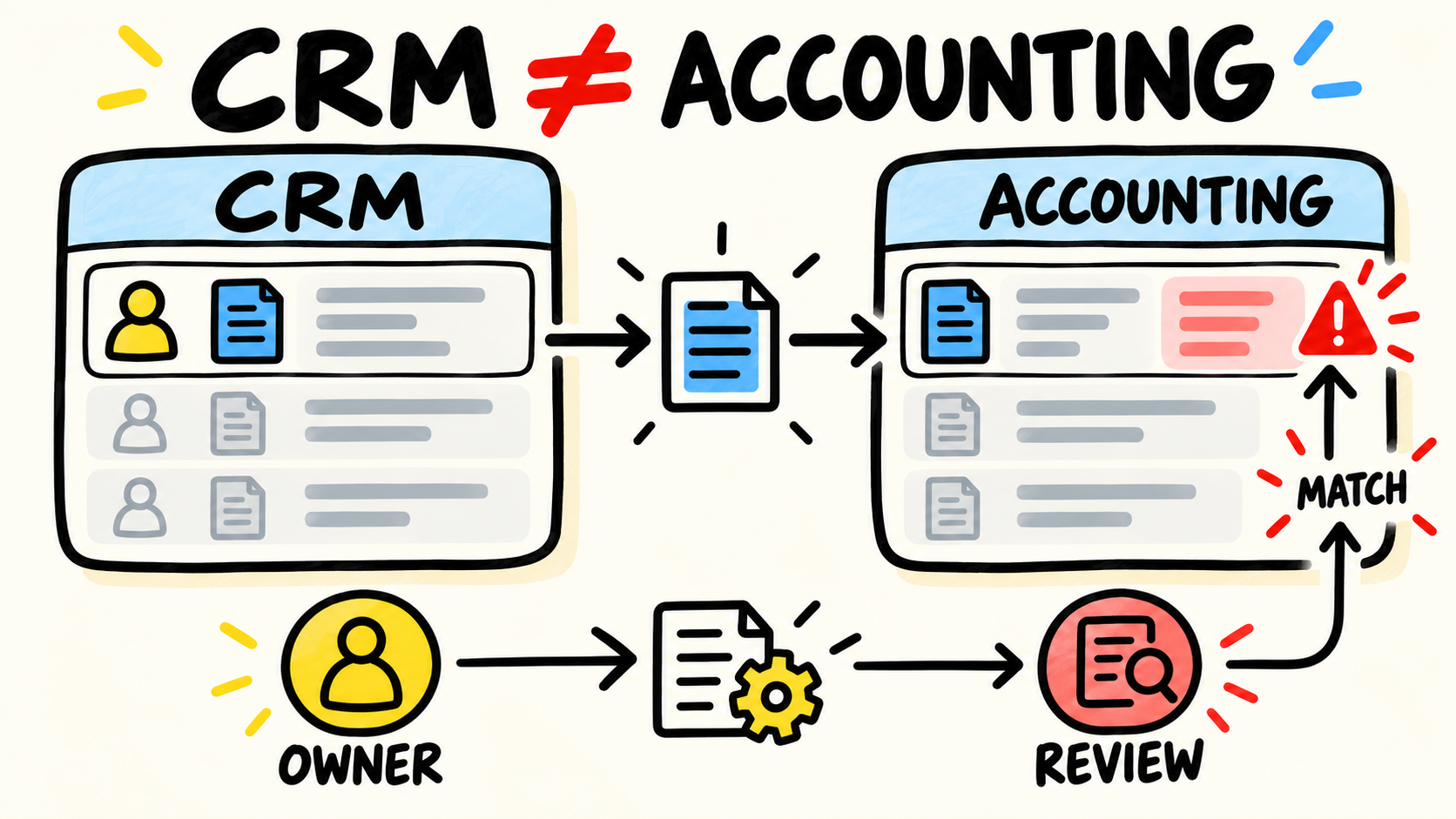
When the map shows copying between sales, operations, and finance, use the diagnosis of business systems that do not talk to each other. Do not turn the handoff into an integration project by reflex. First learn what the current system actually does and which data the business trusts.
How do you prove the next owner can take over?
A meeting and a zipped folder do not prove a handoff. Acceptance should show that another person can perform small tasks and recover the system without depending on an oral explanation that leaves with the supplier.
Ask for evidence of these tests, preferably outside the environment that serves customers:
- locate the code, configuration, and services behind a workflow;
- start the system using the available instructions;
- follow a normal workflow and explain where each data point changes;
- release a small change with review and a way to undo it;
- restore a data copy or demonstrate the process in a safe environment;
- identify an error, record its impact, and say who makes the decision;
- explain which access should be removed at the next transition.
Do not require the new professional to prove everything in production. A careless restore can worsen the incident you are trying to contain. The proof should match the risk and leave a record the business can review.
The simplest acceptance rule is to ask the new owner to tell the story of a change: what changed, why, who approved it, how to know it worked, and how to go back. If that sequence does not exist, the business received access but not continuity.
Should you keep, stabilize, or rewrite the system?
Choose after the inventory. An unfamiliar system may still be useful, unstable, or unable to support the current process. The developer's departure does not answer any of those questions.
| What you observe | Reasonable next step | What to avoid |
|---|---|---|
| The system works and access can be recovered | Take it over, document it, and fix small risks | Rewriting before understanding the rules |
| The system works but recovery is unproven | Stabilize, test backups, and reduce dependencies | Adding features during uncertainty |
| The business relies on contradictory data | Diagnose and define trusted sources | Replacing tools without mapping the workflow |
| The system cannot support an important need | Compare migration, replacement, and phased evolution | Starting a total change without a transition plan |
| Maintenance costs more than the workflow is worth | Plan an exit, export, and temporary operation | Turning it off before validating the alternative |
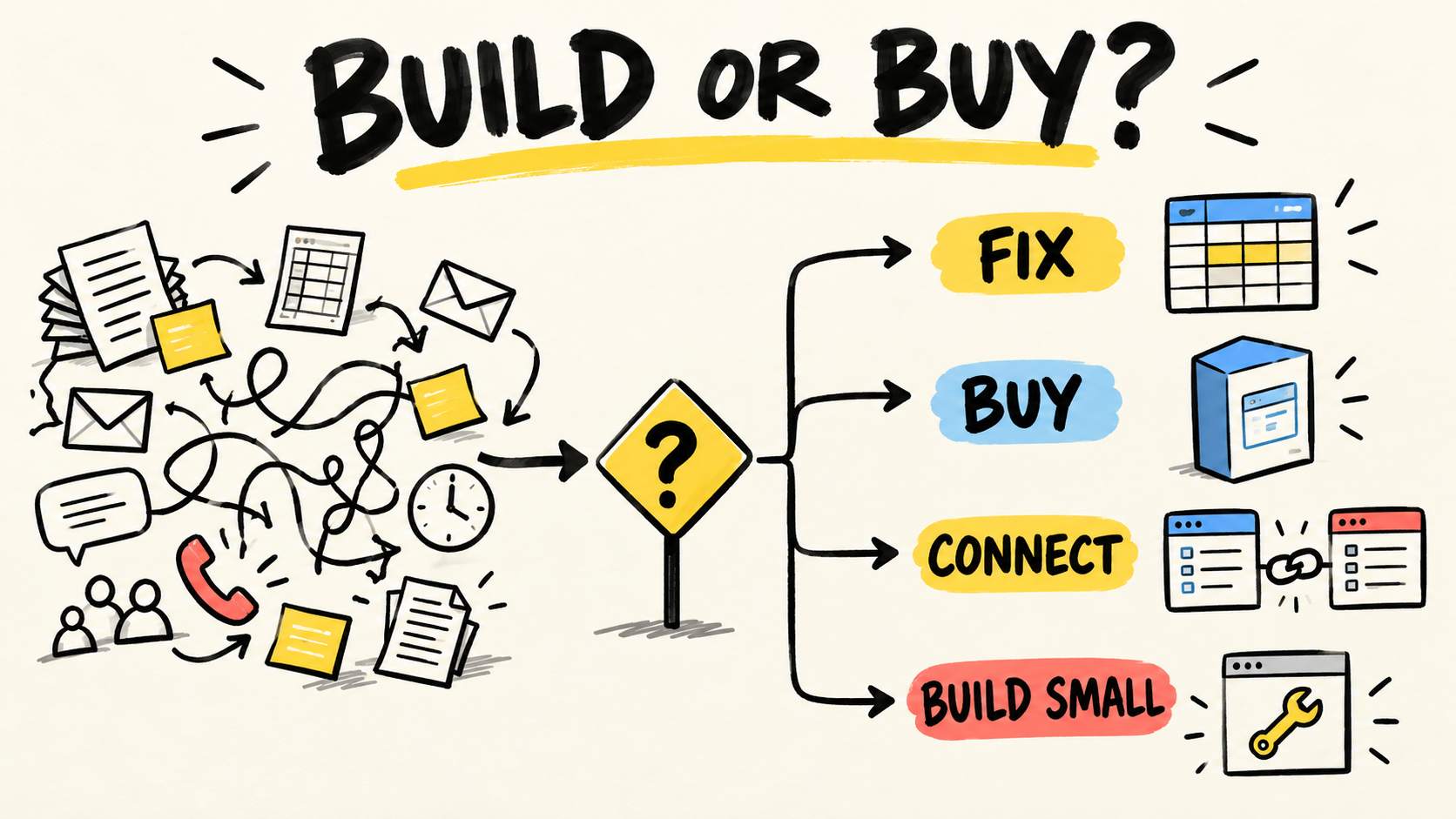
The checklist for deciding when to stop buying software tools helps when the first reaction is to add another tool. The right answer may be a configuration, a fix, an integration, a replacement, or new software. The evidence from the handoff should determine the order.
Who should take responsibility after the emergency?
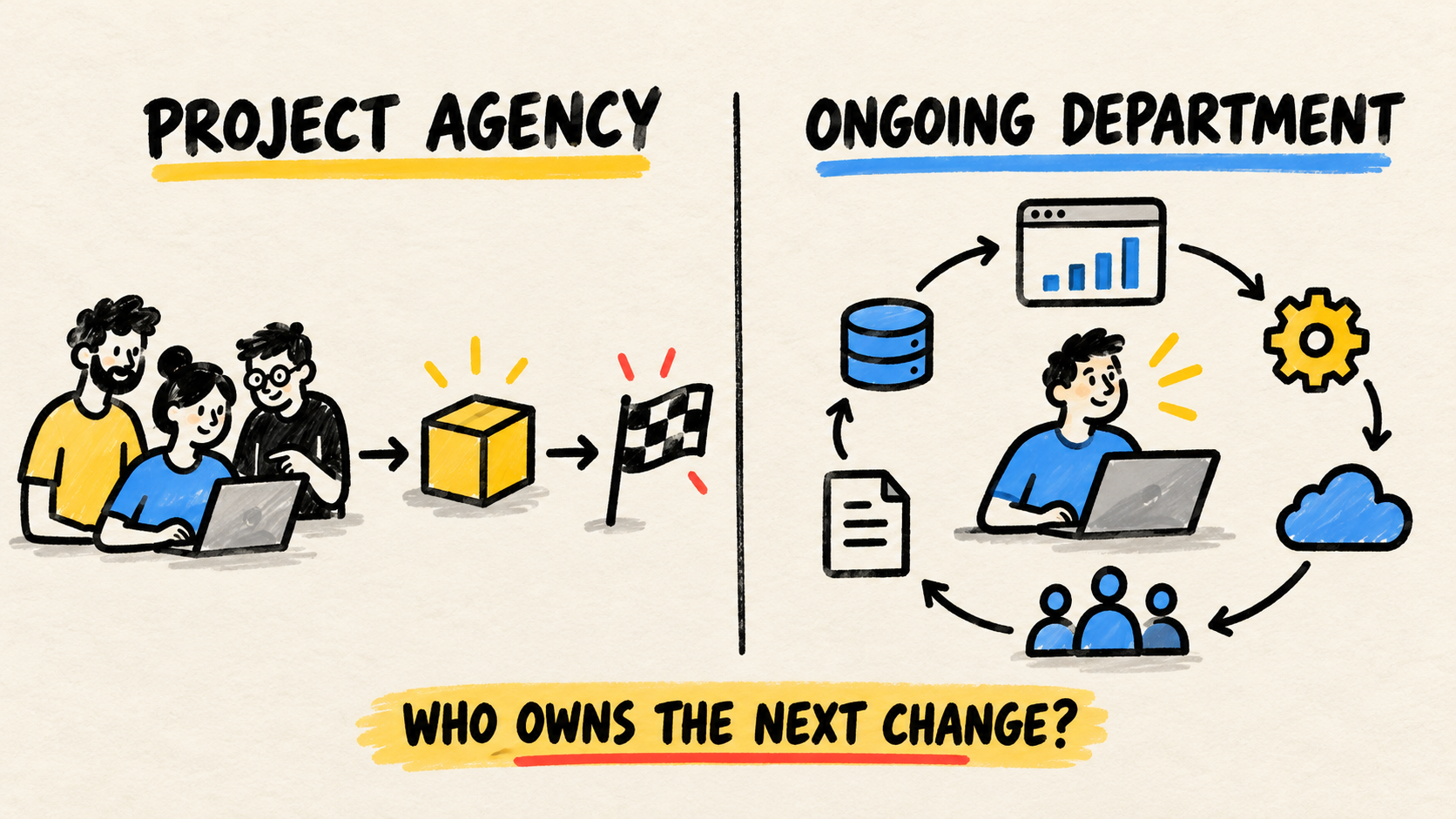
A freelancer may handle a defined correction. An agency may coordinate a transition across several areas. An ongoing partner may maintain context, priorities, and operations through future changes. No label fixes missing access, documentation, or decision authority by itself.
Before signing, ask:
- who owns the responsibility inside the business;
- who can change the system and who approves the change;
- what support exists for incidents and planned work;
- how work will be documented and reviewed;
- which accounts and data remain under business control;
- how someone else takes over if this supplier leaves;
- what evidence shows the transition is complete.
If the business still cannot say what work should continue, read when a small business should hire a software developer. Hiring before defining the operation can transfer the dependency from one person to another.
Frequently asked questions
Do I need to rewrite the system when the developer leaves?
Not necessarily. First find out whether the system works, whether the business controls the code, data, accounts, and backups, and whether another person can make a safe change. Rewrite when the system no longer supports an important need or when a planned exit is safer than continued maintenance. Decide after the inventory.
Is source code enough for someone else to take over?
No. Source code is only one part of the handoff. The next person also needs access, configuration, data, integrations, decision history, release steps, backups, and the rules the operation follows. If the business cannot recover or explain the workflow, a repository alone does not create continuity.
What if the developer disappeared and the accounts are in their name?
Prioritize services that could interrupt operations or expose data. Gather contracts, receipts, and payment records, use official recovery channels, and ask the provider for help. Do not guess passwords or share new credentials in open messages. Record every account that remains outside company control and treat it as a risk until the business has individual access.
Conclusion
When your software developer leaves, regain control before you chase speed. Protect critical workflows, gather the accounts, build the inventory, and test recovery in a safe environment.
Then choose continuity based on the work that actually needs to exist. A project can solve a defined failure. An agency can coordinate a transition. An ongoing owner can carry context through changes. In every model, the business should keep access, data, decision authority, and a workable exit.
The system does not need to be new to become governable again. It needs to stop depending on one person.
Production note
Samuel Fajreldines is the editorial owner of this article. The research used current search results, public security guidance, vendor-transition guidance, and the existing software ownership pages on this site. There is no client case, takeover test, benchmark, or original measurement presented as a result. AI assistance helped organize research, draft, localize, and check the article; it did not perform a real transition.
Sources consulted
- Federal Trade Commission, "Cybersecurity for Small Business", retrieved 2026-09-06
- Cybersecurity and Infrastructure Security Agency, "Assisting Small and Medium-sized Businesses Assess Vendors and Suppliers Fact Sheet", retrieved 2026-09-06
- GitHub Docs, "Transferring a repository", retrieved 2026-09-06
- r/smallbusiness, "Business owners who built custom software, what do you wish you had done differently?", retrieved 2026-09-06