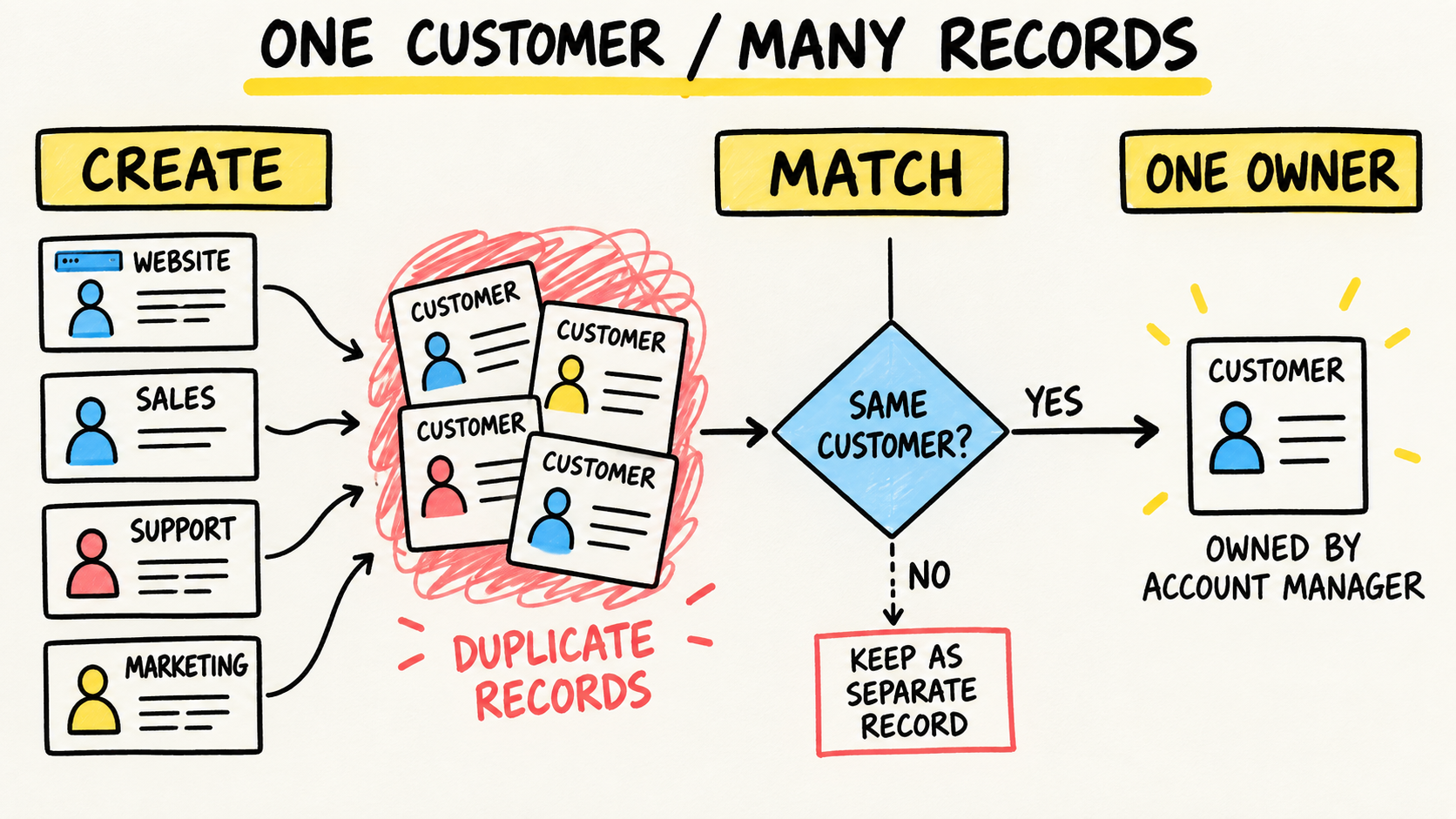
A salesperson asks for a detail stored in the CRM, finance keeps another copy in a spreadsheet, and operations maintains a third version. The usual reaction is to buy another system to fill the gap. After the rollout, the team has another login, another training task, and another question: which tool is correct?
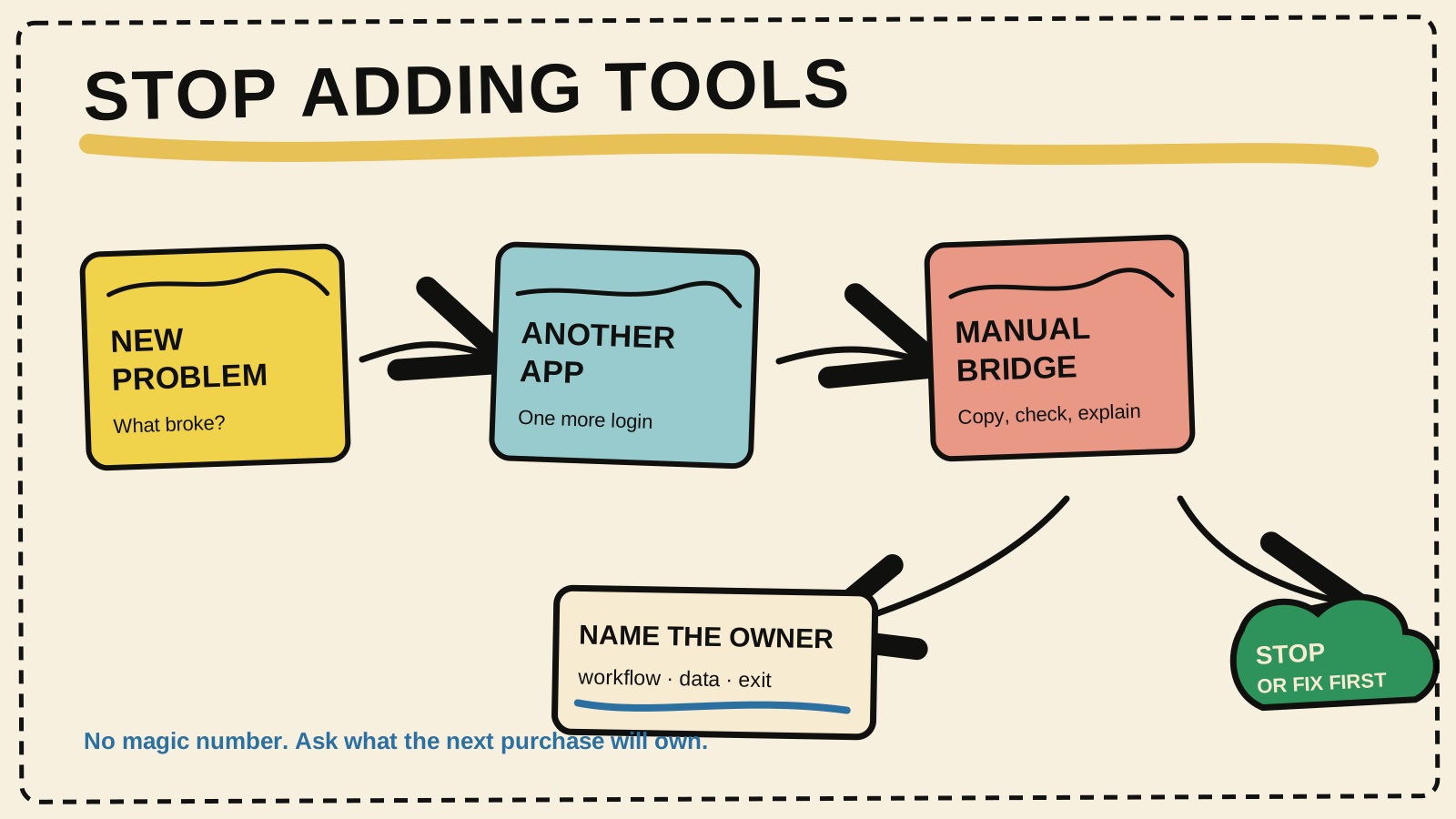
There is no magic number of systems a business can use. Stop buying when nobody can explain which workflow the new system owns, who maintains it, where the official information begins, and how the business can leave if the solution fails. If you need someone accountable for the software running the business, that decision must include the systems you already have, not only the next contract.
The short answer
- Pause before the next purchase when the business cannot name the workflow, owner, source of truth, and exit path.
- A tool can be useful and still make the operation worse if it creates manual copying, duplicate records, or another exception.
- Decide whether to keep, consolidate, integrate, replace, or fix the process before comparing products.
Is the problem the tool or the missing owner?
A new tool does not repair a workflow that nobody owns. It creates another place where someone must enter, check, approve, and explain information. Start by separating a product gap from an ownership gap.
Choose one concrete operation, such as turning an order into a delivery, a sale into an invoice, or a stock receipt into a replenishment decision. Follow one recent case from start to finish and record where the team had to:
- copy the same data into another system;
- ask in a chat who should continue the work;
- reconcile values or statuses that should match;
- export a file so another person could act;
- keep a business rule in one employee's or provider's memory.
These waits do not prove that the business needs custom software. They show that the workflow needs a decision. The correction may be a clearer rule, training, configuration, or an integration. Sometimes the current system really has stopped fitting the work.
What signs show that a business is buying too many tools?
The strongest signal is not the number of subscriptions. It is the work that happens between them. When staff build spreadsheets to connect tools, keep parallel lists, or ask which record is current, the problem is operational. The FTC's guidance for small businesses on vendor security supports written vendor expectations, controlled access to data, and checking that agreements remain effective.
Look for these signs before approving another purchase:
- The tool repeats a function that already exists elsewhere, but nobody knows which system should be used.
- The product depends on manual exports to receive important data.
- The contract has a payer, but no owner for use, permissions, renewal, support, and cancellation.
- The team must change the business process to fit a tool that was chosen before the process was understood.
- A provider is the only person who knows how data enters, leaves, or is recovered.
- The visible cost is the monthly fee, while the daily cost appears in checking, rework, and decisions made from different versions.
These signs do not mean every business should replace everything with one platform. A larger suite may only concentrate the risk in one vendor. The goal is an operation people can explain, with clear responsibility for each workflow.
When is buying a ready-made tool still a good decision?
Buying remains sensible when the tool handles a bounded job, the team knows who will use it, and the purchase does not create a manual bridge into another important process. The product does not need to do everything. It needs to do the part the business has deliberately assigned to it.
Before signing, confirm four points:
- Can the process fit the product without a chain of workarounds?
- Can the team explain what enters, what leaves, and which event completes the work?
- Does the business control the accounts, data, access, and export?
- Does someone track usage, permissions, renewal, failures, and changes?
If the answers are clear, another tool may reduce work and organize the operation. If the proposal depends on vague promises about a future integration, treat that integration as a separate project. Do not count an unspecified connection as part of the purchase.
When should you stop shopping and map the workflow first?
Stop looking at products when the business cannot say which decision it wants to improve. The diagnosis of business systems that do not talk to each other shows a related case: conflicting data between sales, operations, and finance first requires a decision about source, meaning, and responsibility.
Use this simple path:
- Draw the current workflow with the people and systems involved.
- Mark copies, waits, approvals, versions, and exceptions.
- Choose the official source for each important piece of information.
- Give an owner to the workflow and to each system that supports it.
- Define the outcome a purchase would need to improve.
- Compare buying with three alternatives: fix the current routine, connect what you already have, or replace one part.
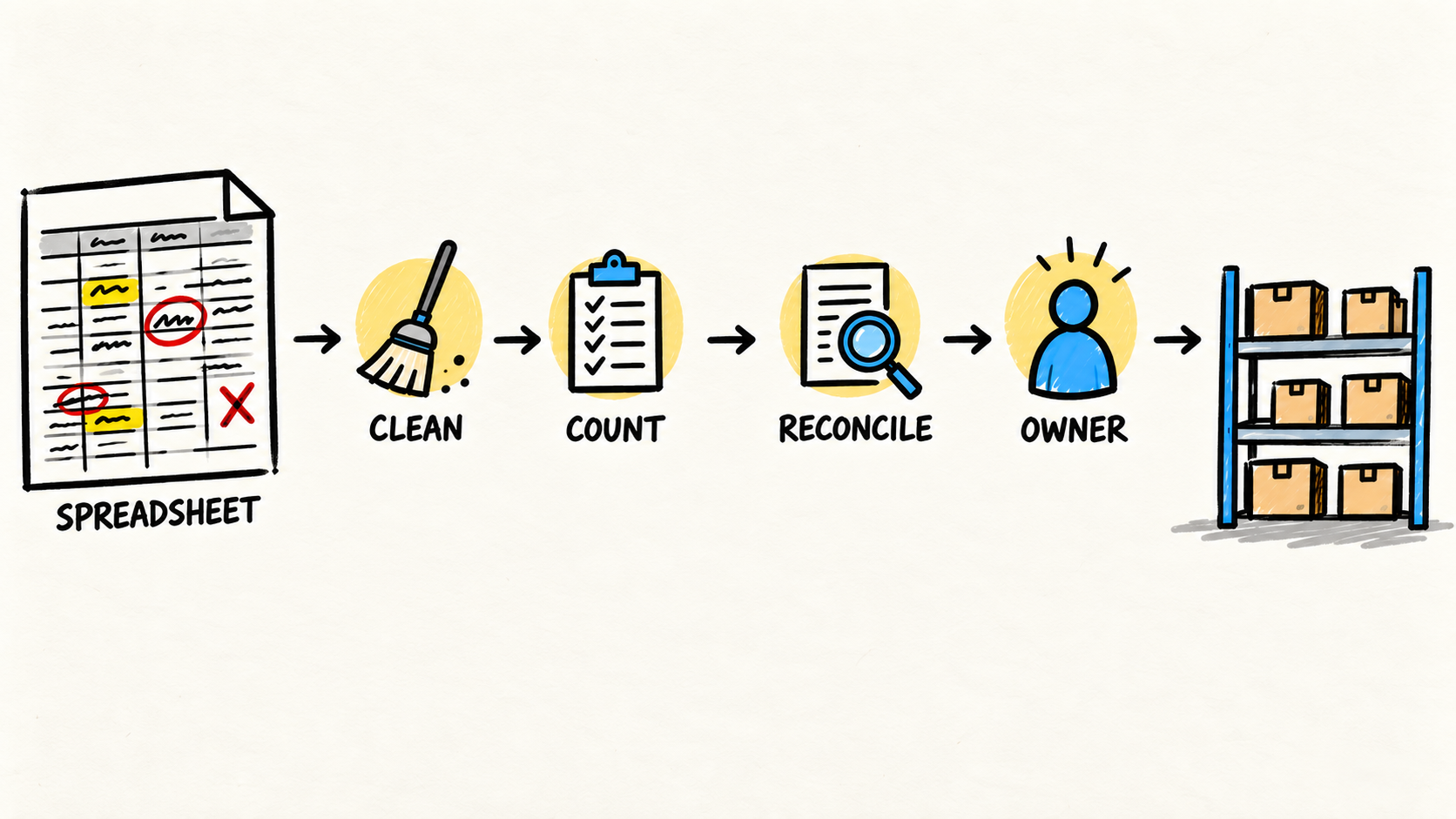
The guide to knowing when an inventory spreadsheet has stopped being enough uses the same logic for a narrower case. The question is not whether a spreadsheet looks simple. It is whether the process can still be run and checked without memory, copying, and competing versions.
What should you ask before signing another contract?
A responsible purchase answers what happens after the excitement of the demo. The CISA guidance for small and medium-sized businesses assessing vendors treats the business as an acquirer of software, services, and hosted solutions. It supports questions about critical suppliers, access, data, and supply-chain risk.
Take these questions into the sales conversation:
- Which workflow does this tool take responsibility for?
- Which information does it create, change, or only display?
- Which source is official when its record differs from another system?
- Who approves users, permissions, integrations, and changes?
- What happens if the tool is unavailable for a day?
- How can the business export its data and end the contract?
- Who maintains the integration when the provider changes a version or rule?
- Which part of the work remains manual, and who owns it?
If the answer to the last question is "the team will figure it out," the purchase still has a gap. A system can have good features and remain a poor decision if nobody has the time, context, and authority to maintain it.
Who should decide whether to buy, connect, or stop?
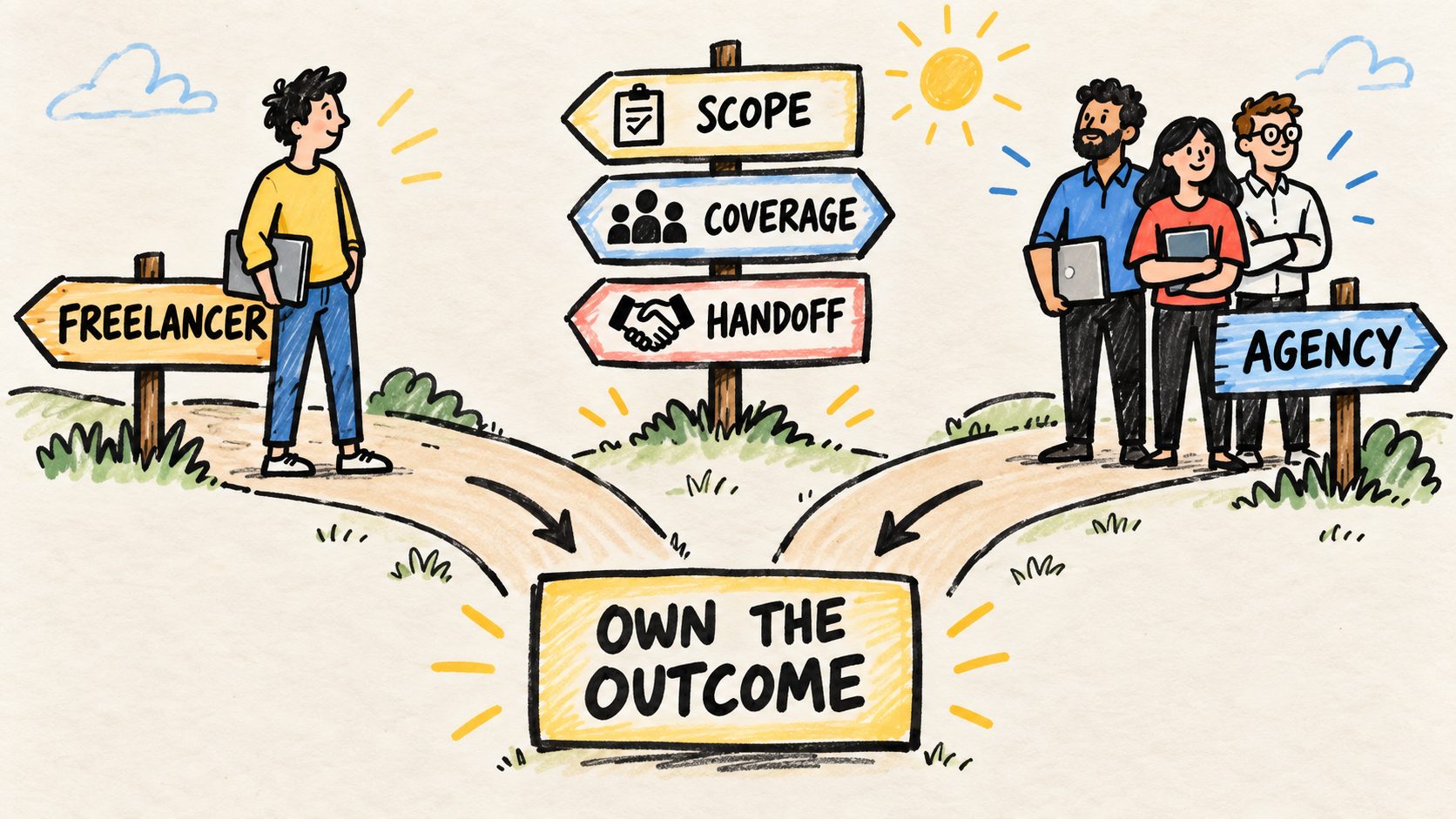
The owner does not need to choose a technology alone. The owner does need to make sure someone has authority to see the whole workflow. That person may be an experienced operator, an internal lead, or a partner who takes ongoing responsibility. The model matters less than the obligation to explain choices, maintain access, and prepare the next change.
Someone who owns the software after launch needs to understand the current tools before accepting another one. Without that context, every purchase starts from scratch and every failure becomes an argument about who should have anticipated it.
Responsibility does not require centralization. A business can keep several specialist tools. It cannot leave each one without an owner, a different rule, and an exit path.
Frequently asked questions
Is there a right number of systems for a small business?
No. The right number depends on the processes, data, team, and operational risk. The useful test is different: can the business explain each system's job, owner, source of truth, access, and exit plan? If not, there is management work to do before buying another tool.
Is replacing several tools with one platform always better?
No. One platform may remove some handoffs, but it can also create dependence, make exit harder, and force the business to accept mediocre functions. Compare the workflow, data, access, support, and export path. Do not trade visible complexity for invisible dependence.
When should a business hire someone to own its systems?
If the problem is no longer choosing a tool but deciding who should own the operation, compare when a small business should hire a developer before taking on a team or another contract.
Consider ongoing ownership when systems participate in sales, delivery, billing, inventory, or customer service and every change requires rediscovering the context. The first step is not hiring a large team. It is naming who prioritizes, maintains, documents, and answers for the next change.
Conclusion
Stop before buying another system when the problem still has no workflow, owner, source of truth, or exit path. The next purchase may be right, but it must solve a known part of the operation. Otherwise the business only adds more places for the same problem to return.
Map one real case, record the manual handoffs, and choose whether to keep, consolidate, integrate, replace, or fix. Then decide who has the time and authority to own the result. The system can stay simple. Responsibility cannot stay scattered.
Production note
Samuel Fajreldines is accountable for this article. The research used public FTC and CISA guidance, search results, and open discussions among operators. AI assistance helped organize the research, shape the first prose draft, and make the diagram. No client process was tested, and no private metric or case study was invented.
Sources
- Federal Trade Commission, "Cybersecurity for Small Business", retrieved 2026-08-23, https://www.ftc.gov/business-guidance/small-businesses/cybersecurity
- Cybersecurity and Infrastructure Security Agency, "Assisting Small and Medium-Sized Businesses Assess Vendors and Suppliers Fact Sheet", retrieved 2026-08-23, https://www.cisa.gov/resources-tools/resources/assisting-small-and-medium-sized-businesses-assess-vendors-and-suppliers-fact-sheet
- Reddit, "What SaaS tools are you paying for that you barely use?", retrieved 2026-08-23, https://www.reddit.com/r/smallbusiness/comments/1tyhs2c/what_saas_tools_are_you_paying_for_that_you/