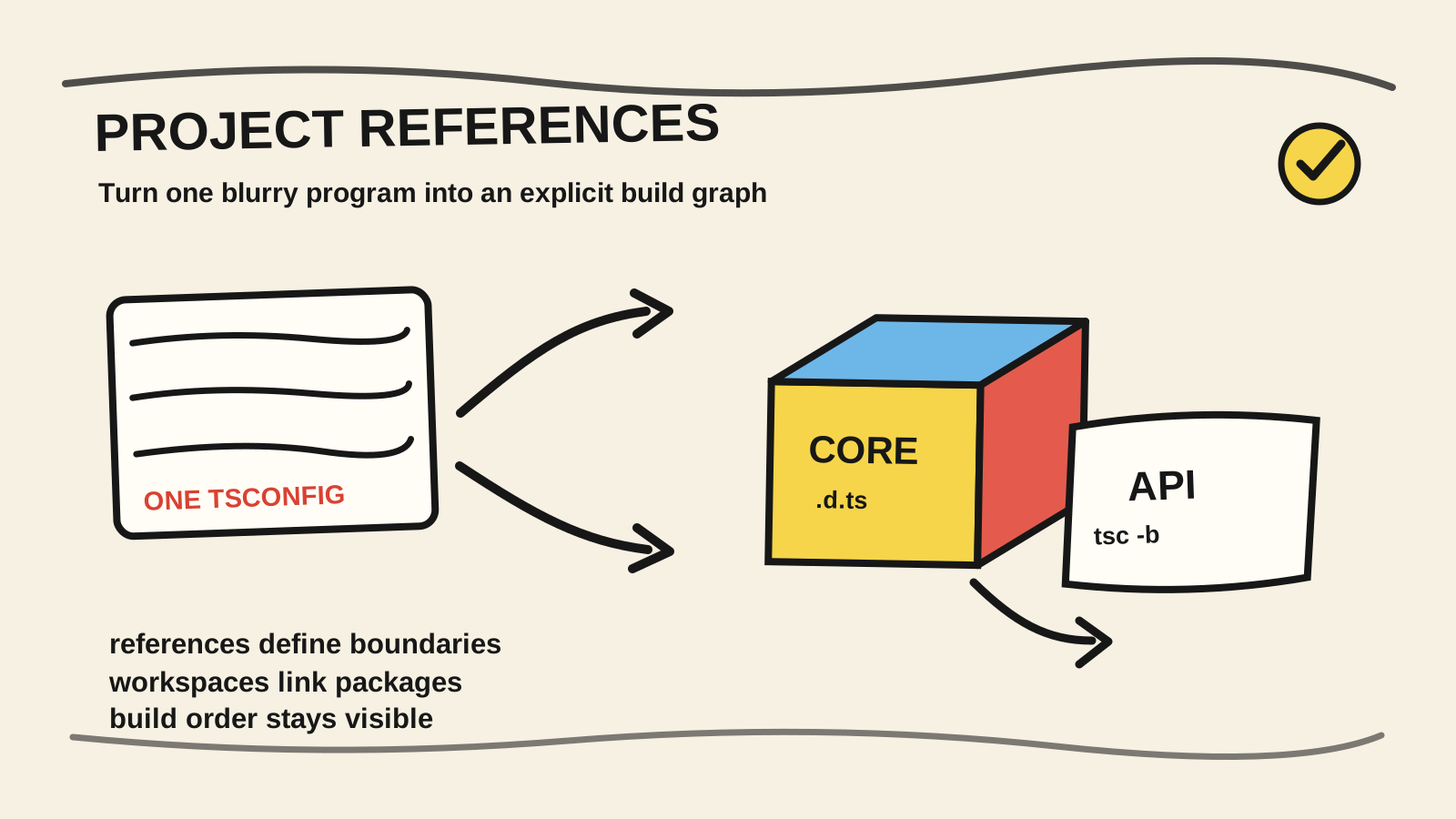
The project starts with one tsconfig.json at the root. Then a shared library,
an API, a web app, and tests appear. They should not all belong to the same
build. The compiler still sees one large folder, the editor opens files from
different projects, and CI runs a command that does not match the repository's
actual structure.
Project References create that boundary. You turn each part into a compilable
TypeScript project, declare dependencies in tsconfig.json, and use tsc -b to
discover the order. The feature is not a replacement for npm workspaces, and it
is not a reason to reorganize every small repository.
This guide starts with a minimal monorepo and ends with criteria for deciding whether the configuration is worth maintaining. The code is illustrative. It was not run in a production project. The verification commands show how to test the same arrangement in your own repository.
The short answer
- Use Project References when your repository has projects that need boundaries, separate builds, or an explicit dependency order.
- Enable
compositein referenced projects, emit declarations, and keep a solutiontsconfigwithfiles: [].- Run
tsc -bfrom the root. Plaintscdoes not orchestrate the reference graph in the same way.- If you have a small codebase with no real project boundary, several
tsconfigfiles may add more work than value.
What do you need before starting?
You need a maintained Node.js LTS release, npm, a terminal, and basic familiarity
with package.json and tsconfig.json. The example uses npm workspaces, but the
graph idea also applies to pnpm, Yarn, or directories that are not published as
packages. Install TypeScript in the workspace before running the script:
npm install --save-dev typescript @types/nodeThe goal is to finish with two compilable projects, one dist directory per
project, and a solution configuration that you can run from the root. If your
repository uses a bundler, keep typechecking separate from the command that
bundles JavaScript.
When are Project References worth the setup?
TypeScript introduced Project References in version 3.0 to split programs into
smaller pieces and work with --build mode (TypeScript, “Project References,”
retrieved 2026-08-24).
The feature is worth the setup when the split represents a real dependency, not
just a preference for smaller folders.
Look for these signals:
- a library must build before an API can consume it;
- tests and production code have different entries, outputs, or compiler options;
- the editor and CI need to see the same boundaries;
- changing one package should not reprocess every other package;
- the team wants
.d.tsfiles to act as a project's public type boundary.
Do not read “faster builds” as a benchmark. The official documentation describes how build mode checks which projects are up to date and builds the ones that need work, but the result depends on the graph, bundler, and amount of code. Measure your repository after the configuration is correct.
The useful question is not “how many packages do we have?” It is “which project
should be able to compile without opening the other project's internals?” If you
can name at least one boundary, Project References can express an architectural
decision. If nobody can name the boundary, the problem is still organization,
not tsconfig.
What do npm workspaces solve, and what do they not solve?
npm defines workspaces as features for managing multiple local packages from a
top-level root package. npm install creates the local links without requiring
manual npm link calls (npm, “Workspaces,” retrieved 2026-08-24).
That solves package installation and local resolution. It does not describe the
TypeScript compilation order.
Think of the responsibilities as two layers:
| Layer | Question | Feature |
|---|---|---|
| Packages | How does @acme/core appear in local node_modules? |
npm workspaces |
| Compilation | What must build before apps/api? |
Project References |
| Types | What output represents core's boundary? |
declaration and .d.ts |
| Orchestration | Which command finds the order and skips current projects? | tsc -b |
A workspace can link core to api while the compiler still treats both as one
file list. The reverse is also possible: Project References can organize
directories that do not use npm workspaces. Using both is common because one
describes package relationships and the other describes TypeScript projects.
If the TypeScript MCP server guide is the project you are starting, one configuration may be enough. When the server starts sharing code with another package, the question becomes a compilation boundary.
How do you set up a minimal TypeScript monorepo?
Start with one library and one application. This keeps the graph visible and avoids introducing React, a bundler, or a monorepo tool before you understand what the compiler is doing.
.
├── package.json
├── tsconfig.json
├── packages/
│   └── core/
│       ├── package.json
│       ├── tsconfig.json
│       └── src/index.ts
└── apps/
    └── api/
        ├── package.json
        ├── tsconfig.json
        └── src/index.ts
In the root package.json, declare the workspaces and make the build command
visible:
{
  "name": "acme-workspace",
  "private": true,
  "workspaces": ["packages/*", "apps/*"],
  "scripts": {
    "build": "tsc -b tsconfig.json",
    "build:verbose": "tsc -b tsconfig.json --verbose"
  }
}
In the core package, configure the output its consumer will read:
{
  "name": "@acme/core",
  "version": "1.0.0",
  "main": "dist/index.js",
  "types": "dist/index.d.ts"
}
The API package can depend on the workspace name:
{
  "name": "@acme/api",
  "version": "1.0.0",
  "dependencies": {
    "@acme/core": "1.0.0"
  }
}
Add a small function to packages/core/src/index.ts so the API has a concrete
public surface:
export function formatServiceName(service: string): string {
  return service.toUpperCase();
}
npm documents that a workspace dependency is linked locally when the package is
defined in the workspace configuration (npm, “Adding dependencies to a
workspace,” retrieved 2026-08-24).
The local link makes the package discoverable. The tsconfig reference is still
needed for tsc -b to know the order.
How do you declare references and run tsc -b?
A referenced project needs composite: true, and the root can act as a solution
with no source files of its own. The TypeScript documentation also recommends a
configuration with files: [] that points to leaf projects (TypeScript,
“Project References,” retrieved 2026-08-24).
Create the solution configuration first:
{
  "files": [],
  "references": [
    { "path": "./packages/core" },
    { "path": "./apps/api" }
  ]
}
The core project needs its own inputs, outputs, and declarations:
{
  "compilerOptions": {
    "target": "ES2022",
    "module": "NodeNext",
    "moduleResolution": "NodeNext",
    "strict": true,
    "composite": true,
    "declaration": true,
    "declarationMap": true,
    "rootDir": "src",
    "outDir": "dist"
  },
  "include": ["src/**/*.ts"]
}
In apps/api/tsconfig.json, repeat the options that need to stay consistent
and add the project dependency:
{
  "compilerOptions": {
    "target": "ES2022",
    "module": "NodeNext",
    "moduleResolution": "NodeNext",
    "strict": true,
    "composite": true,
    "declaration": true,
    "declarationMap": true,
    "rootDir": "src",
    "outDir": "dist"
  },
  "include": ["src/**/*.ts"],
  "references": [
    { "path": "../../packages/core" }
  ]
}
The API can import the package by name:
import { formatServiceName } from "@acme/core";

console.log(formatServiceName("billing"));
After installing dependencies and making sure TypeScript is available, run:
npm install
npx tsc -b tsconfig.json --verbose
Build mode finds referenced projects, checks which are current, and builds
dependencies in the correct order. It can also receive one project path, such as
npx tsc -b apps/api.
This example is intentionally small. In a real project, centralize shared
options with extends, but keep rootDir, outDir, and included files coherent
inside each package. A shared tsconfig.base.json should not hide the direction
of dependencies.
What changes when you enable composite, declaration, and declarationMap?
composite adds constraints that help the compiler determine quickly whether a
project has been built. The TypeScript handbook explains that implementation
files must be covered by include or files, rootDir has different defaults,
and declaration is enabled for a referenced project (TypeScript, “Project
References,” retrieved 2026-08-24).
These options are part of the contract:
compositesays the project can participate in a build graph;declarationemits.d.tsfiles for the consumer's typed surface;declarationMapconnects declarations to source for features such as Go to Definition;outDirgives each project its own output and prevents collisions;tsBuildInfoFile, used by incremental configurations, stores information for later builds.
The TSConfig Reference for declarationMap
recommends considering this option when you use Project References. It cannot fix
a wrong graph. If api references core but imports internal files through an
alias that ignores the package boundary, the generated declaration will not
solve the architectural problem.
There is a practical cost. After cloning the repository, the expected .d.ts
files may not exist. The TypeScript documentation warns that you may need to
build a project or check in certain outputs so the editor can navigate without
spurious errors. Decide this as part of the development flow, not after the
first error on someone else's machine.
This article does not have a production test that chooses between checking in
dist and generating it after a clone. That choice depends on the bundler,
environment, and repository policy. The verifiable point is simpler: a clean
clone must be able to generate declarations before a dependent tool tries to
resolve the package.
How do you verify that the graph is correct?
A configuration is ready when the build command proves the relationship that the files declare. Run a verbose build and read which projects were current, rebuilt, or skipped:
npx tsc -b tsconfig.json --verbose --pretty falseTo preview the decision without writing outputs, use --dry if the installed
TypeScript version supports it:
npx tsc -b tsconfig.json --dry --verboseAfter the first run, check the signals that matter:
packages/core/dist/index.d.tsexists and represents the public exports.apps/apicompiles without importingpackages/core/srcthrough a relative path.- Changing only
coremakes the build identifyapias a dependent when the public output changes. - Removing a
referencesentry produces an error that exposes the missing dependency. - CI uses the same root script instead of a
tsc --noEmitcommand that loads one project only.
If the package uses a bundler, separate the jobs. The bundler can produce
application JavaScript while tsc -b checks project boundaries and declarations.
Do not present a successful bundler build as proof that the Project References
graph is correct.
For a library consumed by other packages, also review how types are published.
The guide to serving TypeScript definitions for Eden Treaty
covers a published package boundary. This article focuses on an internal
boundary, but the problems meet when a local .d.ts becomes the contract another
consumer imports.
Why can the editor and CI disagree?
The editor may open a file using the nearest tsconfig, while CI runs a command
at the root. Project References make the graph explicit, but they do not make
every tool use the same program. TypeScript warns that dependent projects use
built declarations and that tsc only builds dependencies automatically when it
receives --build (TypeScript, “Caveats for Project References,” retrieved
2026-08-24).
Common symptoms include:
- the editor navigates to a type, but
tsc --noEmitcannot find the package; - the application works after a manual build but fails in a clean clone;
- type-aware linting reads source while the compiler reads emitted
.d.tsfiles; - a
pathsalias points tosrcand bypasses the package output; - a project is referenced but lacks compatible
composite,include, oroutDirsettings.
The issue about types resolving to any across packages with Project References
is a useful diagnostic record for this kind of friction. It is not a rule for
every project. Use it as a reminder that the editor, linter, workspace, and
compiler can resolve boundaries differently.
When a tool does not understand the graph, choose an explicit strategy: configure the tool to read the right projects, build before analysis that depends on declarations, or keep a separate typecheck configuration. Do not remove the references just to make one isolated command pass without understanding what it was checking.
When should you not use Project References?
Do not use Project References just because a repository has two folders. If there
is one small application, one build process, and no boundary the team wants to
protect, one tsconfig.json may be easier to understand.
Defer adoption when:
- the bundler cannot yet consume the new outputs or aliases;
- the packages do not have a dependency relationship anyone can explain;
- the team has no clean-clone command that generates the required declarations;
- the only motivation is copying a much larger monorepo's configuration;
- the real problem is a poorly organized module, not typecheck scope or duration.
Use Project References when the boundary remains useful even without a time improvement. A library that should not import the application, a test project with its own options, or an internally published package can justify the graph. Incremental builds are a possible consequence, not the only reason.
If the architecture is still unclear, start by separating services and responsibilities in the code. The TypeScript service-architecture guide works at a different level. Project References make an existing split verifiable; they do not create a good split by themselves.
Frequently asked questions
Do Project References work without a monorepo?
Yes. The TypeScript documentation describes references between directories that
have their own tsconfig.json files. A workspace monorepo is a common
combination, but it is not required. You need separate TypeScript projects and a
dependency you want to declare.
Can I use tsc -p instead of tsc -b?
You can use tsc -p to compile one project, but it is not the graph orchestrator.
To build dependencies in order and reuse the state known by build mode, use
tsc -b with the solution configuration. Compare the commands with --verbose
before choosing the CI script.
Do I need to check in .d.ts and dist files?
There is no universal answer. TypeScript warns that dependent projects need declarations for navigation and compilation. You can generate them after a clone, check them in, or make the development environment handle the step. Choose one policy and make CI detect a clone without the outputs.
Do Project References replace Turborepo, Nx, or another build tool?
No. They describe the graph TypeScript understands. A build tool can handle
caching, tasks, bundling, tests, and execution across packages. Start with the
native feature when the problem is the compilation boundary. Add another layer
when you have a need tsc -b does not cover.
Conclusion
Project References tell TypeScript that a repository contains projects, not only
folders. Workspaces link local packages. references declares who depends on
whom. composite and declarations make the boundary compilable. tsc -b proves
the order and finds what needs rebuilding.
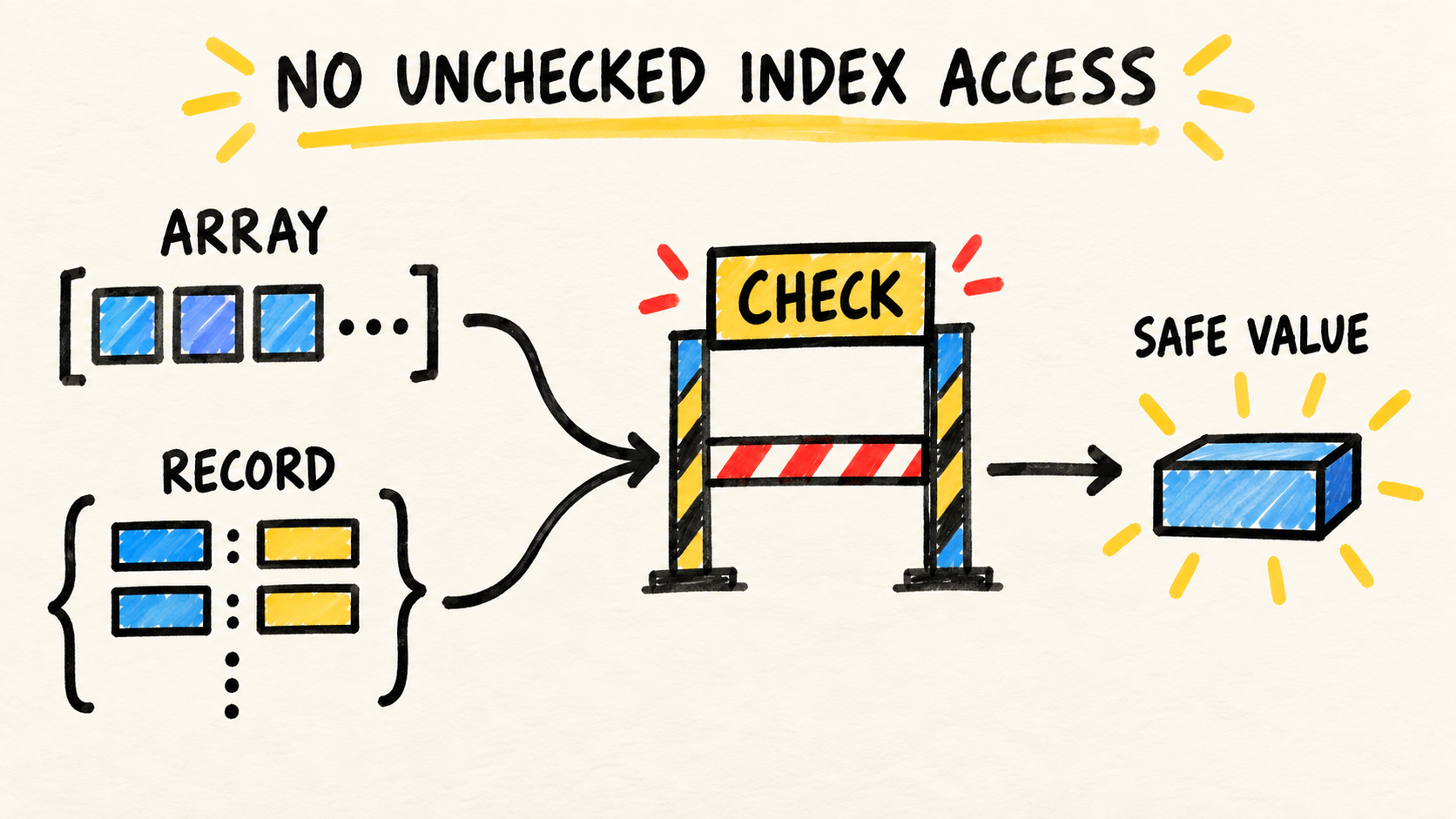
Inside each project, keep indexed reads honest with noUncheckedIndexedAccess for TypeScript arrays and objects.
Start with two parts and a small graph. Run the build from a clean clone, inspect
the .d.ts files, align the editor and CI, and only then split more projects. If
the boundary does not explain a real code decision, the configuration has not
solved the problem that led you to search.
Sources consulted
- TypeScript, “Project References”, retrieved 2026-08-24.
- TypeScript, “TSConfig Reference”, retrieved 2026-08-24.
- npm, “Workspaces”, retrieved 2026-08-24.
- TypeScript, “Modules: Reference”, retrieved 2026-08-24.
- Microsoft TypeScript, “Types resolving to
anyacross packages in monorepo using project references”, retrieved 2026-08-24.