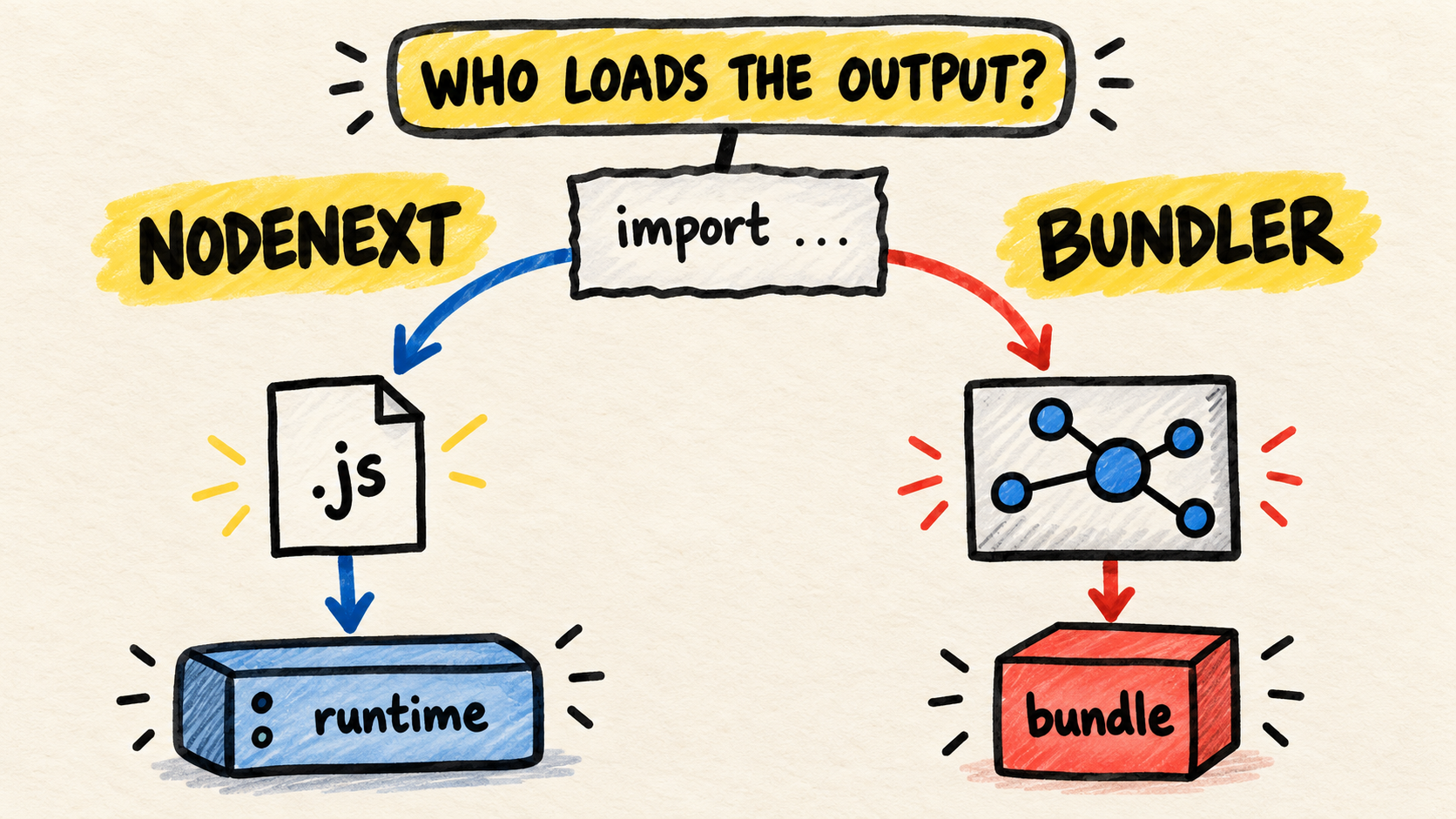
The editor resolves the import, but the program fails when Node loads the JavaScript. Or the reverse happens: TypeScript passes, while the bundler or declaration files expect something else. The choice between NodeNext and Bundler starts with one question: who will load the output?
Use NodeNext when Node.js will load the JavaScript directly. Use Bundler when a bundler will resolve the imports and produce the final artifact. If the problem also involves several packages and build order, TypeScript Project References is a neighboring topic, not a replacement for this choice.
Short answer
- For a Node service, CLI, or library that must work without bundling, start with
module: "NodeNext"andmoduleResolution: "NodeNext".- For an application whose bundler produces the final JavaScript, use the module mode that fits that bundler and
moduleResolution: "Bundler".- With NodeNext, write
.jsextensions in relative ESM imports, even inside.tsfiles.- Do not run output directly in Node when it still depends on a bundler to resolve imports.
- Verify
moduleandmoduleResolutiontogether withpackage.json, exports, and the command that actually runs in production.
What does moduleResolution decide?
moduleResolution defines how TypeScript finds the module named by an import. It is not only a style preference. The selected mode tries to model the loader that will see the JavaScript after compilation. The official moduleResolution reference describes node16 and nodenext for modern Node behavior and bundler for bundlers, retrieved October 19, 2026.
module and moduleResolution work together, but they answer different questions. module tells TypeScript how to treat or emit modules. moduleResolution tells it which rules to use when finding imports, exports, and package entry points. With NodeNext, TypeScript combines these decisions with the format indicated by file extensions and the nearest package.json type field.
| Real situation | Starting pair | What must be true |
|---|---|---|
| Node executes emitted files without a bundler | module: "NodeNext" + moduleResolution: "NodeNext" |
The output follows Node's ESM or CommonJS rules |
| Vite, esbuild, Rollup, or another bundler produces the final artifact | module: "ESNext" or "Preserve" + moduleResolution: "Bundler" |
The bundler resolves imports and emits the format that will run |
| A library publishes declarations and JavaScript for Node consumers | NodeNext is often the safer starting point |
Imports preserved in .d.ts files must also work for consumers |
This table is a starting point, not a universal preset. package.json, the published format, and the build pipeline remain part of the contract.
When is NodeNext the right choice?
Choose NodeNext when Node will load the output: a service, CLI, worker, or library that delivers files consumers may run without bundling. The TypeScript documentation on module theory explains that this mode checks Node's resolution rules, including the difference between ESM and CommonJS.
In a minimal ESM project, the pair must agree with package.json:
{
  "type": "module"
}
{
"compilerOptions": {
"module": "NodeNext",
"moduleResolution": "NodeNext",
"target": "ES2022",
"rootDir": "src",
"outDir": "dist",
"strict": true,
"noEmitOnError": true
}
}In the TypeScript file, write the extension of the file that will exist after compilation:
import { answer } from "./utils.js";

console.log(answer);
TypeScript can relate ./utils.js to the source file utils.ts during checking, while Node will find utils.js in the output directory. An import such as ./utils may look correct in the editor and still fail in Node ESM because the loader does not guess the extension.
When is Bundler the right choice?
Use Bundler when the import will not execute as-is in the output of tsc. A bundler can accept extensionless relative imports, build a graph, remove modules, and produce its own artifact. The TypeScript reference notes that bundler supports package.json imports and exports, but does not require the relative extension required by modern Node modes.
A minimal configuration for that situation is:
{
  "compilerOptions": {
    "module": "ESNext",
    "moduleResolution": "Bundler",
    "target": "ES2022",
    "noEmit": true,
    "strict": true
  }
}
TypeScript can accept this import in that mode:
import { answer } from "./utils";

export function readAnswer() {
  return answer;
}
That does not prove that dist/main.js can be opened by Node. If the bundler never runs, the import remains extensionless and the runtime may return ERR_MODULE_NOT_FOUND. Bundler describes the boundary that should resolve the graph. It does not turn tsc output into a bundle.
What changes for a library with .d.ts files?
Libraries have an additional trap. Even when the main JavaScript is bundled, TypeScript may emit several .d.ts files. Those files preserve imports that a Node consumer must resolve. The TypeScript guide on choosing compiler options warns that bundler may accept an import that works in a bundle while leaving a declaration that is incompatible with a Node consumer when declarations are not bundled too.
For that reason, if a library publishes individual declarations and expects consumers that run in Node, NodeNext is often the more conservative check. If the tool bundles both JavaScript and declarations, Bundler may be appropriate, but that tool is then responsible for producing and testing the final package.
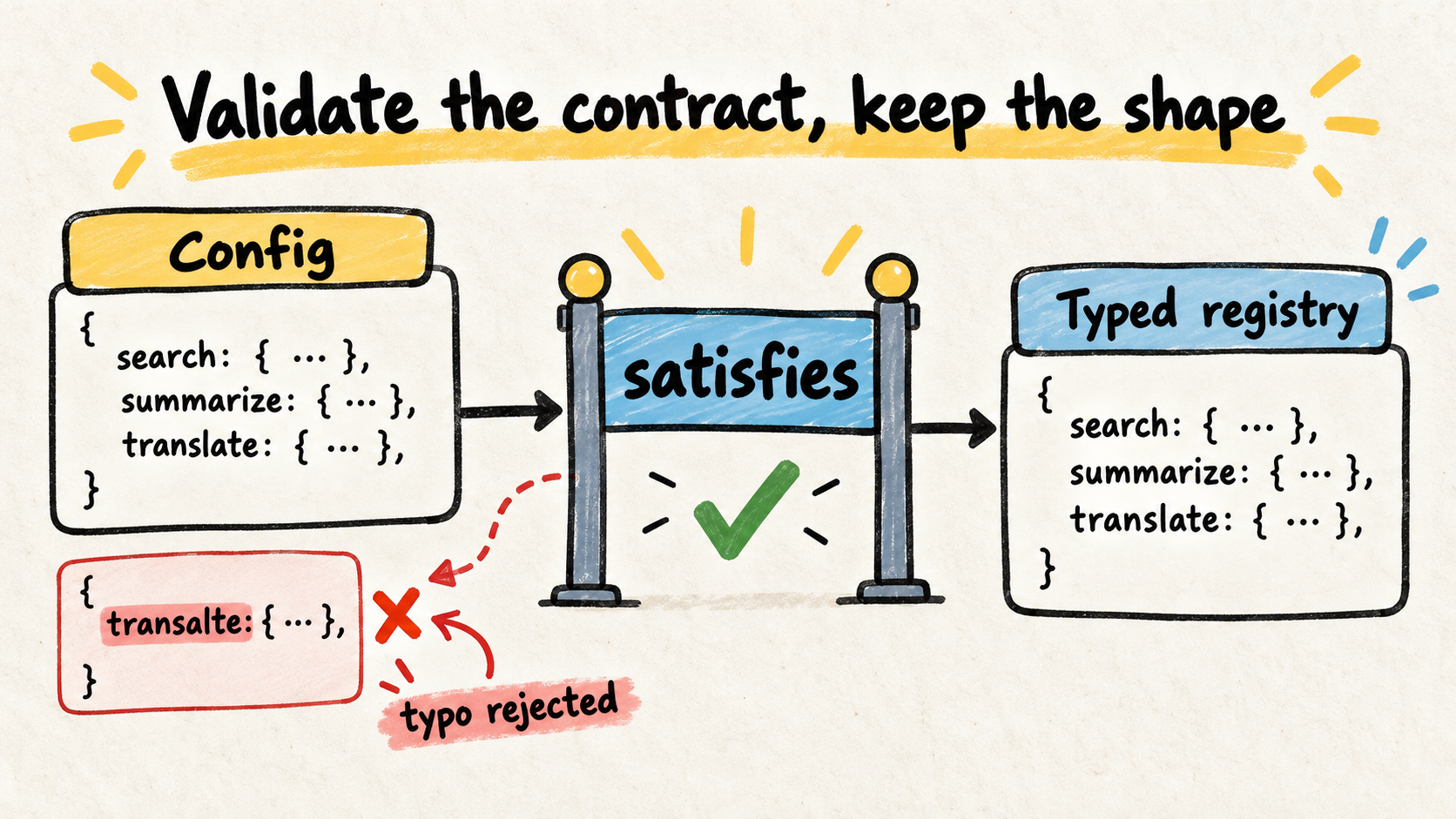
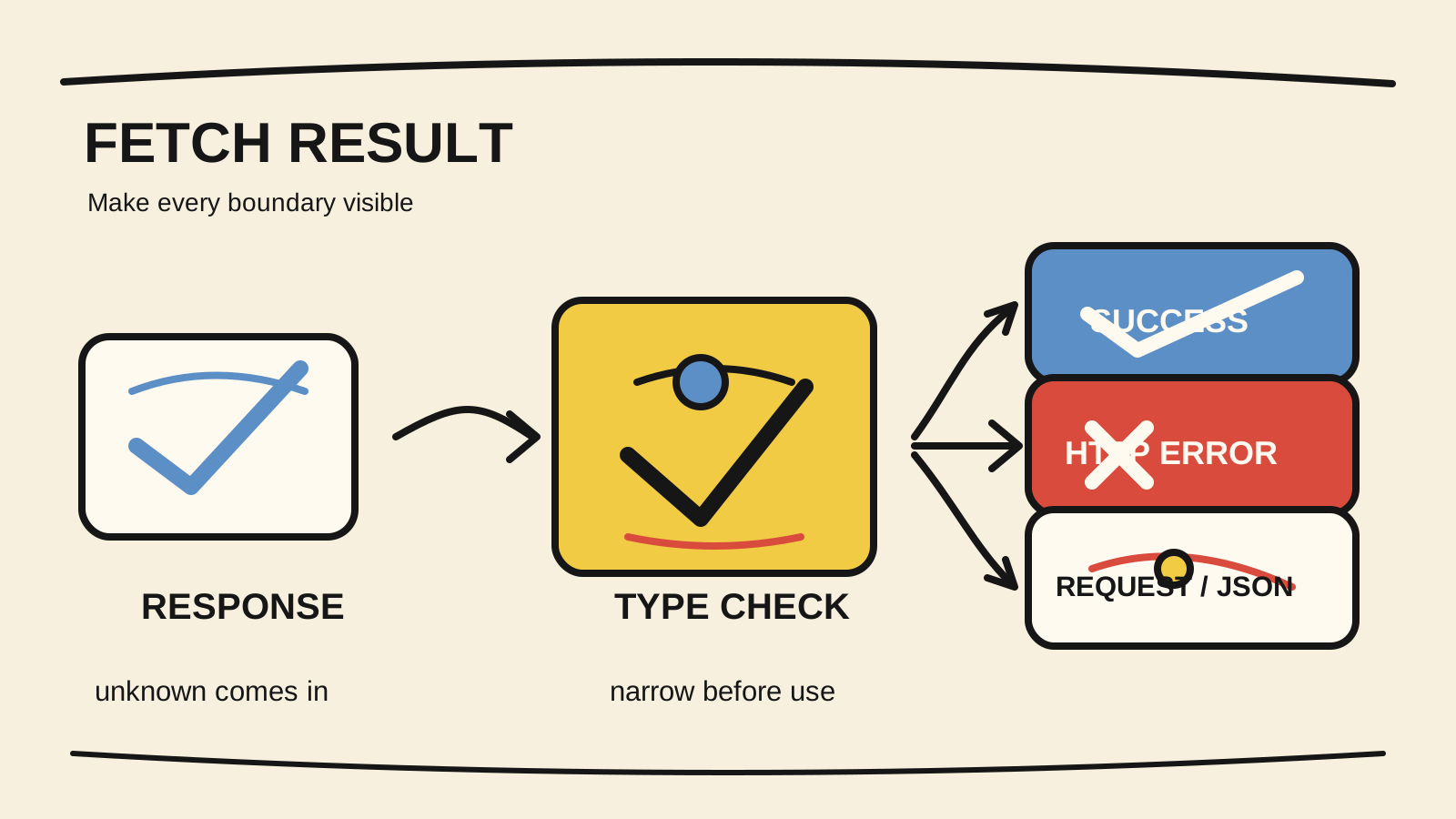
Do not confuse this module contract with a value contract. The article on satisfies in TypeScript explains how to check an object written in code without losing inference. JSON received over the network needs runtime validation instead, as explained in validating external JSON before using it in TypeScript.
How do you verify the choice with a small fixture?
Do not start by changing the tsconfig for an entire monorepo. Reproduce the boundary with two small projects first. This fixture was compiled on October 19, 2026 with TypeScript 5.9.3. The NodeNext project imports ./utils.js from src/main.ts; the Bundler project uses ./utils for the same import.
For the NodeNext project:
npx -y -p typescript@5.9.3 tsc -p node/tsconfig.json --pretty false
node node/dist/main.js
The command completed without diagnostics and printed 42. Compilation and execution check two parts of the contract: the compiler accepts the import written for the output, and Node finds the emitted file.
For the Bundler project:
npx -y -p typescript@5.9.3 tsc -p bundler/tsconfig.json --pretty falseTypeScript also completed without diagnostics. The output preserved import { answer } from "./utils". Running that output directly in Node failed with ERR_MODULE_NOT_FOUND, because no bundler had resolved the import. That is not a failure of Bundler mode. It proves that the file was not yet the final artifact for that runtime.
When you bring the test into a real repository, verify four things:
- the command that compiles or bundles in CI;
- the exact file that the production process starts;
- the relevant
type,exports, andimportsfields inpackage.json; - the format and imports in
.d.tsfiles when the project publishes a library.
Which configuration mistakes appear most often?
The first is choosing Bundler for a service that runs directly in Node because imports are easier to write. The editor and tsc stay green, but the emitted file has no resolver for the behavior that the mode assumes.
The second is choosing NodeNext without accepting its rules. The project keeps extensionless relative imports, mixes module: "CommonJS" with moduleResolution: "NodeNext", or changes type: "module" without checking how files will be interpreted. The fix is not a random flag. Align the module, resolution, package.json, and runtime.
The third is validating only the local workspace. A package may work there because an alias, bundler, or runner resolves something the final consumer will not have. Build the package, install it in a clean fixture, and run the same path its user will run.
If the repository also has several packages, keep this question separate from build order. TypeScript Project References organizes the project graph and tsc -b; moduleResolution decides how each project finds modules. One does not replace the other.
Checklist before changing the mode
- Who loads the final JavaScript: Node, a browser, a bundler, or more than one?
- Do
moduleandmoduleResolutionform a pair that matches that loader? - Do relative ESM imports use the extension that will exist in the output?
- Does
package.jsondeclare the format that Node should interpret? - Have
exportsandimportsbeen tested from the published package, not only the workspace? - Does CI run
tsc, a bundler, or both? - Can a clean fixture compile and execute the real artifact?
- Do
.d.tsfiles still resolve in the environment of a library consumer?
The best mode is not the most permissive one. It is the mode that makes the likely failure appear where it would break later. If Node loads the file, make TypeScript check Node. If a bundler produces the artifact, make TypeScript model the bundler and test the bundle. The rest of the decision stays visible in the pipeline.
How this article was produced
Samuel Fajreldines is responsible for this article. The research compared current TypeScript references for module, moduleResolution, module theory, and compiler-option selection with Node.js documentation on TypeScript. Current results in Portuguese, English, and Spanish were also inspected, along with public discussions used only for vocabulary and objections.
The local fixture used TypeScript 5.9.3. The NodeNext project compiled and ran with output 42; the Bundler project compiled, preserved the extensionless import, and failed when run directly by Node. This demonstrates a small boundary, not a benchmark across Vite, esbuild, Rollup, frameworks, or published libraries.
I used AI assistance for source discovery, organization, drafting, image generation, localization, and consistency review. It did not replace compiler or runtime verification, measure production behavior, or add project experience that was not performed.
Sources consulted
- TypeScript, “TSConfig Option: moduleResolution”, retrieved 2026-10-19
- TypeScript, “Modules: Choosing Compiler Options”, retrieved 2026-10-19
- TypeScript, “Modules: Theory”, retrieved 2026-10-19
- TypeScript, “TSConfig Option: module”, retrieved 2026-10-19
- Node.js, “Modules: TypeScript”, retrieved 2026-10-19