A config written as an object can fit a broad type and still lose useful information for its consumers. The opposite is also risky: a type assertion can silence a wrong key before the code runs.
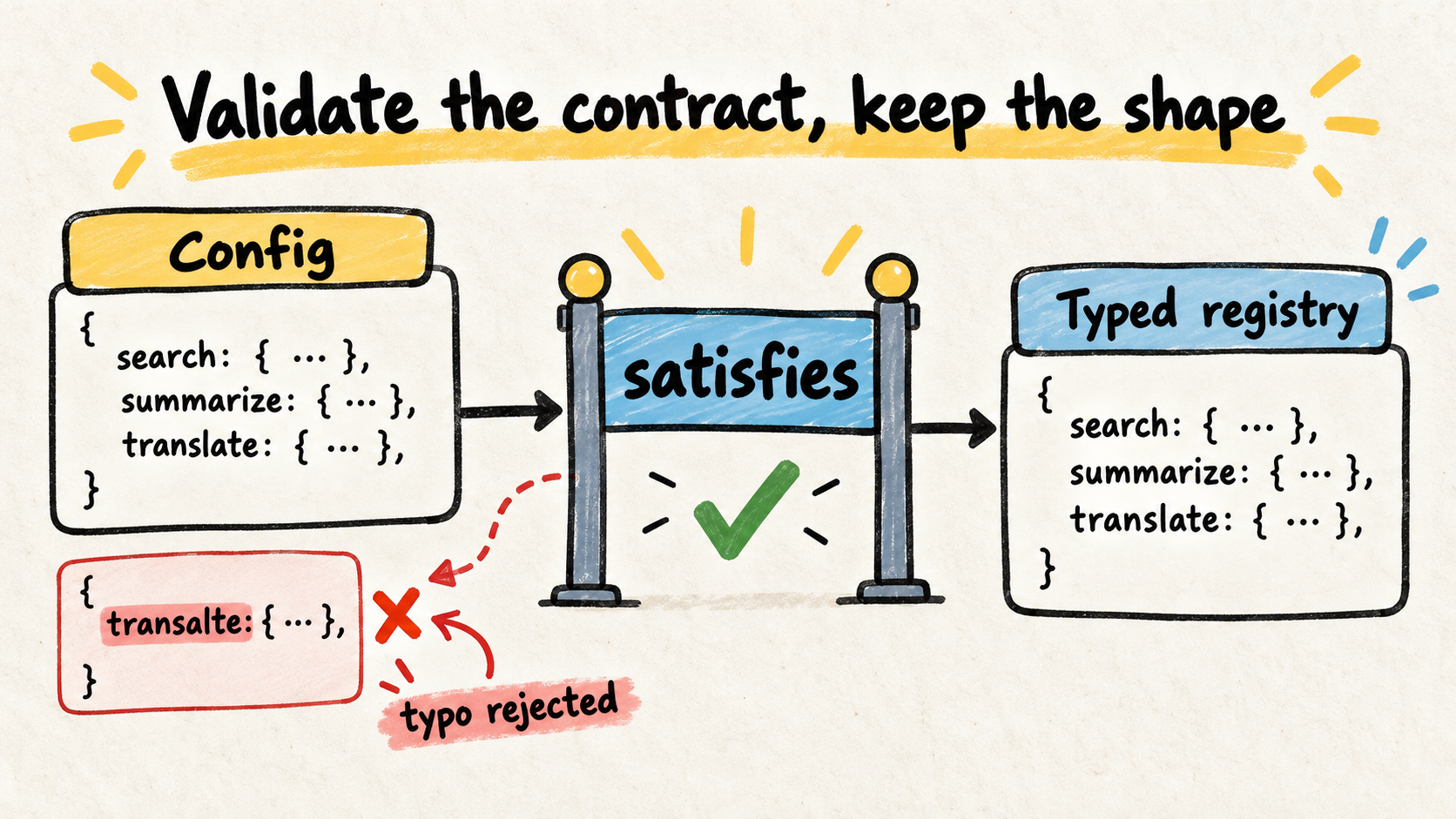
The satisfies operator addresses this for values authored in the codebase. It checks that an expression meets a contract while keeping the expression's specific inferred shape. That makes it useful for configs, route maps, feature flags, and tool registries.
This article applies the idea to a small tool registry. The local fixture was compiled with TypeScript 5.9.3: the corrected version passes, while deliberately changing search to seach produces a compiler error. No benchmark or production experience is claimed for the example.
Short answer
- Use satisfies when a literal value must meet a contract without losing its inferred keys and values.
- Combine as const satisfies when the registry should also preserve literals and be readonly.
- Use an annotation when the wider declared type is the interface the rest of the program should see.
- Do not use satisfies as validation for JSON, environment variables, or arguments received at runtime.
What does satisfies check?
satisfies is a compile-time check. Given a value and a type on the right, TypeScript checks compatibility and continues to use the value's inferred type in the rest of the program.
The operator was introduced in TypeScript 4.9. The official documentation uses the same idea to catch a misspelled object key while keeping specific properties accessible. The source is the TypeScript 4.9 release notes, checked on October 12, 2026.
Consider this config contract:
type ToolDefinition = {
  description: string;
  run(input: { query: string }): Promise<unknown>;
};

type ToolName = "search" | "read";

const tools = {
  search: {
    description: "Search the indexed documents.",
    run: async (input: { query: string }) => ({ query: input.query }),
  },
  read: {
    description: "Read one indexed document.",
    run: async (input: { query: string }) => ({ query: input.query }),
  },
} as const satisfies Record<ToolName, ToolDefinition>;

type AvailableTool = keyof typeof tools;
const selected: AvailableTool = "search";
const selectedTool = tools[selected];
The contract requires both ToolName keys and checks the shape of each definition. At the same time, keyof typeof tools produces "search" | "read" from the authored value. The registry contract and the value's specific type work together instead of one replacing the other.
satisfies is not the same as an annotation or as
The three forms look similar, but they communicate different intentions.
Annotation: consumers see the declared type
const tools: Record<ToolName, ToolDefinition> = {
  search: {
    description: "Search the indexed documents.",
    run: async (input) => ({ query: input.query }),
  },
  read: {
    description: "Read one indexed document.",
    run: async (input) => ({ query: input.query }),
  },
};
This is a good choice when the wider type is exactly the interface you want to expose. Consumers work with Record<ToolName, ToolDefinition>. More specific literals from the expression are no longer the center of the API.
Assertion: the code asks for trust
const tools = {
  seach: {
    description: "Search the indexed documents.",
    run: async (input: { query: string }) => ({ query: input.query }),
  },
} as Record<ToolName, ToolDefinition>;
as tells the compiler to treat the expression as another type. It does not run a runtime validation. The Everyday Types handbook, checked on October 12, 2026, also explains that assertions are removed during compilation.
Here, as is a poor choice because it can hide the difference between seach and search. An assertion can be necessary at a boundary the compiler cannot prove, but it should not be the default shortcut for checking an object literal.
satisfies: check without replacing the value's type
const tools = {
  seach: {
    description: "Search the indexed documents.",
    run: async (input: { query: string }) => ({ query: input.query }),
  },
} as const satisfies Record<ToolName, ToolDefinition>;
This fails because seach is not in ToolName and search is missing. The fixture for this article produced that kind of diagnostic after the deliberate key change.
How to use as const satisfies in a registry
The pattern is most useful when an object has two jobs:
- meet a shared minimum shape;
- remain a source of specific types for the program.
This appears in command, route, event, feature-flag, and AI-agent tool registries. A tool registry can check its own descriptions and signatures during the build. For the selection side of that contract, see how to write tool descriptions for AI agents. satisfies covers the registry authored in code; it does not decide whether a model selected the right tool.
The next step has a different boundary. After a tool is selected, its arguments still need checking before execution. That is a runtime problem, covered in validating tool calls in TypeScript. Keeping the contracts separate prevents a static check from being mistaken for validation of external input.
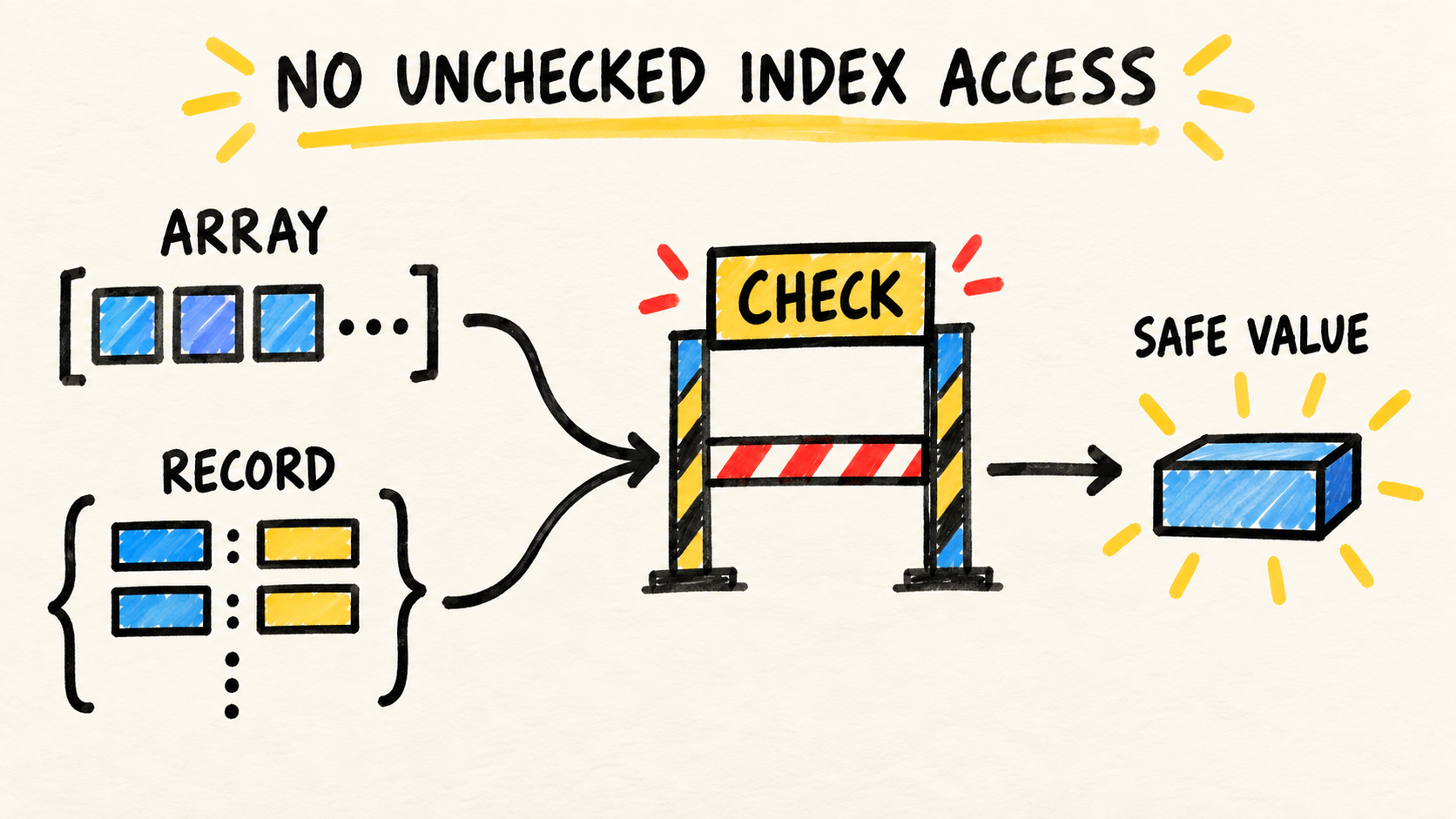
If the registry is indexed with a dynamic key, compiler settings also matter. noUncheckedIndexedAccess makes it visible that a read such as tools[name] may not find an entry. satisfies helps build the registry; it does not prove that a received key is valid.
How to verify the example locally
Save the first example as registry.ts and create a minimal tsconfig.json:
{
  "compilerOptions": {
    "strict": true,
    "noEmit": true,
    "target": "ES2022",
    "types": []
  },
  "files": ["registry.ts"]
}
Then run:
npx -y -p typescript@5.9.3 tsc -p tsconfig.json --pretty falseThe command should finish without diagnostics when the registry contains search and read. To verify the contract, temporarily change search to seach. The compiler should report the unknown property and the missing expected key. Fix the key and run the command again.
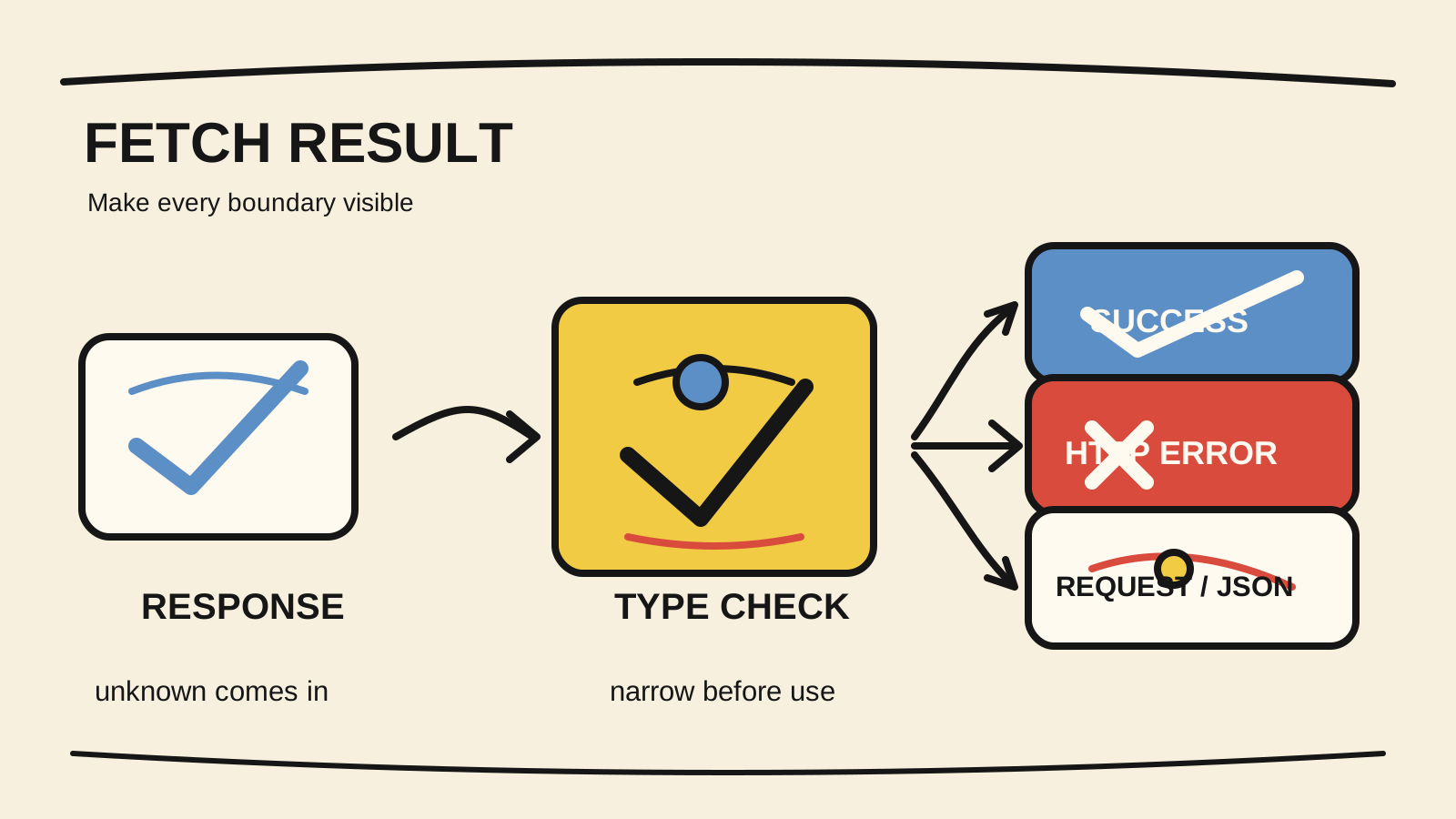
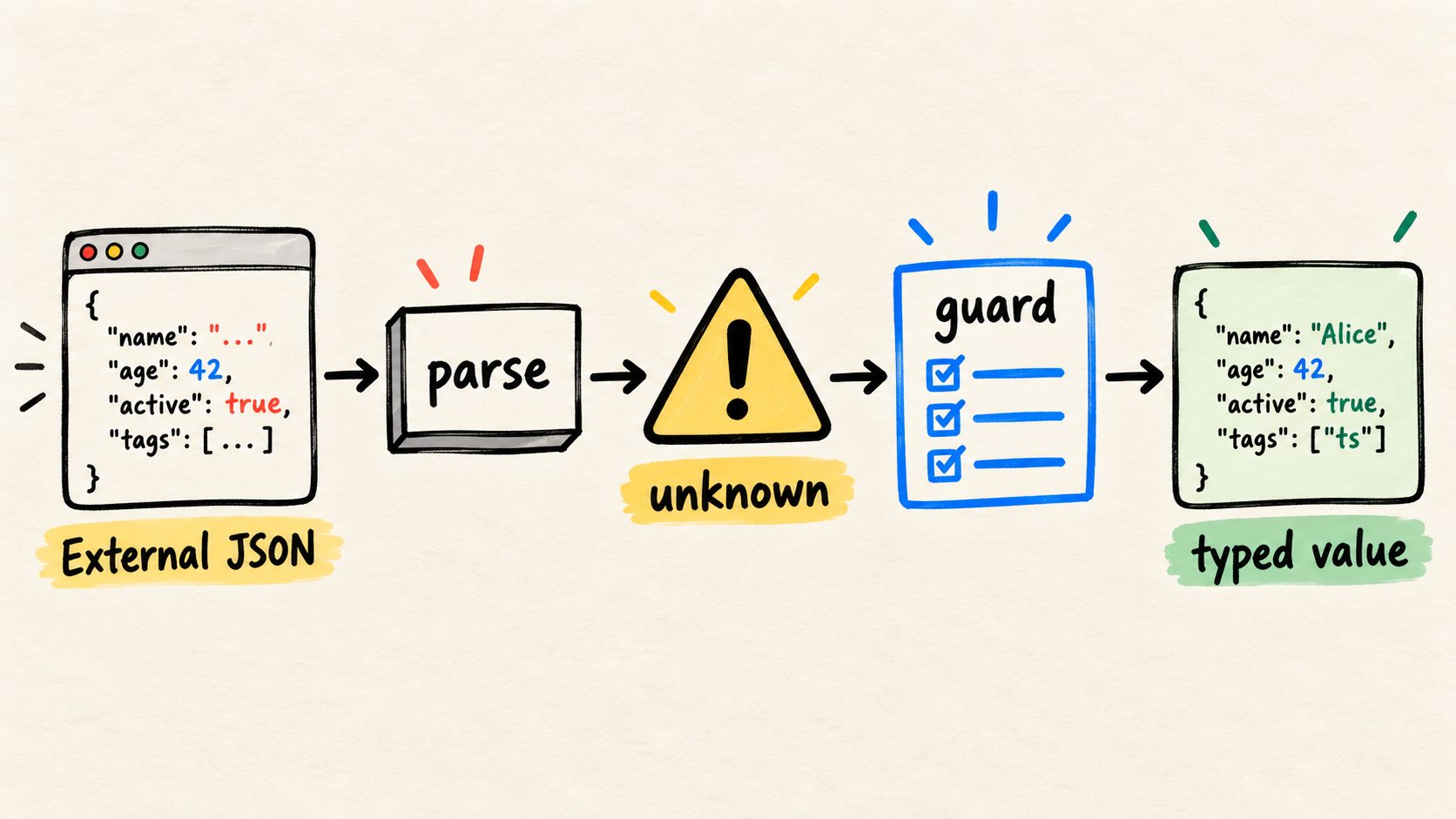
This test proves the compiler behavior for a literal value. It does not prove that JSON received over HTTP, an environment variable, or tool arguments are valid. At that boundary, parse or validate the input before treating it as trusted data. How to validate external JSON before using it in TypeScript covers that separate problem.
When not to use satisfies
Do not add satisfies to every object automatically. These are signs that another choice may be clearer:
- consumers should see only a wider public interface, so an annotation communicates the intent better;
- the value arrives at runtime, so the data must be validated before the program trusts it;
- the difference between allowed keys and actual keys is a business rule, so a strict Record type may be the wrong contract.
Also avoid combining an assertion that undoes the check, such as as unknown as Record<ToolName, ToolDefinition>. If the contract cannot be met, the error should lead you to review the data, the type, or the validation boundary.
Sources and limits
The rules about satisfies, assertions, and preserved inference were checked against the TypeScript 4.9 release notes and the Everyday Types handbook. Support for @satisfies in JSDoc also appears in the TypeScript 5.0 release notes, but it is not needed for this article's example.
The fixture was compiled locally with TypeScript 5.9.3 on October 12, 2026, using strict, noEmit, target: ES2022, and types: []. The image is an explanatory illustration generated to show the contract flow. AI assistance supported research discovery, drafting, image generation, translation, and consistency review; it did not run the compiler or replace source verification and editorial accountability.