Your vendor says support will end. The system still works, your team knows its shortcuts, and the data still moves through it every day. Someone still needs to decide what happens before the final date. Replacing everything immediately can be expensive. Doing nothing can leave the business dependent on software with nobody to call when a problem appears.
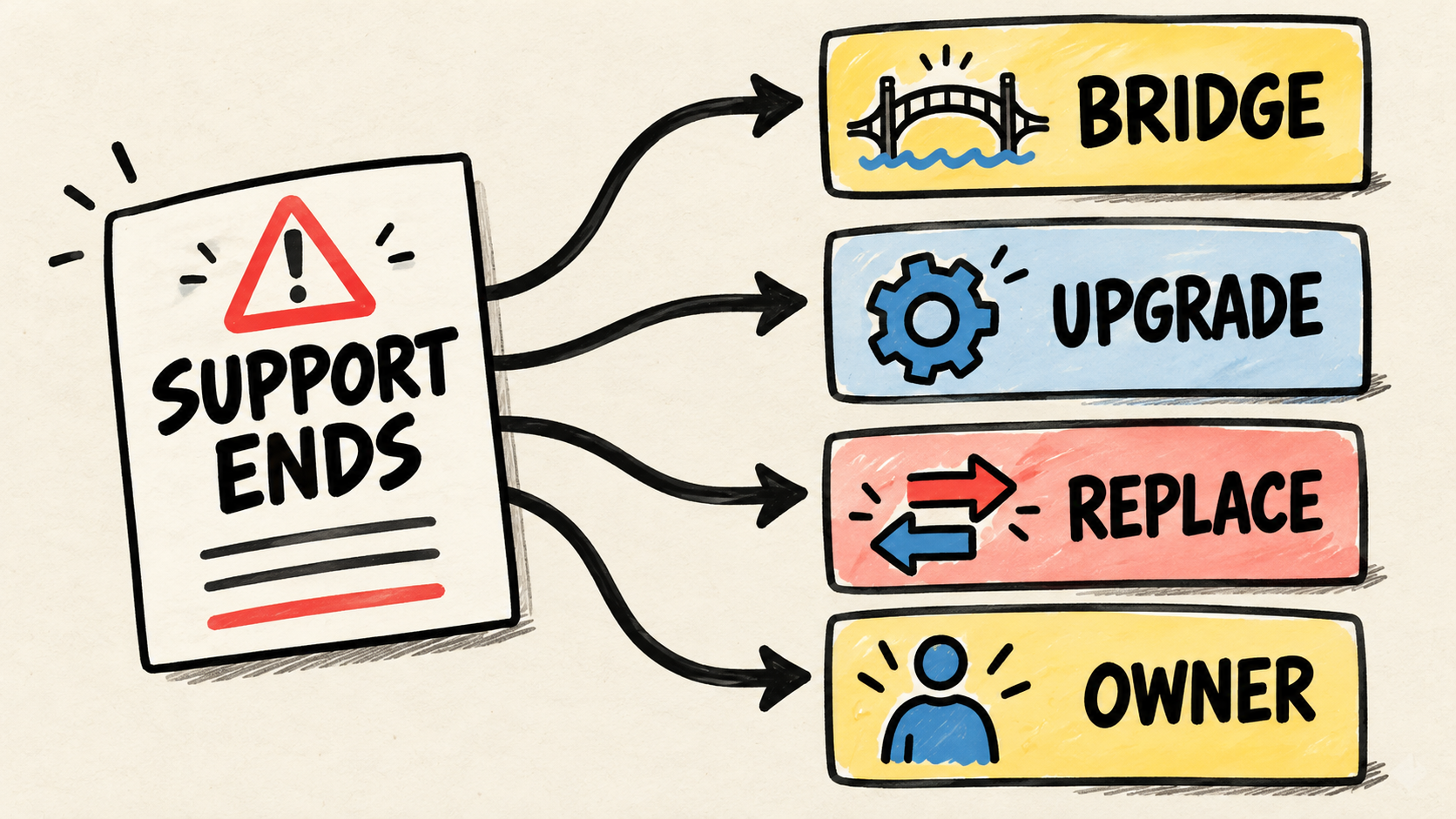
The first step is not choosing another tool. Confirm what is ending, protect the current operation, and compare four paths: a time-boxed bridge, an upgrade, a replacement, or ongoing ownership for business software. The right path depends on the work the system supports, the data you can take with you, and who can answer for the system afterward.

Short answer
- Confirm whether the notice covers the product, version, feature, or support plan.
- Record the date, affected data, accounts, and business processes that depend on the system.
- Keep a bridge only with a deadline, a limit, and an exit plan.
- Compare an upgrade, replacement, and ongoing ownership using a real business workflow.
- Do not accept a transition until another person can operate, recover, and explain the system.
What does losing support actually mean?
Losing support does not necessarily mean the system will shut down the next day. It means that some help, fixes, or updates may no longer exist. Microsoft's "Overview - Product End of Support & Retirements", checked October 10, 2026, describes end of support as the point when new security updates, non-security updates, and assisted support stop. The exact policy depends on the product.
Read the notice for answers to these questions:
- Which product, edition, plan, or version is affected?
- Does the end apply to fixes, support, security updates, integrations, or only new features?
- What is the exact date, and is there an extended-support phase?
- Does the vendor offer a successor, migration help, or a data export?
- Does your contract promise something different from the general announcement?
Do not turn a sales email into a technical diagnosis. Save the notice, contract, support history, and official lifecycle page. If the vendor uses different meanings for "end of support", ask for the definition in writing.
What should the business do first?
Before comparing products, make a simple inventory of what could be lost. List the routines that depend on the system, the people who perform them, administrative access, exportable data, integrations, recurring payments, and deadlines already promised to customers or suppliers.
Start with the work, not the system screen. Describe one order, sale, appointment, delivery, or payment from start to finish. Mark where the system creates the data, where someone handles an exception, and what must keep working during the change.
Then separate four lists:
- Operations: tasks that cannot stop and tasks that can wait.
- Data: information you need, history you must keep, and available export formats.
- Access: company accounts, administrators, domains, integrations, payments, and backups.
- Dependencies: vendors, equipment, documents, and people who must take part in the transition.
This list does not replace a technical audit. It keeps the business from choosing a brand before it knows what it needs to protect.
Does the system need to be replaced immediately?
Not necessarily. There are four paths, and each solves a different problem.
| Path | When it may make sense | What must be proven |
|---|---|---|
| Time-boxed bridge | The date is close, but the operation needs time to move | end date, accepted risk, export, and exit plan |
| Upgrade | A supported version keeps the workflow and integrations | compatibility, total cost, testing, and support for the new version |
| Replacement | The product no longer fits the work or leaving is safer than staying | chosen workflow, data, migration, training, and acceptance |
| New owner | The system still works, but nobody can handle access, failures, and changes | named person or partner, documentation, and tested transfer |
A bridge is a decision only when it has a defined end. If the business renews every year because it never managed to decide, the bridge has become dependence. The same applies to an upgrade that changes the operation without a real test.
How can you decide whether a bridge is safe?
A bridge can make sense when the operation remains stable, the vendor still provides a clear protection, and the business has scheduled the transition work. It is not a reason to delay forever when the system already has no owner.
Before accepting more time, record:
- what will keep working and what will no longer receive fixes;
- which data will be exported and in what format;
- who will respond if an integration breaks;
- how long the business needs to test the next path;
- what event ends the bridge even if the system still appears to work.
If the vendor cannot explain what the extension covers, treat it as purchased time, not proven continuity. Ask for the commitment in writing and do not let a new signature replace the exit plan.
What should the business control?
A transition becomes fragile when data, accounts, or payments depend on the person who sold or implemented the system. A vendor may administer a service, but the business needs to know which accounts belong to it, how to recover its data, and who can revoke access.
The Federal Trade Commission's "Cybersecurity for Small Business: Vendor Security", checked October 10, 2026, recommends putting security expectations in contracts, verifying compliance, and limiting access to what a vendor needs. Apply the same logic to a transition: company-controlled access, verifiable exports, and a responsibility list.
Check at least:
- primary account, administrators, and recovery method;
- exported data and the date of the latest copy;
- integrations, keys, domains, and paid services;
- process documentation and rules that do not appear on screen;
- change history, support tickets, and incidents;
- the person who can approve changes and accept the result.
Do not ask for passwords in a message so someone can "fix it later". Prefer company accounts, individual invitations, access records, and rotation after the transition is complete.
How should you compare a replacement without buying in a panic?
Compare proposals using the workflow that matters most to the operation. A generic demo can show many features and hide the work that currently depends on one person, a spreadsheet, or a manual exception.
Give each candidate a normal case and an awkward case. For example: an order changed after approval, an item that is not in the catalog, a partial payment, or a split delivery. Ask them to show where the next step, exception, and history live. The goal is not a polished presentation. It is seeing whether the new solution explains how the work continues.
Ask these questions too:
- How does data enter, leave, and get checked?
- What happens when an import fails or arrives twice?
- Who maintains integrations and answers for a break?
- Which parts are configuration, new development, and support?
- How does the business prove the change worked before leaving the old system?
- What remains in the company's name if the relationship ends?
CISA's material on assessing vendors for small and medium-sized businesses helps turn system and data access into buying questions instead of implied trust. The software maintenance agreement checklist helps separate support, changes, access, and exit when a proposal includes ongoing service.
Who is responsible after the change?
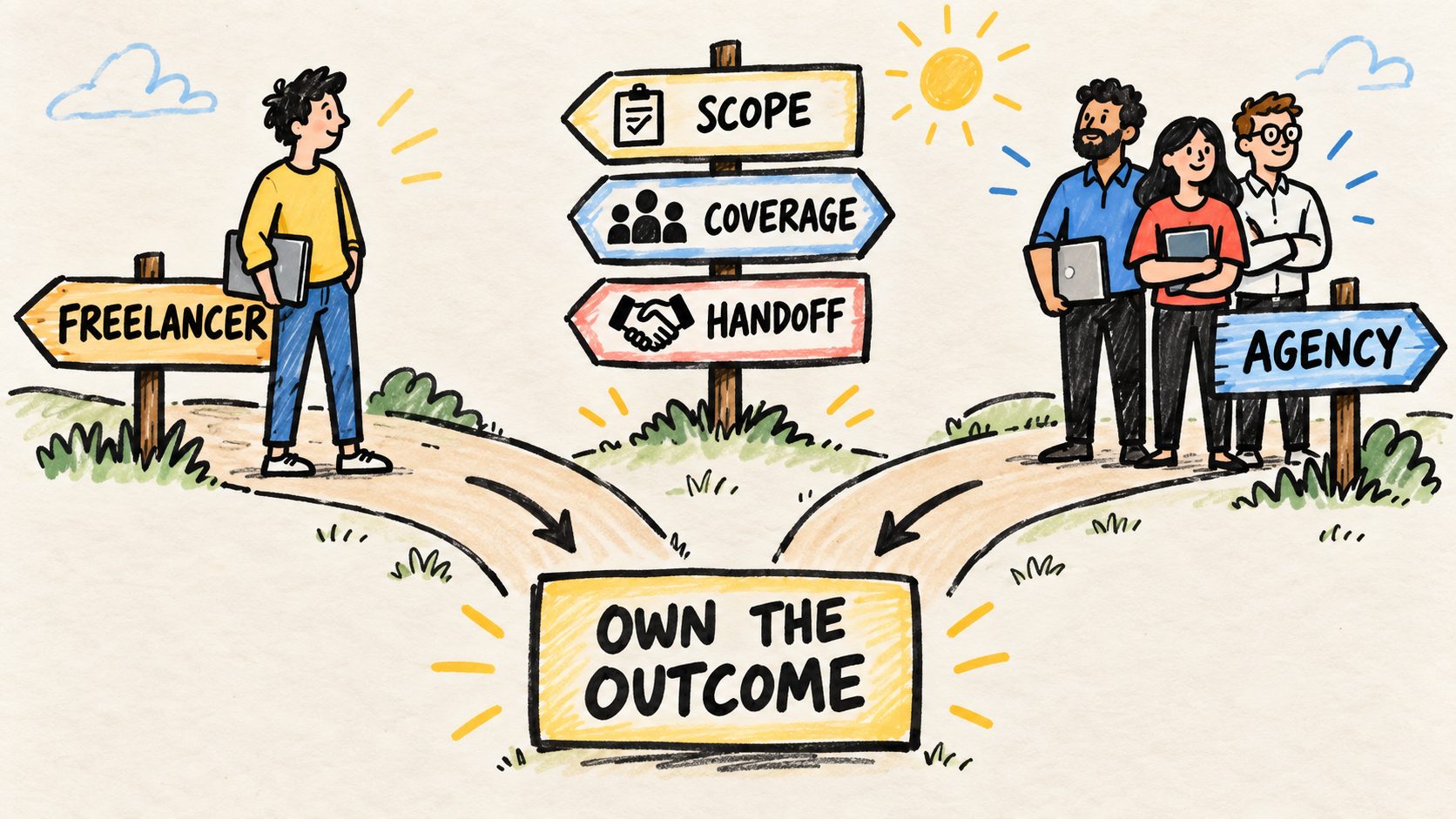
The end of support exposes a decision many businesses postpone: who notices a failure, sets the priority, approves a change, and confirms that operations work again? That person may be internal, a freelancer, an agency, or an ongoing outside team. The label matters less than the responsibility being clear.
Do not confuse the operational owner with the person who performs every task. The process owner needs to understand what the system does, control priorities, track risks, and decide when a change is acceptable. The implementer needs access, context, acceptance criteria, and a way to return control.
If the system was built by someone who is no longer available, read what to do when your software developer leaves. If the bigger problem is a collection of tools without direction, compare when a small business should stop buying software tools.
The most useful test is not asking whether the next tool is modern. Ask someone who was not part of the purchase to explain how the business will keep working, recover its data, and get help after the final date. If the answer still depends on a private conversation, the transition is not complete.
Frequently asked questions
Does the software stop working on the day support ends?
Not necessarily. The system may continue running current routines, but the business may lose updates, fixes, support, or future compatibility. Confirm what actually ends in the vendor's notice, and do not treat current availability as proof of security or continuity.
Is extended support worth paying for?
It can be useful as a bridge if the business records the deadline, coverage, accepted risks, and exit plan. Extended support does not remove the need to export data, test the next path, and name the person who will own the operation afterward.
Do we need to replace everything at once?
No. Start with the workflow that combines system dependence, customer impact, and difficulty operating manually. A phased transition can reduce risk when each phase has checked data, clear acceptance, and a way to reverse the change.
Who should choose the new vendor?
The decision should include the person who understands the operation and the person who will answer for it afterward. A vendor can explain its solution, but it should not be the only party defining the problem, controlling the accounts, and declaring the migration successful.
Conclusion
When business software loses support, do not sign a replacement in panic or ignore the notice because the system still opens. Confirm what ends, list the workflows and data, protect the accounts, and compare a bridge, an upgrade, a replacement, or a new owner.
The decision is safer when another person can follow a real workflow, access authorized data, recognize a failure, and explain the next step. If nobody can do that, software age is only part of the problem. The missing responsibility around the operation matters too.
How this article was produced
Samuel Fajreldines is the accountable author of this article. The research compared current Microsoft lifecycle documentation, FTC and CISA guidance on vendors and data access, search results in English, Portuguese, and Spanish, and recent operator discussions. This article is a decision synthesis for buyers. It does not present a migration, incident, budget, or recovery test as first-hand experience. AI assistance supported discovery, source comparison, drafting, localization, image generation, and consistency review; it did not replace source verification or provide client experience.
Sources consulted
- Microsoft, "Overview - Product End of Support & Retirements", checked October 10, 2026, https://learn.microsoft.com/en-us/lifecycle/overview/product-end-of-support-overview
- Federal Trade Commission, "Cybersecurity for Small Business: Vendor Security", checked October 10, 2026, https://www.ftc.gov/business-guidance/blog/2018/12/cybersecurity-small-business-vendor-security
- Cybersecurity and Infrastructure Security Agency, "Assisting Small and Medium-sized Businesses Assess Vendors and Suppliers Fact Sheet", checked October 10, 2026, https://www.cisa.gov/resources-tools/resources/assisting-small-and-medium-sized-businesses-assess-vendors-and-suppliers-fact-sheet