Sales marks a deal as won, but accounting cannot find the invoice. The contract value is different, payment terms live in another system, and nobody knows which screen should be corrected first.
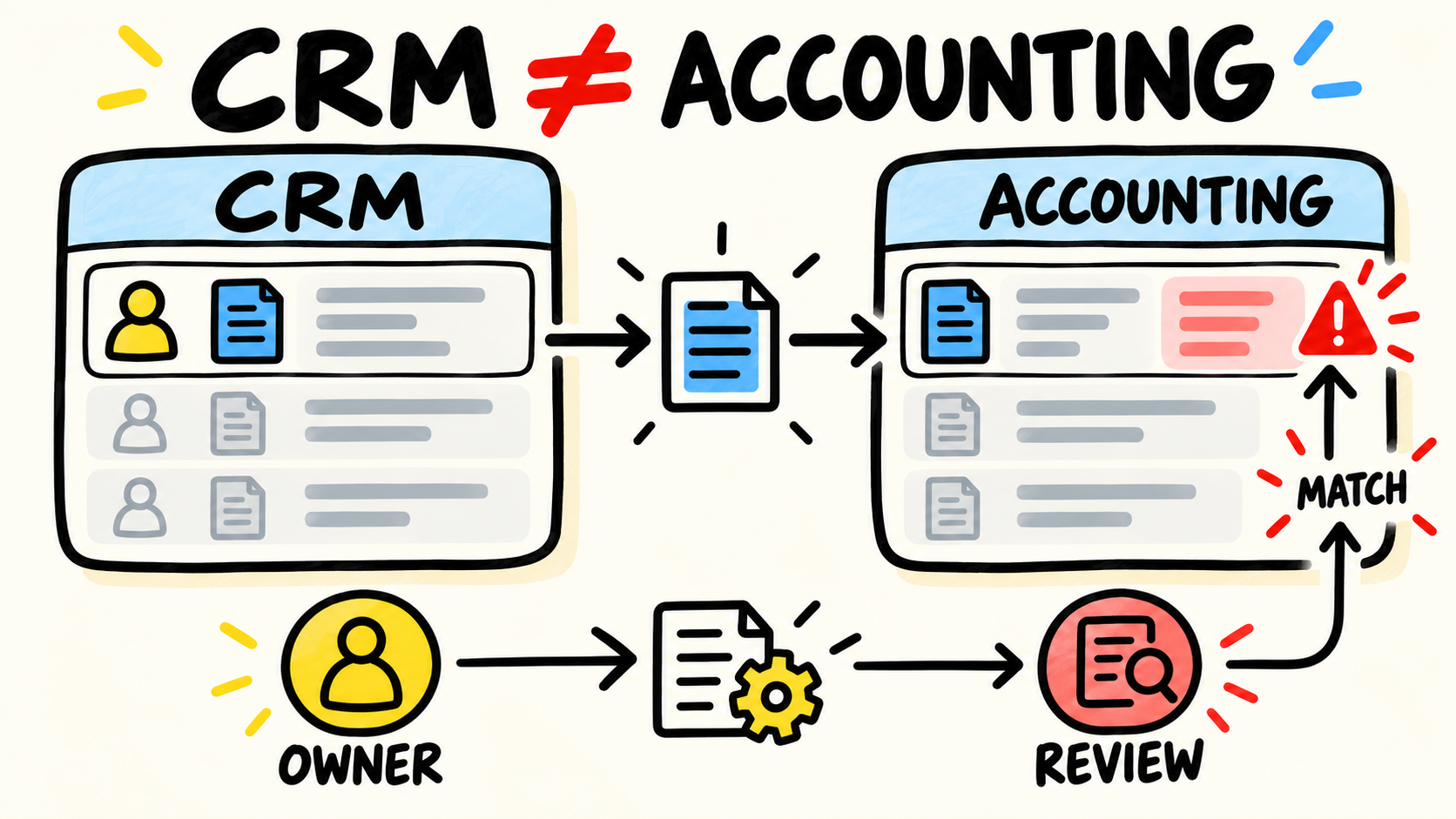
CRM and accounting may be recording different moments of the same sale. To find out why the data does not match, follow one real case to its invoice and payment, decide who owns each fact, and only then choose whether to fix the process, adjust the connection, or replace a tool. If nobody can maintain that rule, the business needs accountable ownership for its operating software.
This diagnosis is narrower than the broader guide to business systems that do not talk to each other. The focus here is the handoff between sales and finance, even when the customer records are correctly related.
Short answer
- A won deal is not automatically an issued invoice or a received payment.
- Trace one sale from the CRM to accounting and note where each fact begins, changes, and fails.
- Assign an owner to each field, a matching rule, and a path for exceptions.
- Buy or build a connection only after you know which problem it must solve.
Why do CRM and accounting tell different stories?
CRM and accounting have different jobs. One may track contacts, opportunities, proposals, and sales stages. The other needs to track billable customers, invoices, due dates, payments, and reconciliation. The discrepancy starts when a copied value is treated as if it has the same authority as the original fact.
The current HubSpot data sync documentation separates sync direction, field mapping, filters, and conflict resolution. That is an important clue: connecting two tools does not decide which one should win when the same field receives two values.
Four causes can look identical on a screen but require different decisions:
- Different event: the CRM records a won opportunity while accounting waits for a signed contract, approval, or another condition before invoicing.
- Different definition: "customer" can mean a sales contact in the CRM and a billable legal entity in accounting.
- Lost relationship: the invoice exists but no longer keeps the identifier that connects it to the original opportunity or customer.
- Interrupted sync: the rule was correct, but a field, permission, or connection changed and nobody received the exception.
The first diagnosis should not ask which screen has the right number. Ask which fact each screen was built to record. Sales can be right about the deal, and accounting can be right that no invoice exists yet. The problem begins when one event is used to decide something that belongs to another stage.
A healthy integration does not make both systems say exactly the same thing. It makes clear which information should agree, which information can differ, and who explains the difference when someone asks.
What should you trace before connecting the tools?
Choose a completed sale and reconstruct its path with the people who handled it. Record the CRM entry, stage change, commercial approval, accounting customer creation, invoice issue, and payment. The question is not simply whether a connection existed. It is where the operation stopped being explainable.
For each step, record:
- The event: what happened and which condition allowed it to move forward.
- The record: which system created the fact and which identifier it received.
- The change: who changed the value, terms, address, or status, and where.
- The confirmation: how the next person knows the data arrived.
- The exception: what happens when the record is missing, duplicated, or invalid.
The HubSpot documentation for its integration sync card shows the kind of evidence a team should look for: whether a record is syncing, its status, and the last sync time. You do not need HubSpot to ask the same operational question. A connection with no state history forces the team to guess.
If the team cannot reconstruct a sale without searching email and spreadsheets, there is not yet a process that is ready to automate. Draw the current flow first. Then choose the smallest change that removes a repeated task or makes the failure visible.
Which system should own each piece of information?
There is no universal split for every business. There is one decision that cannot remain implicit: for each important fact, one tool must be responsible for changing it, even when other tools show a copy for reference.
| Information | Operational question | Likely owner |
|---|---|---|
| Contact and opportunity | Who is the customer, what conversation is open, and where is the deal? | CRM or sales system |
| Commercial terms | What was proposed, approved, and accepted? | CRM or proposal system |
| Billing identity | Which legal name, tax identifier, and address belong on the bill? | Accounting or financial system |
| Invoice and due date | What was issued and when should it be paid? | Accounting |
| Payment | What was paid, reconciled, or is overdue? | Accounting |
| Status shown in CRM | What does sales need to know to serve the customer? | Accounting as source, CRM as view |
This table is a starting point, not a ready-made configuration. A business can choose differently if the choice is explicit and someone can maintain it. A payment status appearing in the CRM does not make the CRM the owner of the payment.
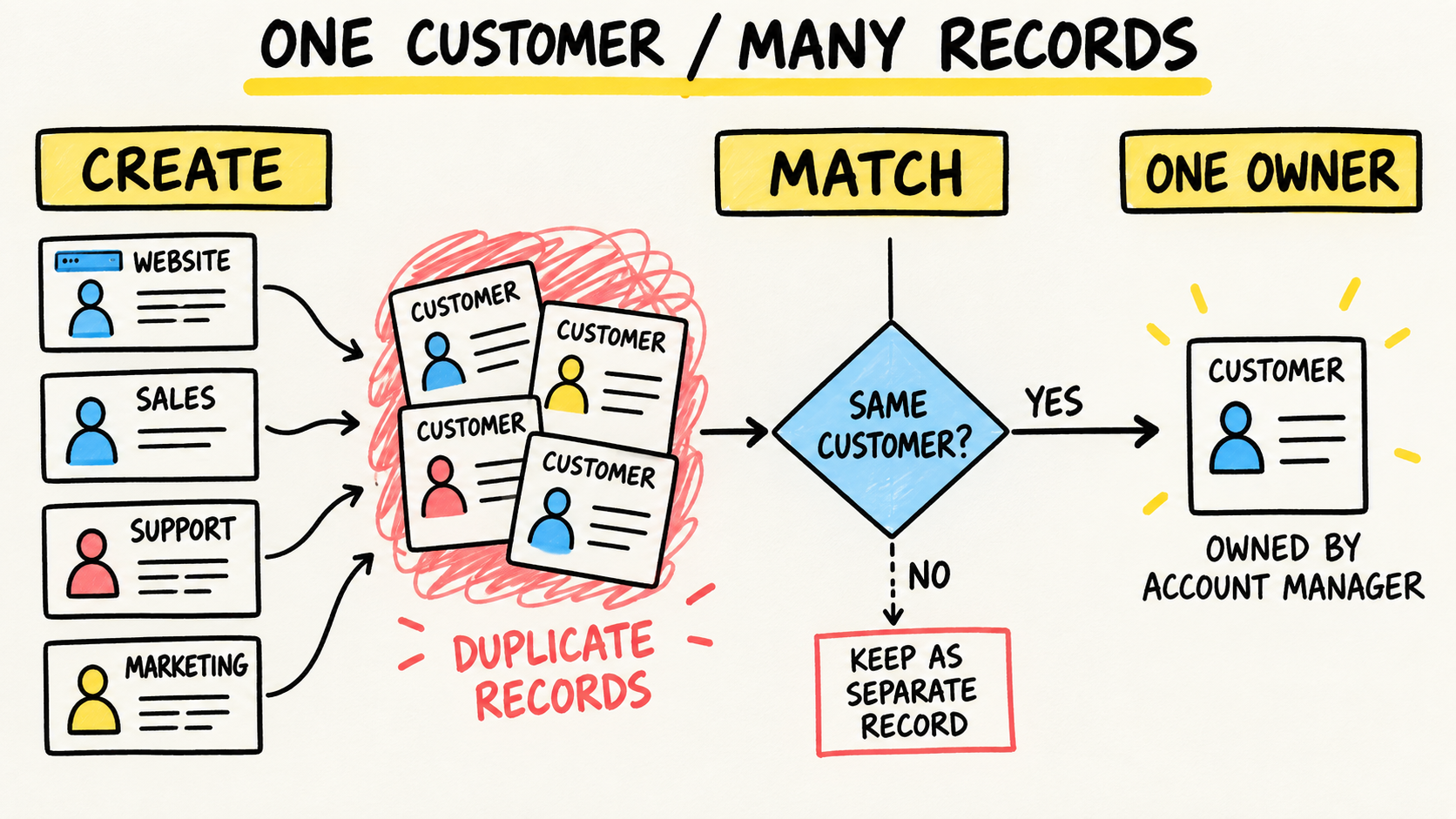
The same applies to customer identity. If the problem is one customer appearing as two records, follow the diagnosis of duplicate customers across systems. If the customer is correctly related but the amount, invoice, or payment differs, continue the investigation in the financial rule.
Should the sync run one way or both ways?
Two-way sync can look more complete, but it also creates more paths for a field to change. HubSpot's documentation lets teams choose one-way or two-way flows and configure which app wins in a conflict. The right choice follows the work, not the desire to make two screens identical.
Start with one direction when one system clearly creates the fact and the other only needs to read it. For example, accounting can send invoice status to the CRM, while the CRM sends an approved opportunity to begin the financial process. Use two-way sync for a field only when both teams truly need to edit it and there is a conflict rule.
Ask these questions before turning sync on:
- Which event creates the accounting customer?
- Which field connects the record in both systems?
- What happens when a value exists on one side and is empty on the other?
- Who receives the failure, and how long may it wait?
- How is a manual change recorded and explained?
HubSpot's documentation also recommends configuring record matching and choosing matching fields. That is why "sync customers" is not a sufficient instruction. The business still needs to decide how it recognizes the same record and what happens when the match is uncertain.
The goal is not to eliminate every copy. The goal is to stop a copy from being mistaken for authority. A dashboard can show a due date in the CRM; changing that due date should follow the accounting system's rule.
How do you separate process, data, and sync failure?
Use the symptom to choose a first hypothesis, then confirm it on a real case. The table below helps you avoid buying a connector for a problem that began before the connector existed.
| Symptom | First hypothesis | Next check |
|---|---|---|
| Won deal does not become an invoice | The invoicing event was never defined | Ask which condition creates the invoice and who confirms approval |
| Invoice exists, but CRM says open | The status return is missing or late | Compare the invoice identifier and last update time |
| Proposal value differs from invoice value | Commercial and financial rules differ | Compare the approved version, discounts, taxes, and authorized changes |
| Customer exists in both systems but is not related | Matching depends on an unstable name or email | Define a persistent identifier and a queue for uncertain cases |
| Integration worked and then stopped | Access, field, or connection changed | Check health status, the last processed event, and the error message |
The Intuit guide to fixing connected integration issues in QuickBooks Online recommends checking connection status and routes data-sync problems to the integration provider. That does not remove the company's responsibility. Someone still needs to know which flow stopped, which data is pending, and which correction is safe.
When the problem is CRM and inventory, the question is different. See why CRM and inventory numbers do not match to separate opportunity, order, reservation, and availability. Do not use that diagnosis as a shortcut for an invoicing problem.
What must remain under the company's ownership?
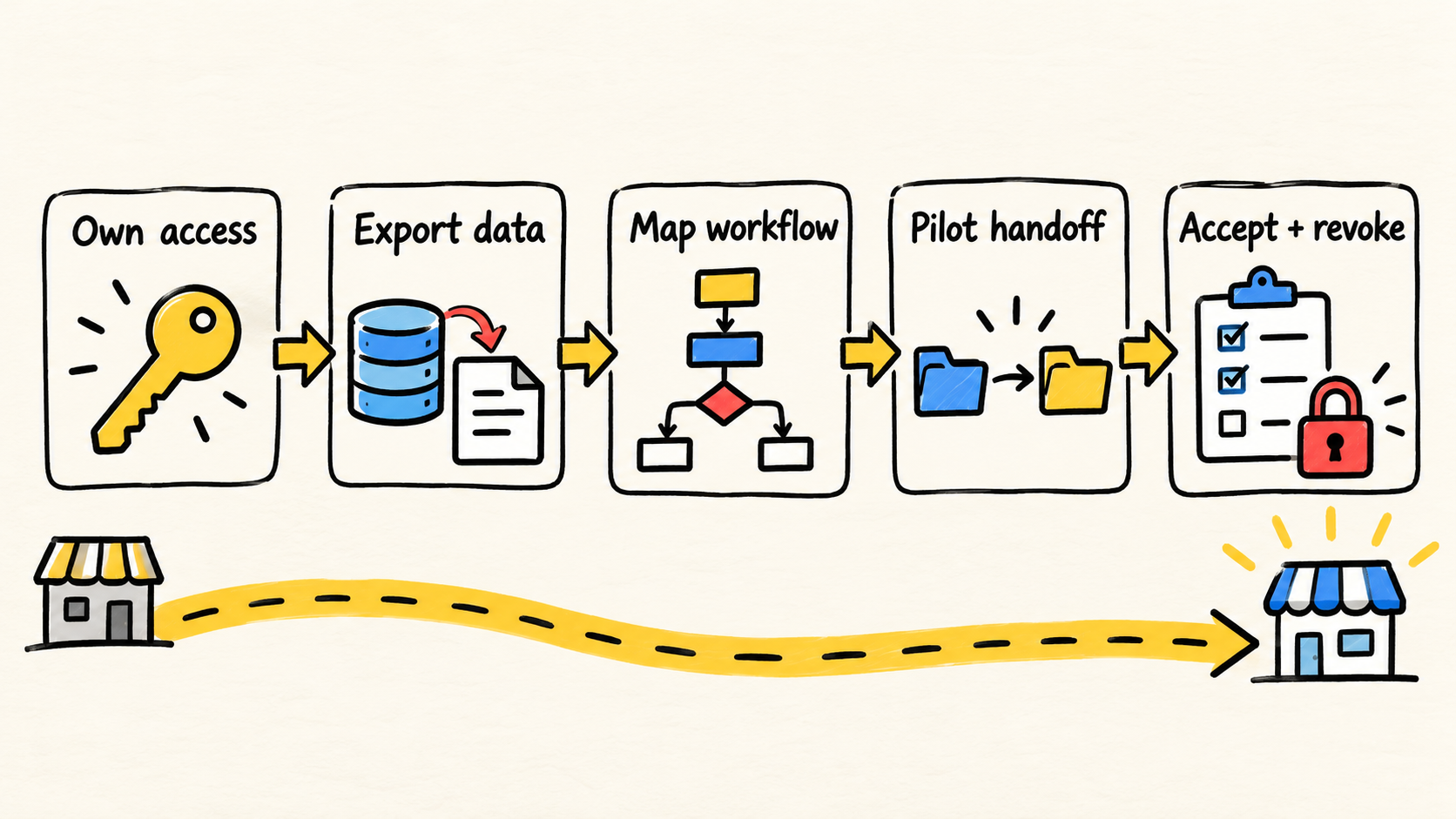
Even when a vendor configures the connection, the company needs to keep some decisions in-house: which system is authoritative, who approves changes, which accounts belong to the company, and who checks exceptions. Without that, the integration works until the first field change, employee departure, or billing failure.
The Intuit guidance on transferring connection ownership treats access continuity as its own task. The same principle applies to any stack: the connection should not depend on one person who may leave, and the business rule should not exist only in the vendor's memory.
Before accepting delivery, ask for five things in operational language:
- a map of the path from sale to invoice to payment;
- a table showing who owns each field;
- a list of matched records and records left pending;
- a procedure for failures, duplicates, and rule changes;
- company access to the accounts, logs, and documentation needed to continue.
This also changes the hiring decision. A small, well-defined configuration may only need a project. Recurring flows, exceptions, changes, and dependencies need an ongoing form of responsibility, either in-house or through a partner who remains accountable for the operational result.
When should you fix, connect, or replace?
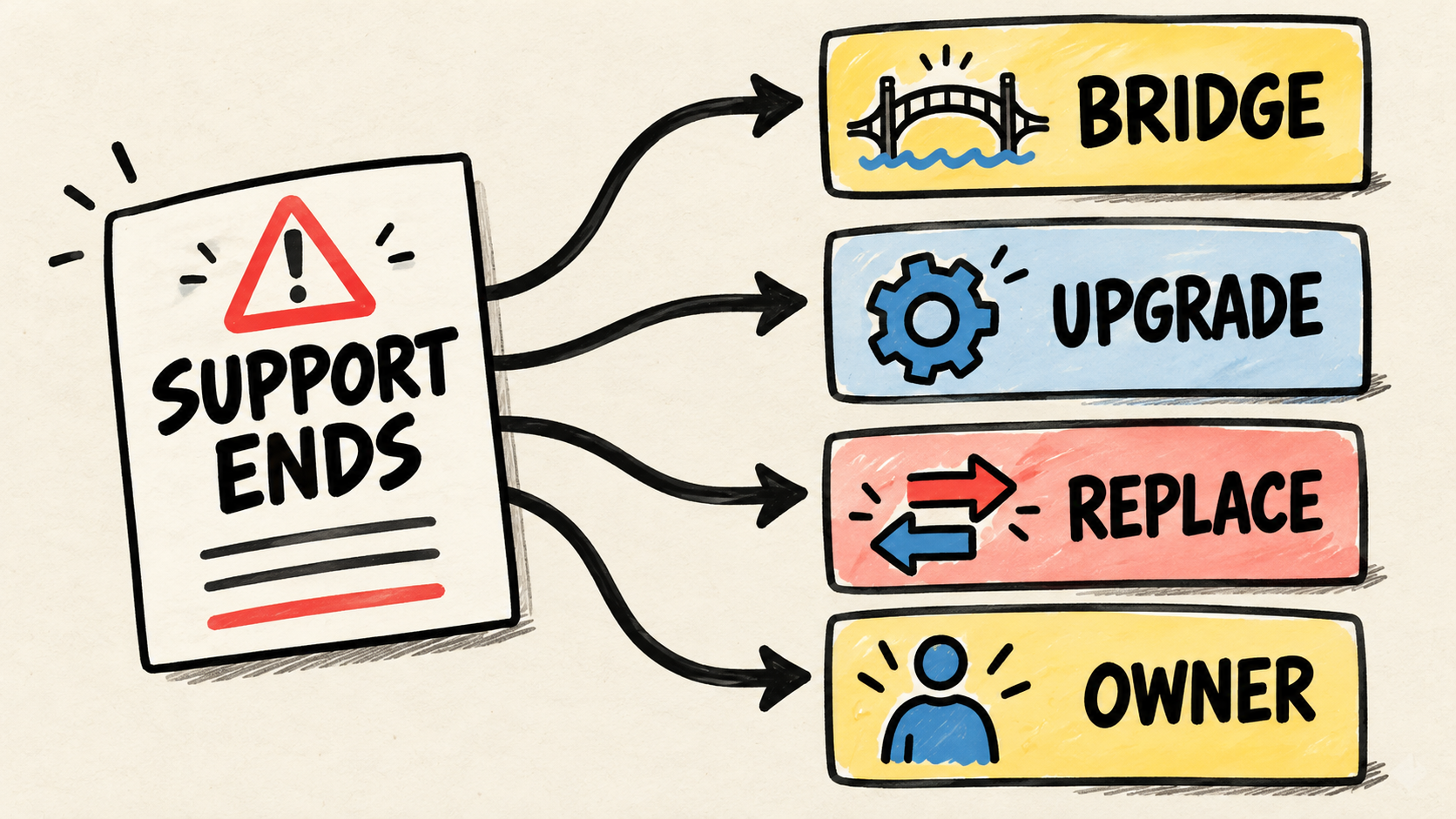
Fix the process when nobody agrees on the event that starts invoicing or on what a status means. Connect the tools when the rules are clear, records have a reliable match, and manual repetition is the main problem. Consider replacing a tool when it no longer represents an essential step, does not provide the required access, or prevents the company from maintaining the operation.
Do not start with a connector list. Start with the result that must be explainable: "this sale was approved, this invoice belongs to it, and this payment has a known origin." If the flow cannot answer that sentence, another subscription may only spread the same uncertainty to another screen.
The practical path is short:
- choose one real sale, without sensitive data in the test material;
- draw the changes and identifiers;
- assign an owner to each fact;
- test a normal case, an existing record, and a failure;
- record who monitors and who fixes the flow after delivery.
The result worth preserving is not the appearance of two identical screens. It is the ability to explain why they differ, which value should change, and who has the authority to make the change.
Authorship and limits
Samuel Fajreldines is the accountable author. This article combines current HubSpot and Intuit documentation, live search inspection, and an editorial synthesis of the CRM-to-accounting flow. It is not a client case study or an inspection of real systems. AI assistance supported discovery, drafting, image generation, localization, and consistency review; it did not replace source verification or provide access to third-party operations.
Sources consulted
- HubSpot, "Connect and use HubSpot data sync", retrieved October 17, 2026.
- HubSpot, "Match records in data sync", retrieved October 17, 2026.
- HubSpot, "View the integrations sync card", retrieved October 17, 2026.
- Intuit QuickBooks Help, "Fix connected integration issues in QuickBooks Online", retrieved October 17, 2026.
- Intuit QuickBooks Help, "Transfer app ownership or disconnect apps", retrieved October 17, 2026.