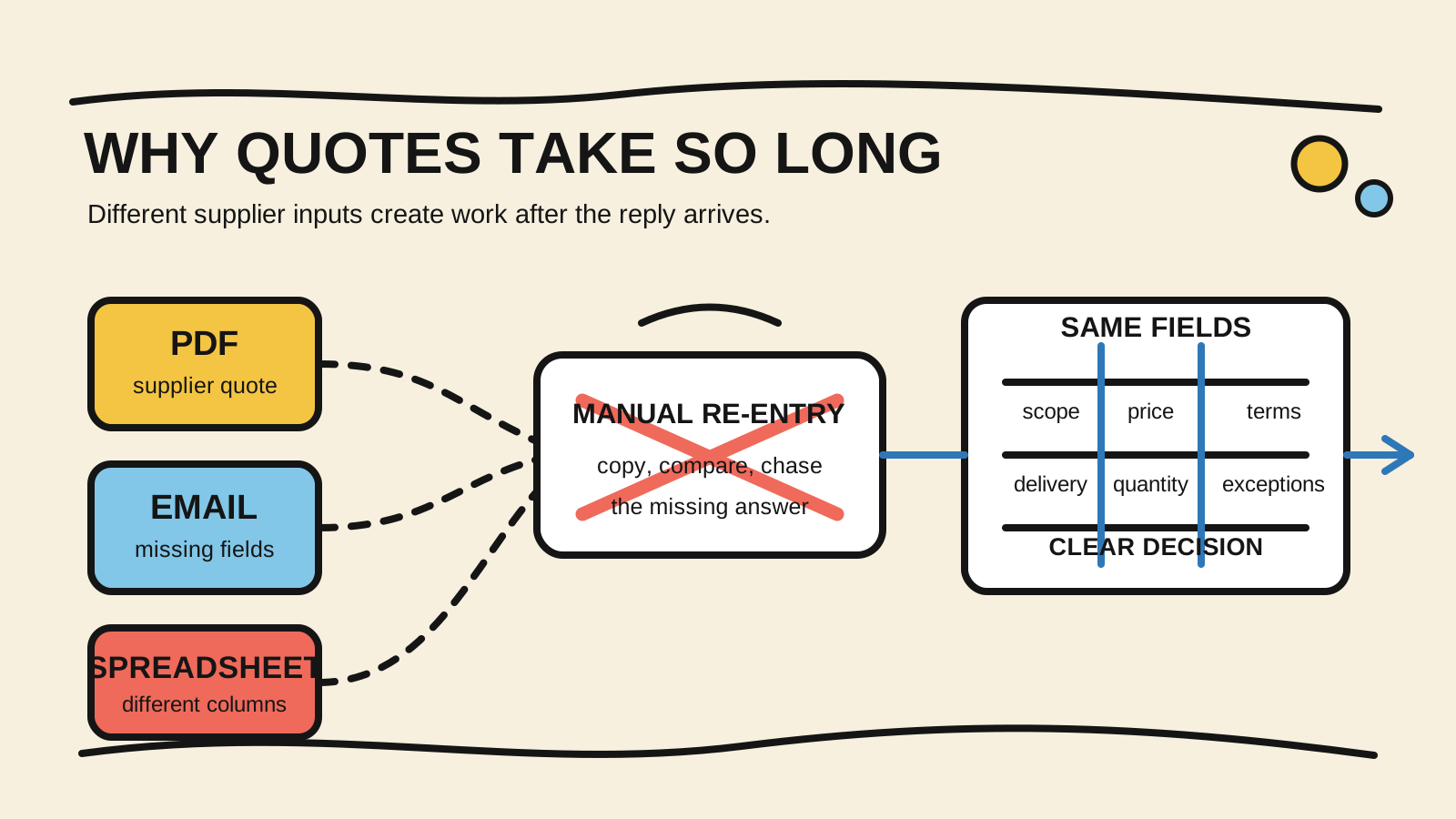
One supplier sends a PDF. Another puts prices in the email body. A third returns a spreadsheet with different column names. By the time the team copies everything into one table, freight, lead time, or minimum order quantity is still missing. The quote is not only waiting for a response. It is waiting for someone to rebuild the comparison.
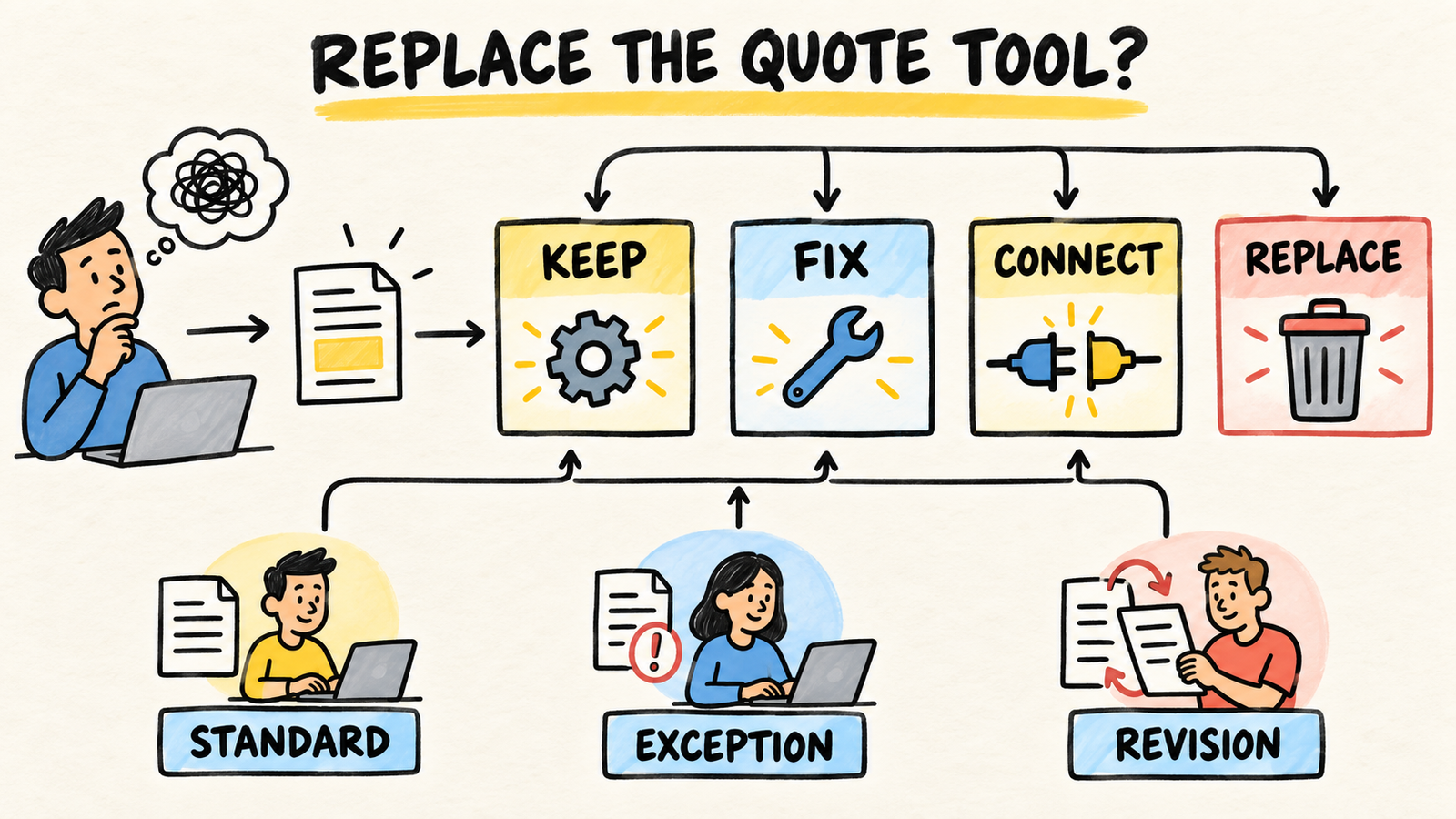
The first fix is not necessarily quoting software. Find where the time disappears: supplier response, scope review, re-entry, approval, or the decision itself. The diagnosis of the bottleneck between a request and a sent quote helps separate those waits. This article focuses on what happens after the replies arrive.
If the workflow needs ongoing ownership for the quoting process, include that question before changing tools. A better spreadsheet may organize the next purchase, but it does not decide who corrects a price, confirms an exception, or maintains the information after launch.
Short answer
- Separate the time until a supplier replies from the time needed to make replies comparable.
- Send every supplier the same scope, quantity, unit, delivery date, and commercial terms.
- Mark missing fields and version differences. Never treat a blank as a zero price.
- Buy or build a tool only after defining the workflow, owner, and proof that the comparison improved.
What makes a quote slow after the reply arrives?
The delay often starts in the comparison, not in the file. The team has to decide whether two names mean the same item, whether prices use the same unit, whether freight is included, and whether every supplier answered the same request. While those questions live across email threads, the quote remains open even when every file has arrived.
There are at least four separate clocks:
- time until a supplier sends any response;
- time to check whether the response covers the scope;
- time to turn the documents into one comparable view;
- time to approve and choose the next step.
If you measure only the date of the final email, you do not know which problem you are fixing. A portal may speed up intake and leave approval stalled. A spreadsheet may organize the fields and still require hours of copying. Separate the clocks first, then choose the change.
Acquisition.gov's guidance on requests for quotations, retrieved September 26, 2026, describes a request for quotation as a way to obtain price, cost, delivery, and related information from suppliers. That gives the problem a useful boundary: a reply is not complete just because it contains a number.
How can you tell whether suppliers answered the same request?
Compare the request before comparing the price. Procurement guidance from Ards and North Down, retrieved September 26, 2026, recommends giving suppliers the same specification and keeping quotes comparable with item details. For a private business, this is a process reference, not a universal legal requirement.
Create a request sheet with the information that changes the decision. It can live in a spreadsheet, form, document, or the system the business already uses. The format matters less than the fields:
| Field | Question that needs an answer |
|---|---|
| Item and specification | What exactly is the supplier quoting? |
| Quantity and unit | Is it per piece, case, pound, hour, or lot? |
| Delivery | Where and by when must it arrive? |
| Freight and other costs | Is the amount included, separate, or unknown? |
| Commercial terms | What are the payment terms, validity, and minimum order? |
| Exceptions | What cannot the supplier provide? |
| Version | Which request or revision did the supplier receive? |
A supplier may offer a valid alternative. The problem starts when the alternative gets mixed into the original response and nobody records the difference. Put the exception in its own field and ask the person with authority to confirm whether it works.
Why do different formats create manual work?
PDF, spreadsheet, and email are not the problem by themselves. The work expands when the business has to interpret every response differently and has no common place to keep the result. The person comparing quotes becomes a bridge between the supplier, purchasing, inventory, and finance.
One document may use "case" while another uses "each." One price may be per item and another per lot. One supplier may state a lead time in business days while another writes "to be confirmed." There are also partial responses, revised versions, and attachments sent in separate messages. The final table may look complete while hiding decisions made during copying.
The Tribunal de Contas da União technical note on estimated procurement budgets, retrieved September 26, 2026, describes records such as quantity, unit price, total value, date, responsible person, and costs that affect the solution. Its context is Brazilian public technology procurement, not every business workflow. The fields still show why an isolated total is not enough for a decision.
The comparison does not need to erase every difference. It needs to make each difference visible before the decision. A quote with missing freight can stay in the comparison if it is marked incomplete. It should not be ranked beside a quote with confirmed freight as if both meant the same thing.
How can you organize replies without making every supplier use your system?
Start with what the business controls: the request and the comparison table. A simple solution can work when the volume is small and one person can explain the rules. Send the same item list, ask for the same fields, and keep the original documents next to the matching comparison row.
If a supplier can use a short form, it reduces re-entry. Do not turn the form into a barrier for suppliers who can only send a PDF or reply by email. Accept the response, but put it in a review queue when required fields are missing.
The AuraVMS guide to collecting supplier quotes, retrieved September 26, 2026, describes a workflow built around common specifications, simultaneous outreach, structured collection, and tracking who has not replied. The page sells a tool, so it does not prove that the solution will work for your business. Its sequence is still useful as a set of questions for your own process.
Choose the smallest change that closes the gap:
- Clearer request: when suppliers answer different scopes.
- One comparison table: when the data exists but is scattered.
- Review rule: when fields are missing and nobody knows who asks.
- Automated intake: when copying documents repeats often enough to justify assisted review.
- Integrated system: when quotes need to feed orders, inventory, approvals, or finance.
Automated extraction does not replace review. A tool may find a number in a document and still misunderstand its unit, version, or commercial condition. Keep the original file, the extracted value, and the confirmation from the reviewer.
How should you handle incomplete, revised, or incompatible quotes?
An incomplete quote is a work state, not a zero. Mark what is missing, ask one specific question, and keep the supplier response deadline separate from the decision deadline. This stops the team from choosing the fastest supplier simply because that supplier left out costs or terms.
Use a simple status queue:
- received, not reviewed;
- complete and comparable;
- incomplete, waiting for clarification;
- alternative, waiting for approval;
- replaced by a new version;
- closed without a decision.
When a revision arrives, keep the earlier version. A spreadsheet that replaces the old value without recording the date can answer the current price, but not why the decision changed. The guide to deciding when to replace a quoting system helps when the process is understood. Here, the priority is keeping the comparison history intact.
Compare completeness before value as well. A quote covering only part of the list may have the lowest price on some lines and still require another supplier for the rest. Record coverage, freight, minimum order, and lead time before calculating the result sent for approval.
When should you buy quoting software?
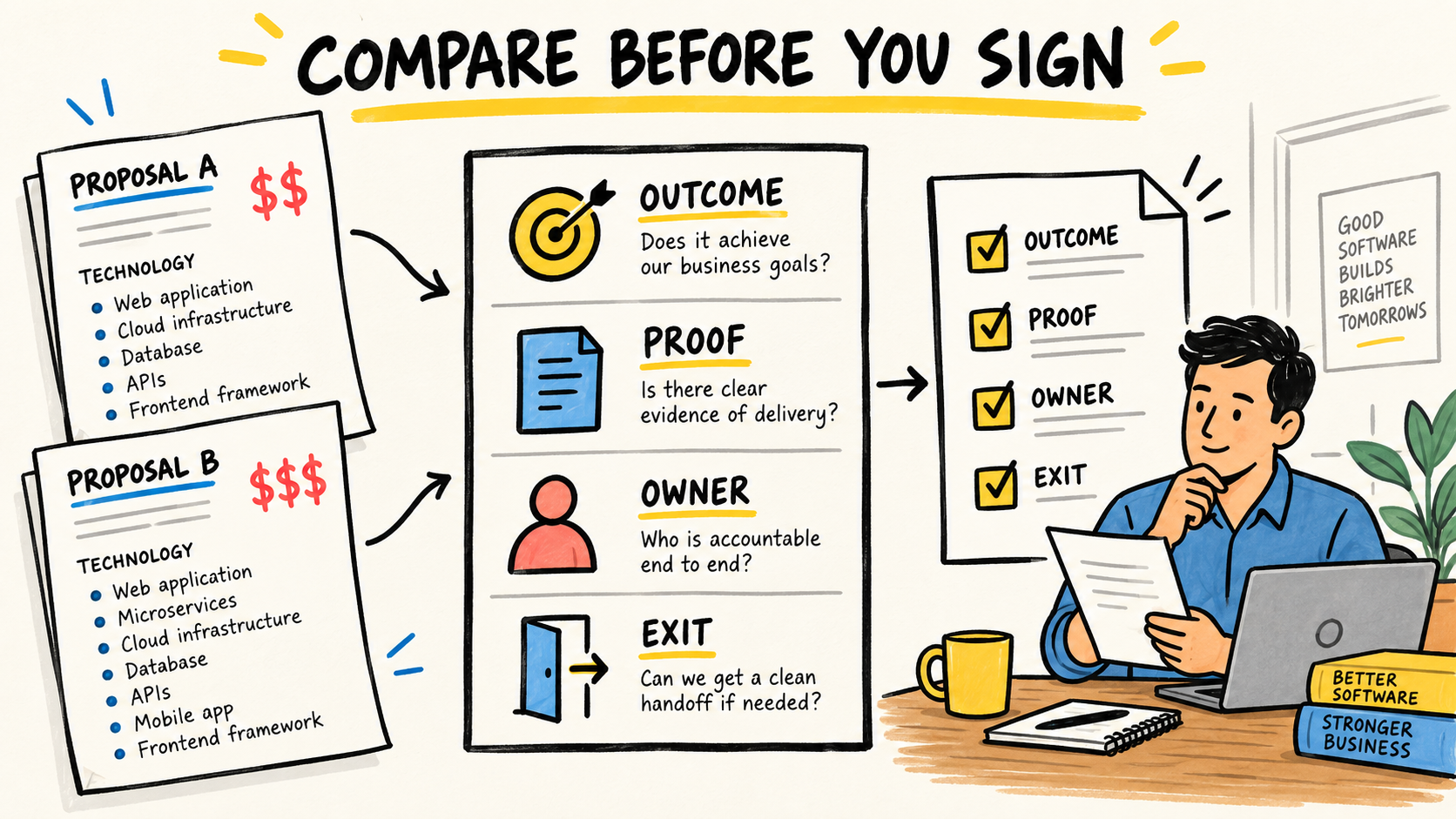
Buy a tool when the process has a repeatable rule and manual work has become the bottleneck. The product should accept supplier reality, keep the source documents, show missing fields, preserve versions, and route the decision to the right person. A polished screen without those guarantees only hides the same operation.
Before asking for demos, write three real cases without sensitive data:
- a complete quote in PDF;
- a partial reply with freight or lead time missing;
- a revision that changes price, quantity, or terms.
Ask what happens in each case. Can the tool show the original document? Can someone correct an extraction? Does the old version remain available? Does the exception go to a person or disappear into a green status? Can the business export its data if the contract ends?
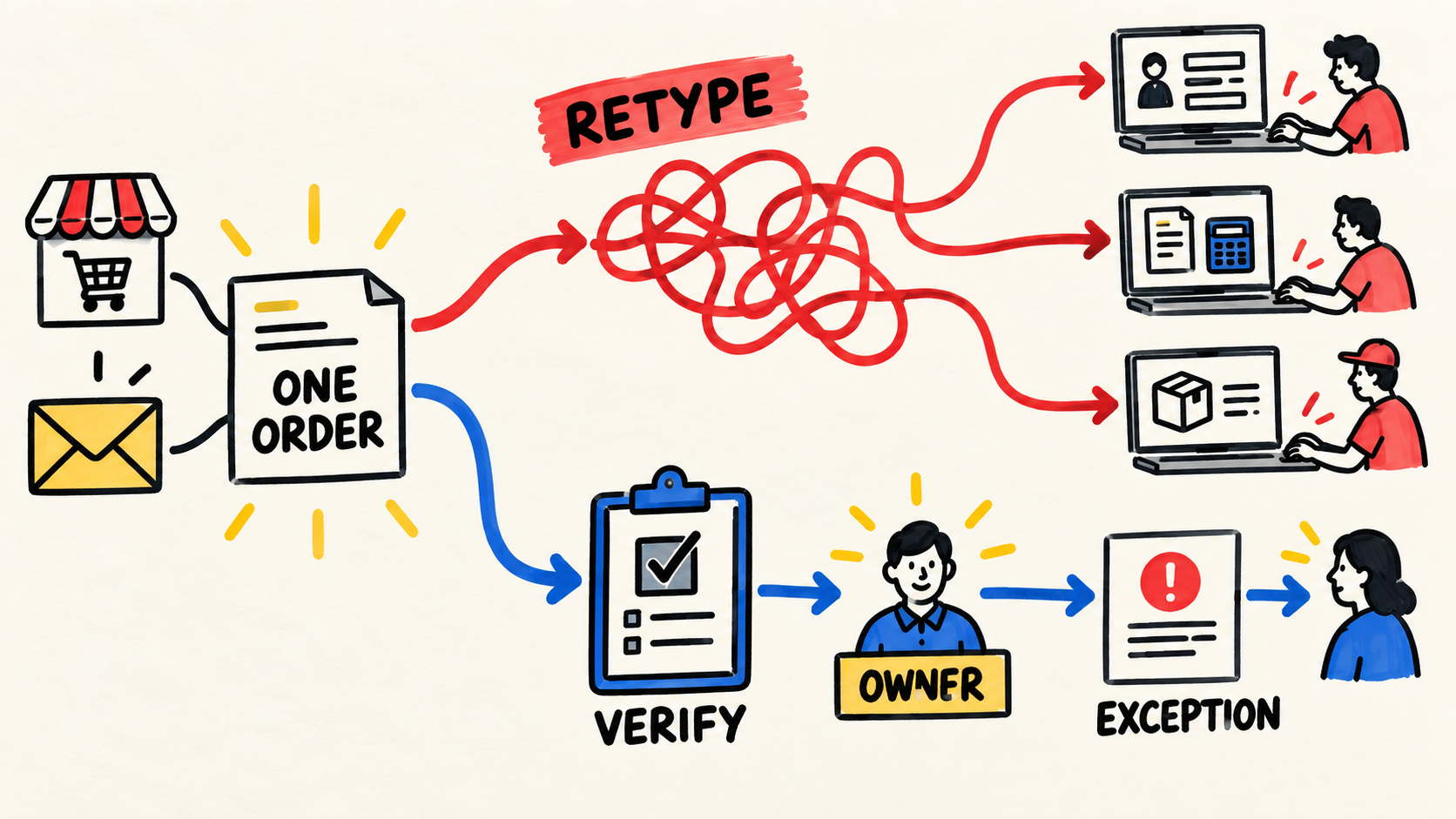
Do not buy a platform simply because the team is tired of copying. Confirm whether the problem is intake, comparison, approval, or missing ownership. If the tool replaces one step, someone still owns the rules and maintenance. The diagnosis of business systems that do not talk to each other helps when a quote must cross teams that keep separate versions of the same fact.
Who should own the comparison process?
The workflow needs a person or function that can answer three questions: which fields are required, who can accept an exception, and what evidence closes the comparison. That owner does not need to type every value. They need to change the rule, find the source, and explain the decision.
Without that responsibility, the process changes with every purchase. One buyer accepts a price without freight. Another waits for a new spreadsheet. A third chooses the lowest total. Later, nobody knows whether the difference came from the supplier, unit, lead time, or the way the data was copied.
How do you know the change improved quoting?
Measure the full path before and after the change. You do not need a sophisticated dashboard at first. Record when the request was sent, when a response arrived, when the comparison became complete, and when the decision was approved.
Also count:
- how many replies needed clarification;
- how many fields were entered manually;
- how many versions arrived for the same request;
- how long a comparison waited for a person;
- how many decisions were redone because data was incomplete.
The goal is not to turn every purchase into a speed contest. A faster response may bring a lower price, but not necessarily a better order. Compare time with completeness, corrections, and the ability to explain why a supplier was chosen.
Frequently asked questions
Does every supplier need to use the same form?
No. The request should have the same scope and important fields, but the business can accept a PDF, spreadsheet, or email. The difference is that responses outside the structure enter review. What does not work is mixing incomplete and complete responses without showing the difference.
Can I compare quotes by total price alone?
That is risky. The total may hide freight, tax, minimum order, unit, quantity, lead time, or missing items. Confirm that offers cover the same scope first. Then show the full cost and the exceptions that still need a decision.
Can a spreadsheet solve the problem?
Sometimes. It may be enough when the workflow is small, the fields are clear, and someone can review every reply. It stops being reliable when versions, teams, documents, and approvals require memory to work. Define the process and owner before choosing another tool.
Is it worth using AI to read supplier quotes?
It can be useful when there are many documents and human review remains required. Use automation to suggest fields, not to declare that two offers are equivalent without showing the source. Test complete, partial, revised, and different-unit documents before trusting the result.
Who owns the workflow after the change?
Someone must maintain fields, rules, permissions, integrations, and history. That could be an internal employee, a vendor with ongoing responsibility, or a team that supports the system. The important part is defining the name and boundary of that responsibility before the first purchase goes through the new process.
Method and limits
This article synthesizes procurement guidance, public documentation, and recent discussions about comparing supplier quotes. AI assistance shaped the first synthesis; Samuel Fajreldines reviewed the sources and final text. This is not a report from one operation and does not claim measured savings or cycle-time reduction for a client.
Sources consulted
- Acquisition.gov, "53.213 Simplified acquisition procedures", retrieved September 26, 2026
- Acquisition.gov, "15.203 Requests for proposals", retrieved September 26, 2026
- Ards and North Down, "Procurement Guidance", retrieved September 26, 2026
- Tribunal de Contas da União, "Technical note: estimated budget for public technology procurement", retrieved September 26, 2026
- AuraVMS, "How to Collect Supplier Quotes Faster", retrieved September 26, 2026
- Melhor Orçamento, "How to compare supplier quotes", retrieved September 26, 2026