Your sales team avoids the quoting tool, copies details into a spreadsheet, and goes back to email because it feels faster. You see the delay, but you do not know whether to replace the software, fix the process, or hire someone to make the decision clear.
Replacement makes sense when the workflow is clear, the required data is available, and the tool still cannot support a standard quote, an exception, and a revision. Before buying another solution, use the diagnosis for finding where a quote gets stuck and define ongoing ownership for the software behind the operation after the change.
Before replacing the tool, check what to do when suppliers return quotes in different formats.
Short answer
- Team rejection is a signal to investigate, not proof that the software must go.
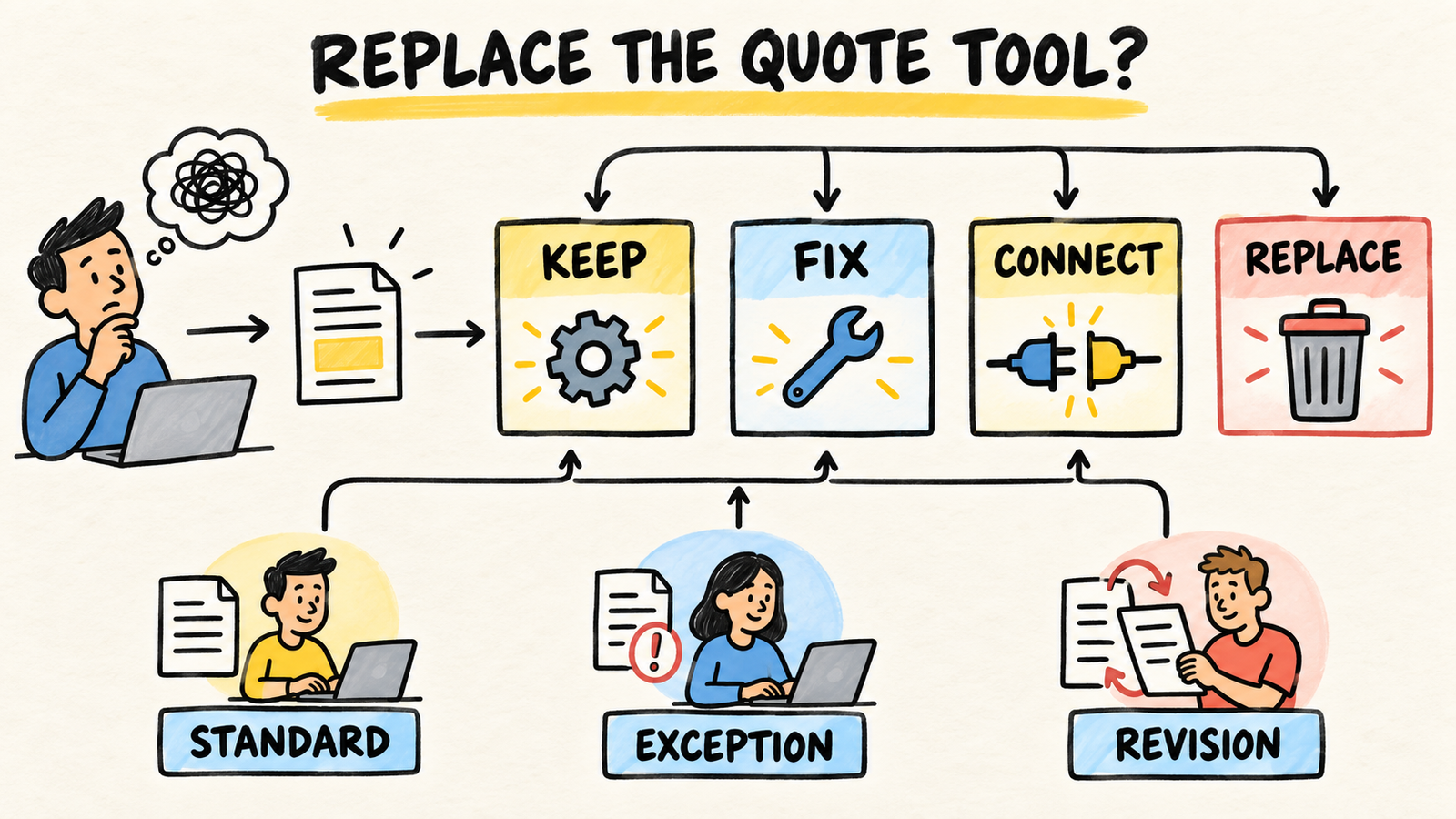
- Test a standard quote, an exception, and a revision before comparing products.
- Fix the process when rules or data are missing. Connect systems when the information exists but is trapped in separate places.
- Replace the tool when the workflow is defined and it still blocks states, revisions, approvals, or the handoff to the next business step.
Is the team avoiding the tool because it is bad?
Not always. Someone may avoid the system because the intake is incomplete, prices live somewhere else, approval has no rule, or training never covered an exception. There may also be a real product limitation. The decision is safer when you separate those possibilities before asking for another demo.
A quoting process does not end when someone creates a PDF. Microsoft describes the work through customer requirements, quote definition, negotiation, approval, acceptance, and post-sale follow-up (Microsoft Learn, "Overview of the Estimate and quote sales business process area", retrieved 2026-09-20). If the system covers only the creation screen, the team may still need spreadsheets and messages for everything else.
The useful test is not whether people like the tool. Ask someone to explain where the quote is, which data is missing, who can change it, and what happens after acceptance. If the answer depends on one person who knows "the right way," the problem includes ownership and process, not only the interface.
What signs show that the process is still wrong?
If two salespeople use the same system and both create workarounds outside it, look for a missing rule first. The tool may ask for data that does not exist at intake, force the team to repeat the same information, or hide an approval that should be visible.
Recent small-business discussions describe problems like these: customer and product data spread across spreadsheets, revisions that change costs, and the need to turn an accepted quote into a project or invoice (r/Invoice, "Quoting and Invoicing Software With Customer and Product Autofill?", retrieved 2026-09-20; r/smallbusiness, "Small business owners: how do you manage estimates and quotations when every project is different?", retrieved 2026-09-20). These discussions help name the problem, but they do not measure your operation.
Look for these signals before blaming the tool:
- the request arrives without the data that sets price or delivery;
- the team checks suppliers, inventory, or margin somewhere else;
- each person keeps a different quote template;
- there is no visible difference between draft, revision, approval, and sent;
- an accepted quote must be typed again into an order, project, or invoice;
- nobody can say who corrects information after the quote is sent.
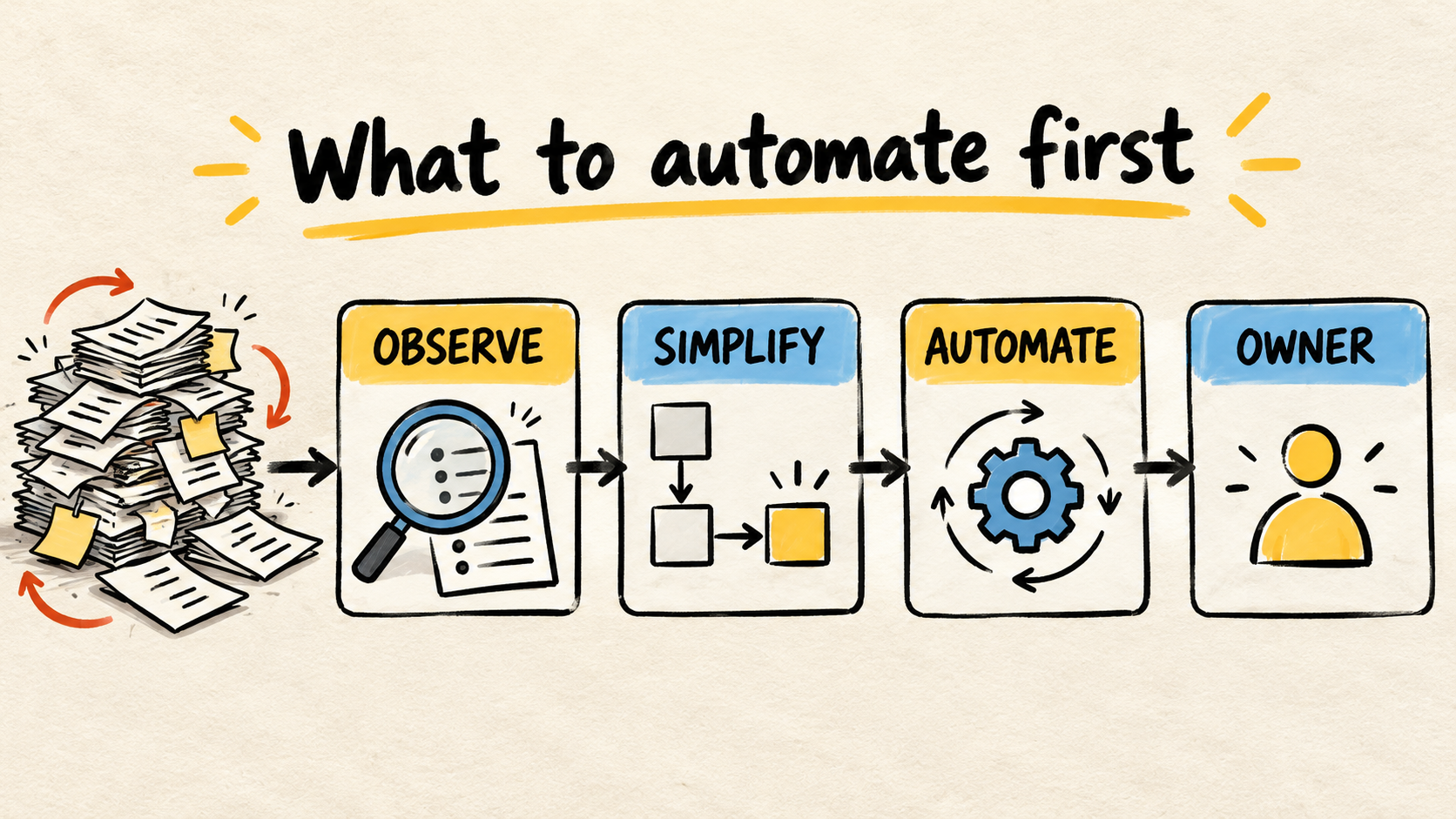
If the first signal is common, improve intake. If the data exists but is split between systems, study a connection. If the tool stores the quote but hides its state, revision, or owner, configuration may be the first path.
How should you test the tool before deciding?
Build three cases from recent quotes, removing unnecessary customer information. The goal is not a polished demo. It is to see whether the team can complete the workflow that usually breaks.
1. A standard quote
Use a request that should be quick. Check whether the person can find the customer, product, price, and terms without copying data between screens. Check where the result is recorded and whether sales, operations, and finance can find it.
2. An exception that needs a decision
Use a case with a special price, unconfirmed availability, an unusual delivery date, or incomplete information. The system should show that the quote is waiting, identify who decides, and preserve the reason for the exception. A workflow that works only when everything is ready does not prove the tool fits the operation.
3. A revision after sending
Change a quantity, price, or term. Confirm that the previous version remains identifiable and that the team knows which version the customer received. Dynamics 365 documents quote revisions and explains that activating a quote makes it read-only until a new revision (Microsoft Learn, "Manage quote, order, and invoice", retrieved 2026-09-20). The important detail for any tool is keeping the history understandable.
When the tool fails one of these cases, write down exactly what failed. "It is confusing" does not guide a purchase. "The rep cannot see the current price," "the exception has no approver," and "the revision erases the sent version" are limits you can compare between the current system and a candidate.
When should you fix, connect, or replace?
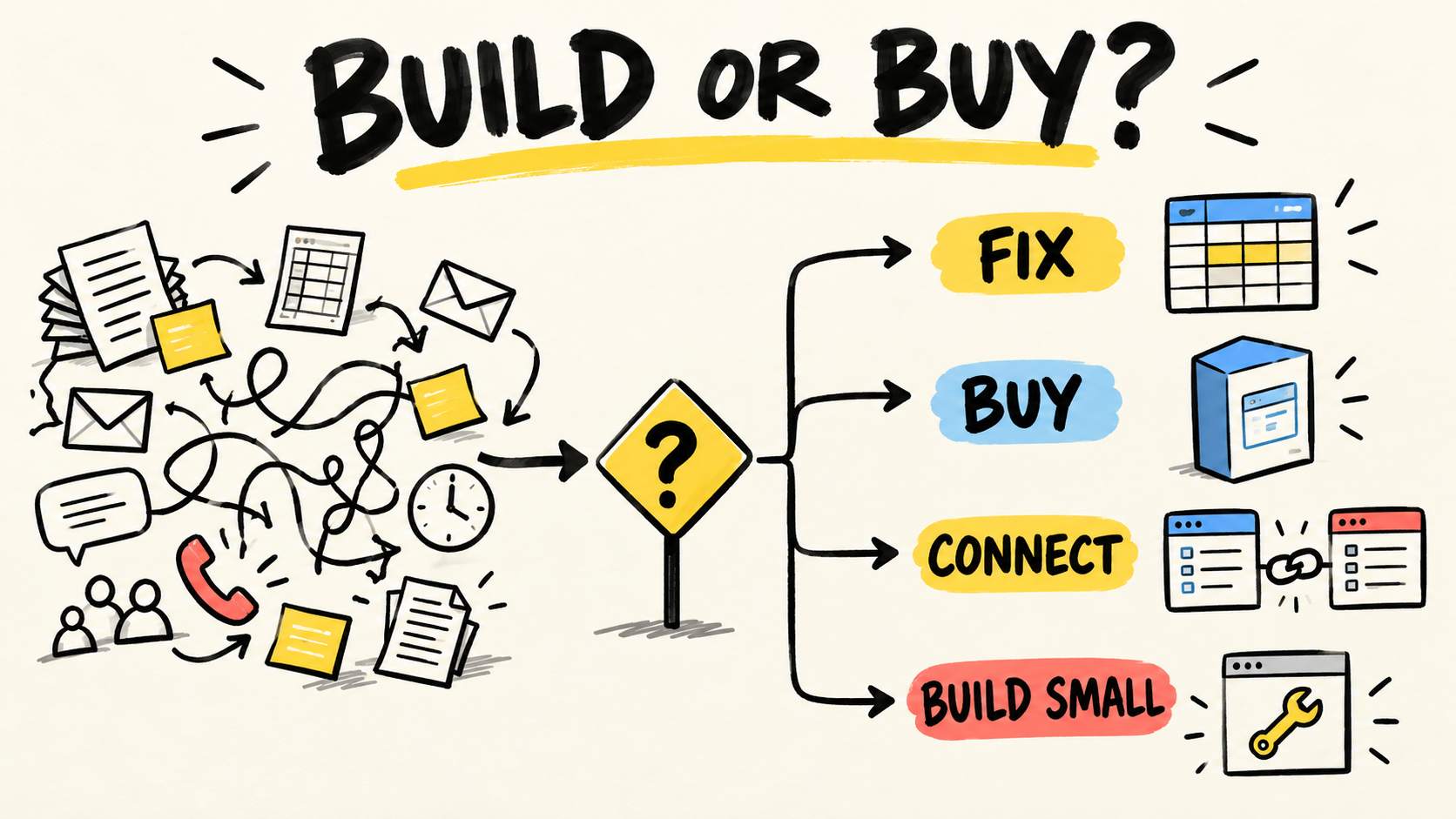
There are four reasonable decisions, and replacing everything is only one of them. Choose based on the failure the test exposed.
- Keep: the system works in all three cases and the problem is volume, training, or a rule nobody defined.
- Fix: the data and steps exist, but setup, permissions, templates, or states are wrong.
- Connect: each system does a useful part, but the team re-enters customer, product, price, order, or invoice data between them.
- Replace: the workflow is defined, the necessary data is available, and the tool still cannot preserve the information, revisions, approvals, or handoffs the operation needs.
A vendor may call this group of capabilities CPQ or quote-to-cash. Salesforce, for example, describes catalogs, pricing rules, guided selling, approvals, and the path from contracts to orders and billing in its revenue overview (Salesforce, "Revenue Management Software & CPQ Solution", retrieved 2026-09-20). That is a vendor description of capabilities, not independent proof that the product fits your operation.
The checklist for comparing software proposals helps when you already know what work you are buying. Do not use a feature list to hide a process that still lacks intake, state, or ownership.
What should a new system prove before you buy it?
Ask for a demonstration built around your three cases, not only the vendor's examples. A buying decision is easier to defend when the team can see the full workflow and explain what happens when a quote leaves the happy path.
Check whether the solution can:
- preserve customers, items, prices, terms, and versions without avoidable re-entry;
- show where each quote is and who needs to act;
- separate draft, revision, approval, sent, accepted, lost, and canceled states;
- record what changed between versions;
- pass an accepted quote into an order, project, or invoice without rebuilding the case;
- export data and keep access under the company's control;
- accept a new rule without depending on one person who knows the system.
Do not turn each item into a product promise. Ask how the provider will demonstrate the standard case, exception, and revision. Then ask about permissions, history, support, and exit. A fast system that cannot be handed over only replaces the old dependency with a new one.
How can you replace it without losing history or ownership?
A migration starts before the contract. List which customers, products, prices, open quotes, versions, and documents must remain available. Decide what will move, what will stay read-only, and how long the old system will remain accessible.
Run a small transition before the full cutover. Choose a low-risk workflow, validate the result with the person who creates the quote, and confirm the handoff to the next step. Expand only after checking that data was not duplicated, the customer received the correct version, and someone can handle an exception.
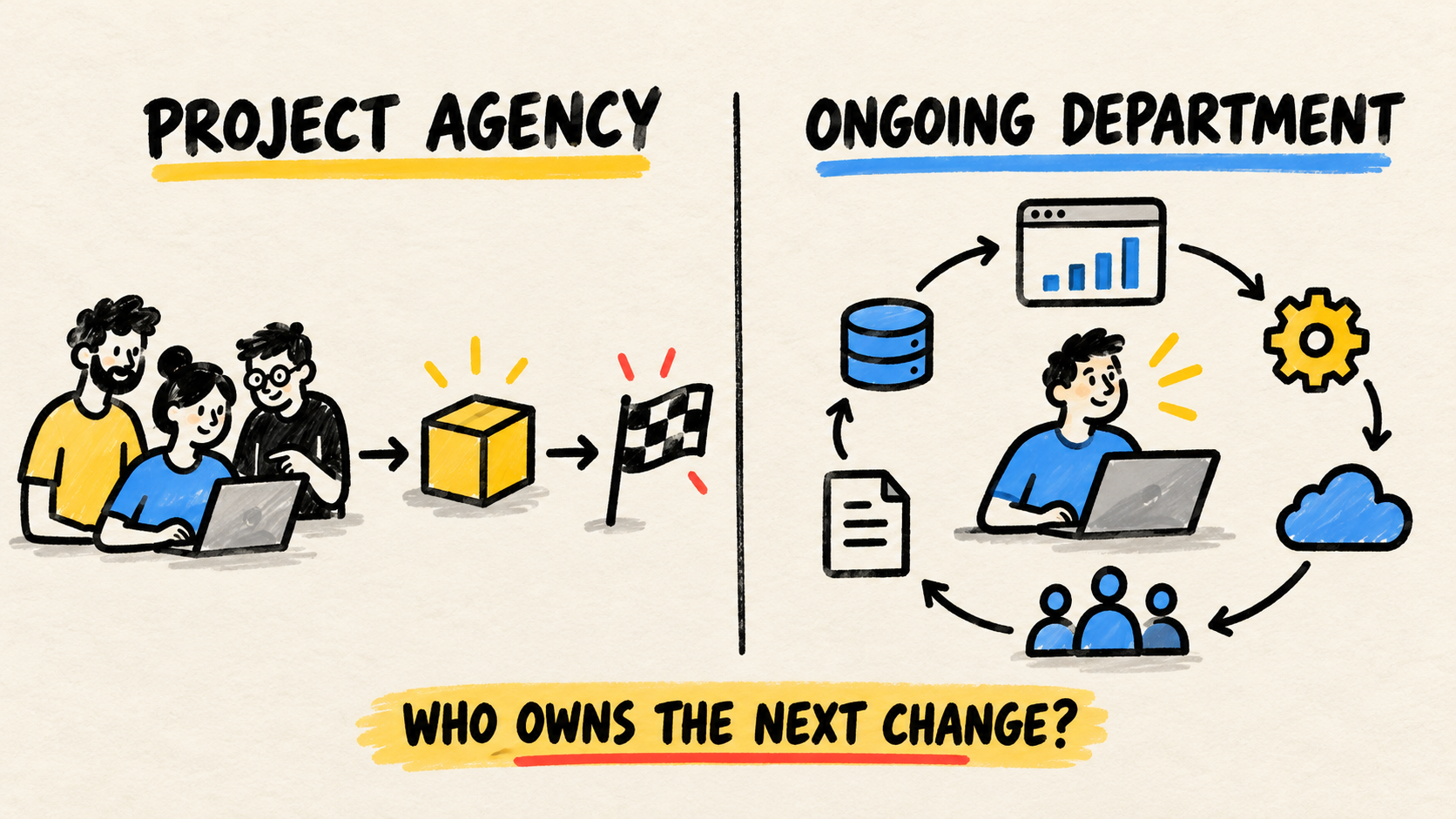
Also record who will own the system after the change. The article about who maintains custom software after launch covers the access, maintenance, context, and transition questions that disappear when the work is treated only as a purchase.
Define the exit test before the first contract. If the business cannot export its data, revoke access, understand a failure, or request a change without retelling the whole story, the replacement has not created ownership. It has moved the operation into another dependency.
Frequently asked questions
Does team avoidance prove the system must be replaced?
No. Test intake, data, approval, training, and configuration first. Replacement becomes defensible when the process is defined and the tool still fails on standard quotes, exceptions, or revisions. If the cause is a missing rule, a new system may only hide the same problem for a while.
Is it better to buy ready-made software or build something specific?
Start with the workflow that must be supported. Ready-made software may be enough when the rules are common and the business accepts its operating model. A specific solution may fit when pricing, data, and approvals depend on rules current options cannot represent. In both cases, the operation needs access, documentation, and a named owner.
How do you know a demo was enough?
Ask the provider to run a standard quote, an exception, and a revision using your criteria. See what remains visible, which version is preserved, who approves it, and how an accepted quote becomes the next record. A demo that shows only the ideal path does not answer the buying question.
Who should own the system after the change?
The business needs a person or team with access, context, and authority to set priorities. A provider can support the work, but should not be the only source of accounts, data, decisions, and history. If that responsibility does not exist yet, define it as part of the purchase before migrating.
Conclusion
A team avoiding the quoting tool is showing real friction, but it is not telling you which correction to buy. Test a standard quote, an exception, and a revision. Find out whether the missing piece is data, a rule, configuration, a connection, or a tool that can carry the process.
Keep what works, fix what is undefined, and connect systems that remain useful. Replace the solution when the workflow is clear and it still cannot preserve states, versions, approvals, or the handoff to the next step. Before signing, agree on migration, access, exit, and ownership.
How this article was researched
This article synthesizes public documentation about quoting workflows, current search results, recent operator discussions, and related pages already published on this site. Samuel Fajreldines is the accountable author. It contains no client case study, private benchmark, or claimed savings measurement. AI assisted the research and first draft; no migration execution was invented.
Sources consulted
- Microsoft Learn, "Overview of the Estimate and quote sales business process area", retrieved 2026-09-20
- Microsoft Learn, "Manage quote, order, and invoice", retrieved 2026-09-20
- Salesforce, "Revenue Management Software & CPQ Solution", retrieved 2026-09-20
- r/Invoice, "Quoting and Invoicing Software With Customer and Product Autofill?", retrieved 2026-09-20
- r/smallbusiness, "Small business owners: how do you manage estimates and quotations when every project is different?", retrieved 2026-09-20