The service can be healthy and still punish the first user after a period without traffic. The request waits for the image to be prepared, the process to start, and the container to become ready for traffic. After that, the same route may respond normally.
People call this delay a cold start, but the name alone does not tell you which setting will help. The Cloud Run introduction explains the platform broadly. This article asks the narrower question: should you keep an instance warm, give it more CPU while it starts, or accept the delay after measuring it?
I did not run a Cloud Run service or measure a specific application for this article. The comparison uses current Google Cloud documentation and separates configuration, measurement, and decision. The commands are configuration references, not proof of an outcome in your project.
Short answer
- Use
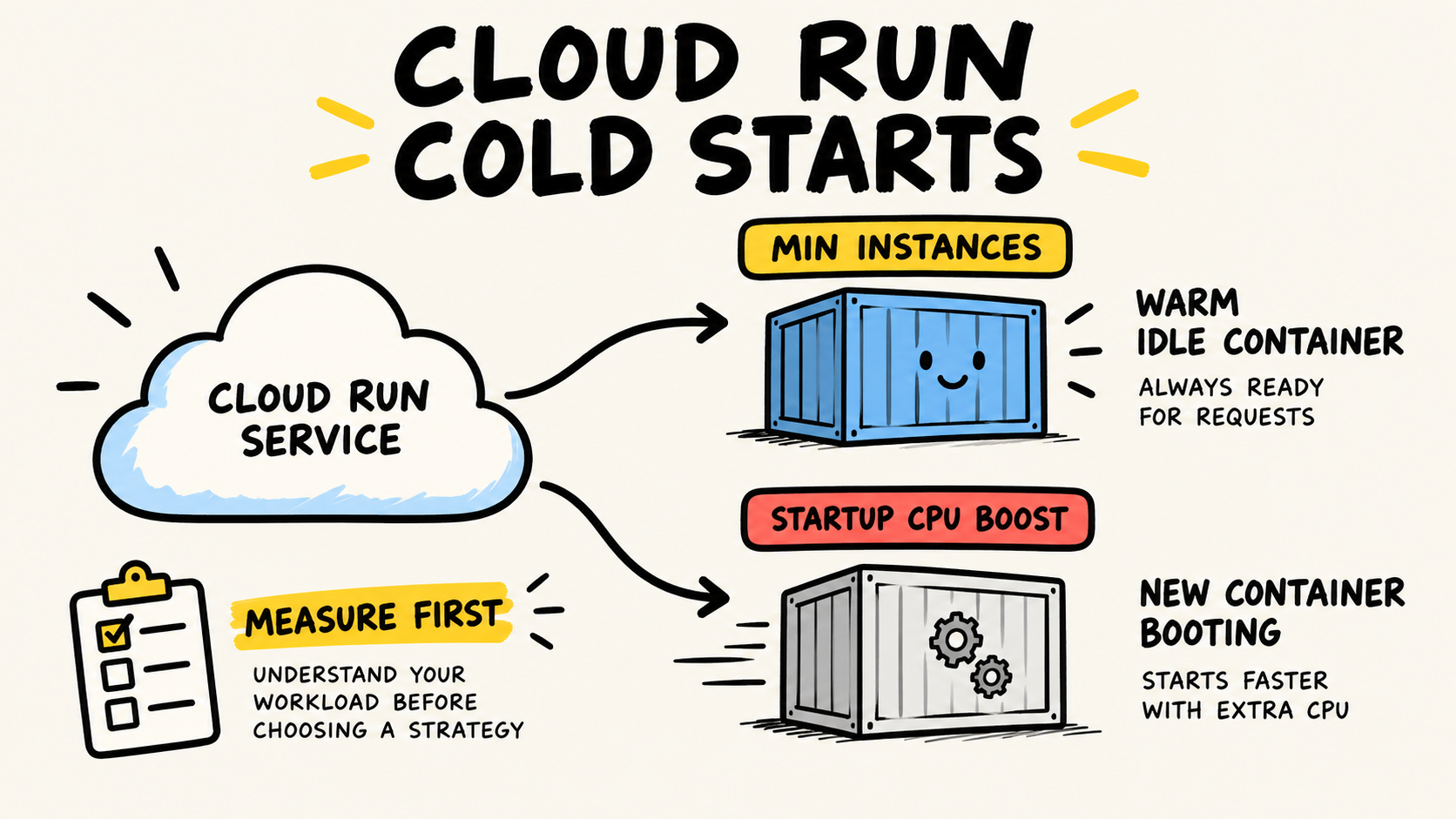
min-instanceswhen the cost of the first wait justifies keeping capacity ready.- Use startup CPU boost when a new instance needs to start faster, including during scale-out.
- Reduce image size, imports, and initialization when the container does too much before listening on its port.
- Measure pending time, startup, and application execution separately before choosing.
How do you know the delay is a cold start?
In 2026, Google Cloud, “General development tips”, retrieved September 23, 2026, describes Cloud Run as separating instance startup from request processing. When a service scales from zero, a request may wait for the image, process, and listening port to become ready. High latency on the first request therefore does not prove that the handler or database is slow.
Start by comparing three measurements. Pending latency shows how long the request waits before reaching an instance. Startup latency shows how long the container takes to start. User execution shows how long your code takes after it receives the request. Without this split, it is easy to add CPU for a slow query or keep an instance warm to hide a heavy image.
Cloud Run exposes container startup latency, instance count, and request latency through Cloud Monitoring. Google Cloud, “Monitor health and performance”, retrieved September 23, 2026, also points to the service metrics view. If one request needs investigation, use logs and traces to find out whether the wait came from the container or a dependency.
What does min-instances solve?
min-instances keeps a minimum number of instances ready even when they are not processing requests. In 2026, Google Cloud, “Set minimum instances for services”, retrieved September 23, 2026, documents the default value 0 and using a higher minimum to reduce latency when scaling from zero. This setting attacks the wait for a first instance, not slow execution inside that instance.
There is a direct cost: instances kept by the minimum incur charges even when they are not processing a request. The target is also best effort. The documentation lists zone or region capacity, infrastructure rebalancing, startup crashes, quota limits, and disabled billing as reasons the service may temporarily fall below the configured number. min-instances: 1 removes one source of waiting, but it does not guarantee that every request will find a warm instance.
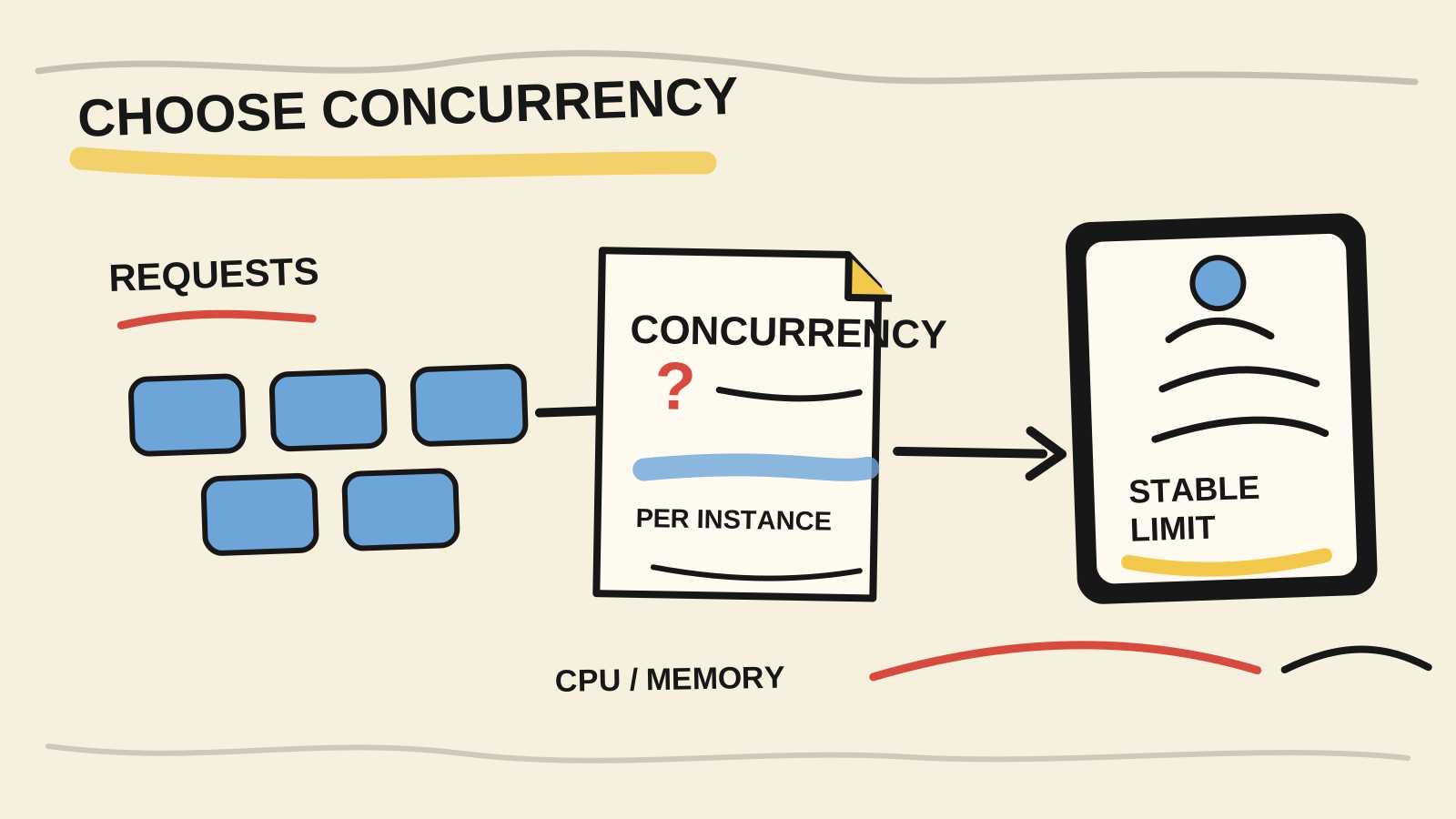
A warm instance also does not automatically cover every scale-out event. If traffic exceeds available capacity, the service can still start more instances. The comparison of how to choose Cloud Run concurrency helps decide how many requests one instance should serve. Do not use high concurrency to hide a slow startup, and do not set a high minimum before understanding how many instances your traffic creates.
The typical case for min-instances is an interactive API with a strict latency goal for the first request after idle time. If a route is called a few times a day and users accept a wait, scaling from zero may be the simpler choice.
What does startup CPU boost solve?
Startup CPU boost provides extra CPU during instance startup and for 10 seconds after the instance starts. In 2026, Google Cloud, “Configure CPU limits for services”, retrieved September 23, 2026, documents that a limit from 0 to 1 vCPU receives a boost to 2, while other limits follow their own rules. The same page says the additional CPU is charged during startup.
This feature accelerates the path for an instance that has to be created. It does not keep an instance running and does not remove image download, dependency initialization, or slow database work. If the delay comes from work the process performs before listening on its port, extra CPU may help. If the delay begins after the handler starts, inspect execution latency and the dependency involved.
You can enable the feature on a revision with the command documented by Google Cloud:
gcloud run services update SERVICE --cpu-boostUse --no-cpu-boost to remove it. The change creates a new revision, so compare the old and new revisions under the same traffic scenario. Do not treat the word “boost” as a fixed latency promise. The benefit depends on the runtime, image, and work performed during startup.
Min instances or CPU boost: which should you choose?
The choice becomes clearer when you name where the wait occurs. min-instances buys readiness. Startup CPU boost buys temporary capacity for starting. Container tuning reduces the work that both paths must perform.
| Observed symptom | First hypothesis | Setting to test | What still needs verification |
|---|---|---|---|
| First request after scale-to-zero is slow | No instance is ready | Set min-instances above 0 |
cost, revisions, and failures that remove the instance |
| New instance takes a long time to start | Startup uses CPU or heavy initialization | Enable startup CPU boost | startup latency and extra CPU billing |
| Every revision starts slowly | Image or imports do too much work | Reduce image and initialization | size, dependencies, port, and startup probe |
| Request reaches the instance but the handler is slow | Execution or dependency problem | Inspect code, database, and traces | user execution latency |
| Wait appears only during spikes | Capacity is missing during scale-out | Revisit concurrency, CPU, and limits | instance count and pending latency |
As a practical rule, test the most specific option first. Confirm that the wait is in startup. Then reduce container work. Only after that should you choose between keeping capacity ready and accelerating each new startup. This order keeps a code problem from becoming permanent spend.
How do you measure the change without fooling yourself?
In 2026, Google Cloud, “About instance autoscaling in Cloud Run services”, retrieved September 23, 2026, describes the balance between cold-start latency and the time a request remains pending for a slot or a new instance. The documentation says a request can remain pending for up to 3.5 times the average startup time or 10 seconds, whichever is greater. That is platform behavior, not your application SLO.
Make a comparison that changes one variable at a time:
- Record revision, region, CPU, memory, image, concurrency, and minimum instances.
- Watch pending latency, startup latency, user execution, errors, and instance count.
- Compare traffic after scale-to-zero with traffic that creates additional instances.
- Check instance-creation logs. Cloud Logging for Cloud Run records reasons such as
MANUAL_OR_CUSTOMER_MIN_INSTANCE,AUTOSCALING, andDEPLOYMENT_ROLLOUT. - Remove the setting if the motivating metric does not improve or if cost rises without a benefit inside the latency goal.
A successful deployment proves that the revision started. It does not prove that the first request meets your target. Google Cloud, “Introduction to Cloud Run troubleshooting”, retrieved September 23, 2026, recommends watching service latency and filtering specific instances in logs when spikes appear.
How do you configure and verify min-instances?
The command below updates the service to keep one minimum instance, according to the selected configuration:
gcloud run services update SERVICE --min 1
gcloud run services describe SERVICE
Use the second command to inspect the returned configuration before attributing any improvement to the setting. The documentation also distinguishes service-level minimum instances from revision-level minimum instances. When traffic is split between revisions, that distinction changes where capacity stays warm.
Test at least three moments: after a period without traffic, during scale-out, and after a new deployment. A configured minimum may lose its effect if the container crashes during startup or fails a health check. The overview of health checks in Google Cloud and AWS helps separate readiness, restart, and application latency.
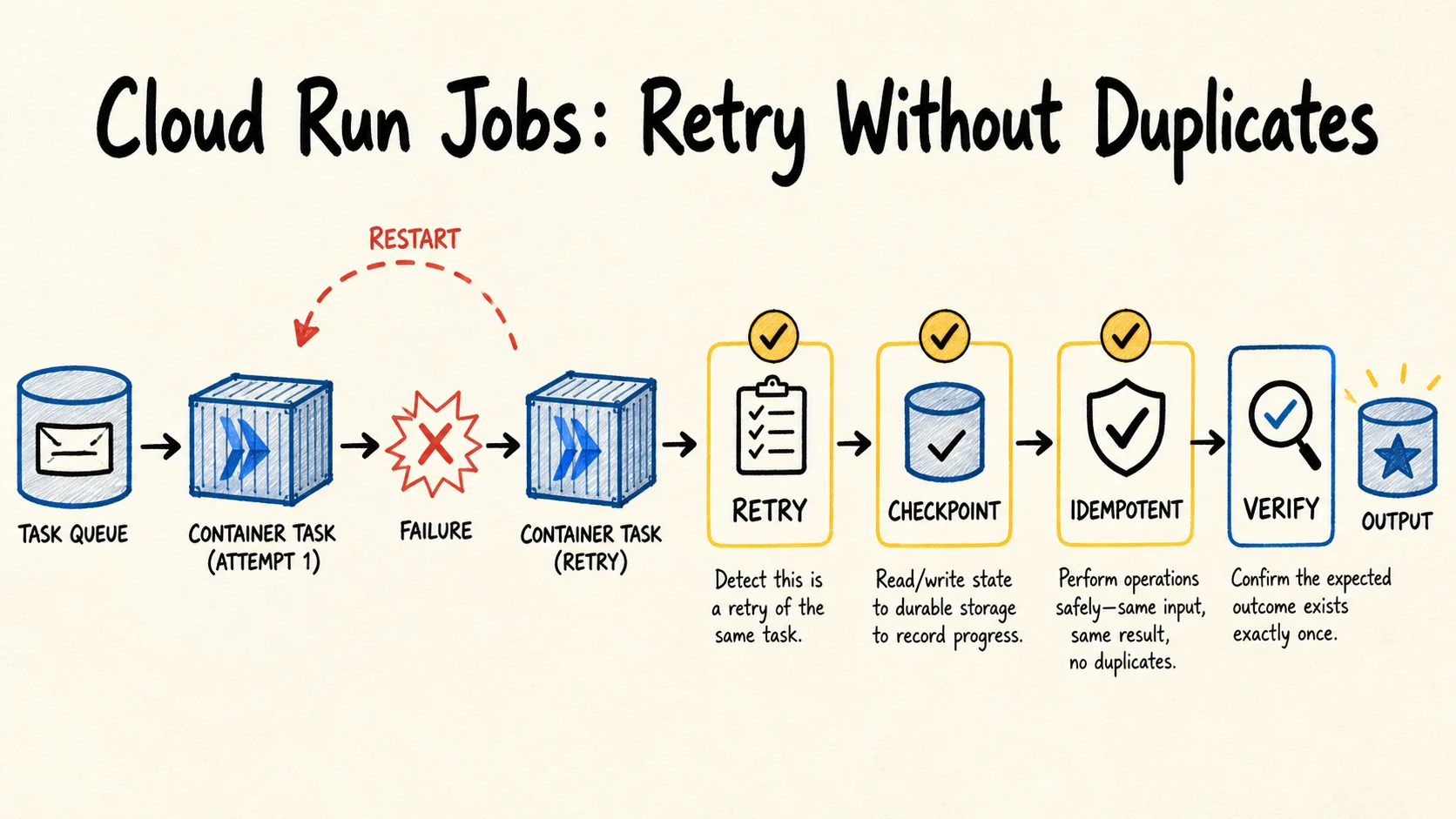
Do not add an artificial keep-alive just to prevent scale-to-zero. A periodic request changes the traffic pattern, creates cost, and can hide the behavior you meant to measure. If the application needs continuous processing, queue consumption, or long tasks, compare the service with Cloud Run Jobs and retry behavior instead of turning an API into an improvised worker.
When is a warm instance not worth paying for?
Minimum instances are not a universal fix. They may not be worth it when traffic is rare, the route tolerates a few seconds of waiting, the problem is in the database, or the application has not separated startup from execution. In that case, scaling from zero preserves simplicity while you improve the container and collect evidence.
Do not use min-instances to compensate for a crash, bad health check, exhausted quota, or an image that takes too long to start. Cloud Run will try to reach the minimum, but an instance that never becomes healthy serves no one. Fix the cause and measure again.
The goal is not to keep one instance running forever. It is to know which wait the user experienced and which setting reduces it. Sometimes the best optimization is a smaller image. Sometimes it is CPU during startup. Sometimes it is a warm instance. When the first request does not have a strict latency goal, none of these changes may be necessary.
Frequently asked questions
Does min-instances: 1 eliminate every cold start?
No. It keeps at least one instance as a readiness target, but it does not prevent every scale-out, restart, crash, quota limit, or capacity event. Google Cloud’s minimum-instances documentation also describes the feature as best effort. Measure startup latency and instance count before and after the change.
Does startup CPU boost keep the container running?
No. The feature provides extra CPU during startup and for 10 seconds afterward. It makes a new instance start faster, but it does not replace min-instances. It also does not fix work performed by the handler after the container is ready. Use startup and execution metrics to separate those paths.
Should you enable both settings together?
It can make sense, but not as an automatic first step. min-instances reduces the chance of starting from zero, while CPU boost helps when a new instance still has to be created. Enable one setting at a time, compare the revision under controlled traffic, and check billing, startup, pending latency, and execution.
How do you distinguish a cold start from a slow database?
Compare pending latency, container startup, and user execution. If startup is normal but execution grows when the application opens a connection or runs a query, minimum instances does not address the cause. Use Cloud Logging or Cloud Trace to attribute the wait to the correct dependency.
Conclusion
Cold start is a measurement question before it is a configuration question. min-instances keeps capacity warm. Startup CPU boost makes a new instance start faster. Image and initialization tuning reduce the work required by both paths.
Start with an observable revision. Record startup, pending wait, execution, errors, instance count, and cost. Change one variable. If the first request does not have a strict latency goal, accept scale-to-zero and spend effort on the bottleneck the data actually shows.
How this analysis was done
Samuel Fajreldines is the accountable author. The research compared current Google Cloud Run documentation, recent post structure, and public practitioner signals. The decision matrix is original editorial synthesis. The commands were not run against a Cloud Run project for this article, and there is no benchmark, client case study, or calculated price. AI assistance supported discovery, drafting, image generation, localization, and consistency review; it did not provide production experience or replace source verification.
Sources consulted
- Google Cloud, “General development tips”, retrieved September 23, 2026
- Google Cloud, “Set minimum instances for services”, retrieved September 23, 2026
- Google Cloud, “Configure CPU limits for services”, retrieved September 23, 2026
- Google Cloud, “About instance autoscaling in Cloud Run services”, retrieved September 23, 2026
- Google Cloud, “Monitor health and performance”, retrieved September 23, 2026
- Google Cloud, “Logging and viewing logs in Cloud Run”, retrieved September 23, 2026
- Google Cloud, “Introduction to Cloud Run troubleshooting”, retrieved September 23, 2026