The deployment finishes green, but the new version has not handled a real request yet. When it receives all traffic at once, a configuration error, an incompatible migration, or a slow dependency can reach every user.
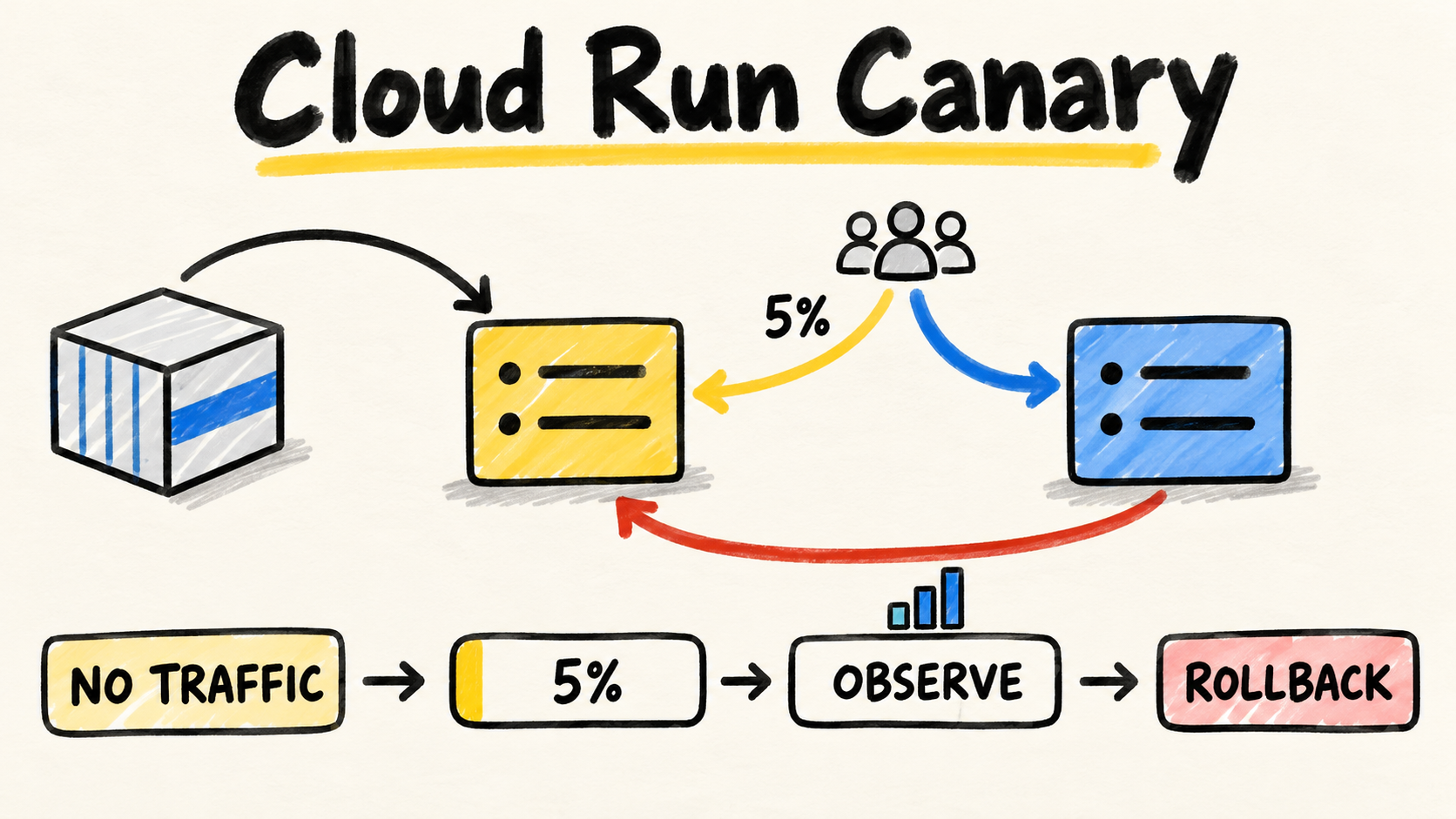
A Cloud Run canary reduces that jump. You create a new revision, test it without traffic, send a small share to it, observe the behavior, and increase its share only when the signals support the decision. If something fails, rollback changes traffic back to the stable revision instead of rushing to build again.
The general Cloud Run guide explains the platform model. This article focuses on changing revisions: how to roll out, what to observe, and what must be ready before promotion.

Short answer
- Publish the new revision with
--no-trafficand add a tag when you need a direct test URL.- Start with a small traffic share only after checking the main path.
- Compare errors, latency, logs, and downstream effects at each stage.
- Keep an identifiable stable revision and practice the rollback command before the change.
- Treat the canary as a compatibility decision, not only a percentage split.
What does a Cloud Run canary need to prove?
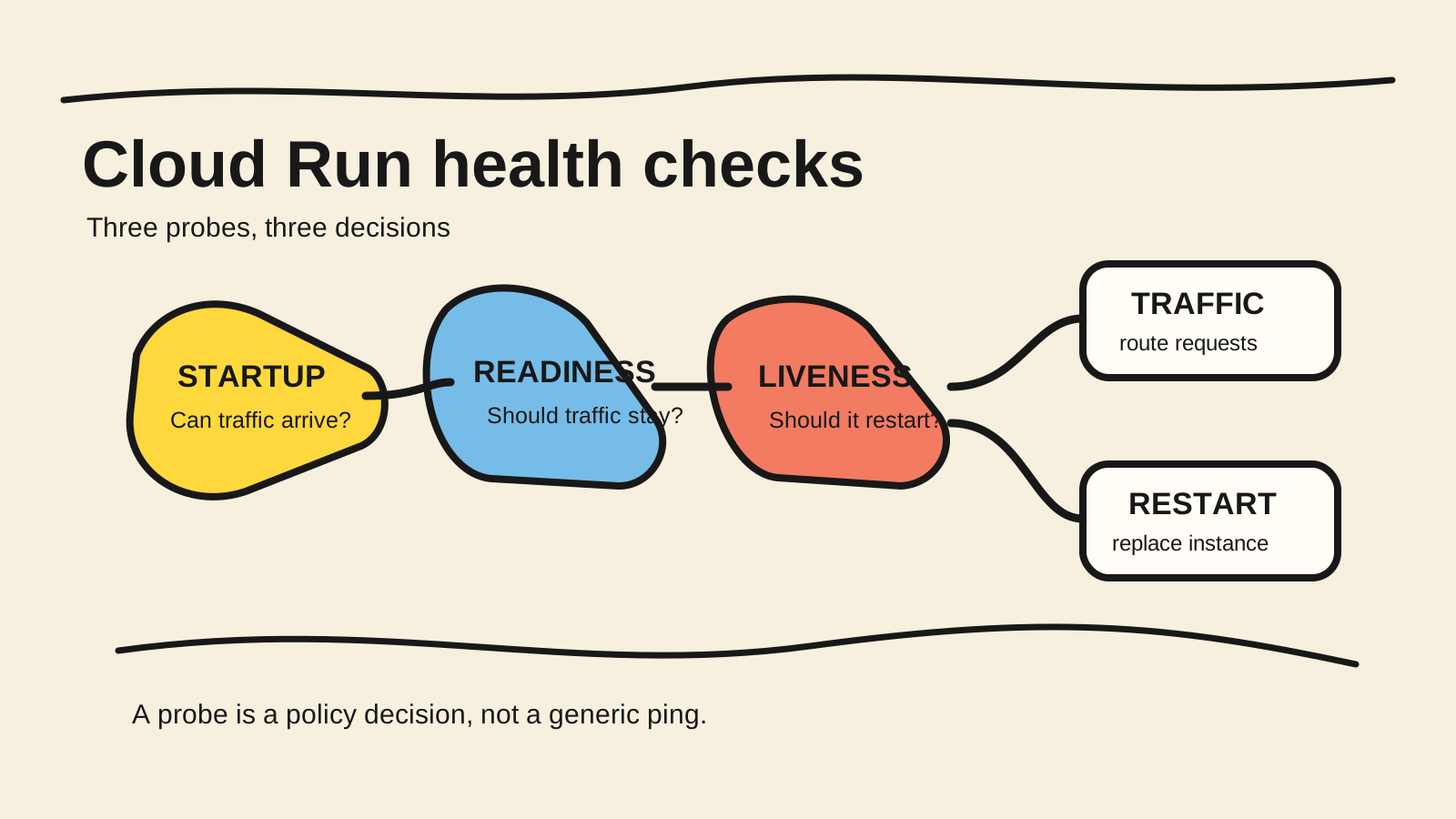
A canary needs to prove the contract that changes the deployment risk. A successful build and startup probe show that the container started. They do not show that an authenticated request, a write, a critical query, or an external integration still works under real traffic.
Before publishing, write the decision in observable terms:
- Input: which revision, image, or commit is being tested.
- Main path: which flow must work correctly.
- Failure signals: which errors, timeouts, logs, or metrics stop promotion.
- Promotion condition: what evidence allows more traffic.
- Rollback condition: what evidence sends traffic back to the stable revision.
This prevents “no alert appeared” from becoming approval. A canary may not receive enough volume to reveal a problem. If the change touches a schema, session, queue, or API contract, test compatibility between the old and new revisions too.
How do you publish a revision without traffic?
Start by separating deployment from exposure. Google Cloud’s documentation on rollouts, rollbacks, and traffic migration shows --no-traffic for creating a revision without sending it to users.
gcloud run deploy SERVICE \
  --image IMAGE_URL \
  --no-traffic \
  --tag canary
Replace SERVICE and IMAGE_URL with values from your project. This command is an example configuration, not a command executed for this repository. The tag creates a direct URL for testing the revision without putting it in normal traffic. Use that URL with a test account and data that cannot cause irreversible effects.
The revision still needs a basic check: correct image, expected variables, permissions, port, health check, and main path. If the application shares data, a test call may change the same database used by the stable revision. Isolate test data or make the operation reversible before calling this approval.
Citable capsule: In Cloud Run, a revision can be published without traffic and receive a tag for direct testing. This separates verification of the new version from user exposure. The next step should move traffic only when the revision, its dependencies, and its main flow have enough evidence for the change risk.
When is a tag better than a traffic split?
Use a tag when you need to test one revision in isolation. Use a traffic split when the question depends on real users, real load, or integrations that appear only on the public path. The two steps answer different questions.
A tagged URL works well for smoke tests, contract tests, manual checks, and one specific operation. It also prevents the first test of a revision from reaching a random user through the router. The result may still miss issues that depend on traffic distribution or existing sessions.
Google Cloud warns that tags and minimum instances can affect billing depending on where the minimum is configured. Remove tags that no longer serve a purpose and check your configuration before leaving a test revision active indefinitely (Google Cloud, “Rollouts, rollbacks, and traffic migration”, retrieved 2026-10-14).
Do not treat a correct response from a tagged URL as proof of a safe rollout. The old and new revisions may run at the same time. Database and data-format changes therefore need to remain compatible during the transition, including when rollback sends traffic to the old code.
How do you move a small share of traffic?
After the no-traffic test, send a small and explicit share to the revision. Cloud Run documentation uses 5 percent as an example of a gradual rollout. The right value for your service depends on volume, risk, observability, and the cost of a failure.
gcloud run services update-traffic SERVICE \
  --to-revisions REVISION=5,STABLE_REVISION=95
Confirm the state returned by the CLI and record which revision received each percentage. Do not use LATEST without knowing which artifact that name represents in your workflow. The identifier must let another person repeat the change or roll back without searching through the console.
Traffic-routing changes are not instantaneous. Google Cloud explains that in-flight requests continue to completion and may be directed to either the old or new revision during the transition. Do not use the command timestamp as an exact boundary for comparison. Wait for the change to settle in your environment and record the analysis window.
If the service uses session affinity, the split may not behave like an independent sample per request. Check that interaction before assuming the configured percentage equals the percentage of distinct users.
What should you observe before increasing traffic?
Watch signals that answer the risk of the change, not a fixed dashboard checklist. The minimum usually includes errors by revision, main-path latency, failure logs, resource saturation, and responses from dependencies that may reject the new load.
A revision can look healthy through a tagged URL and fail with real authentication, a different cache, larger payloads, or concurrent downstream calls. Include at least one representative flow and an effect check: a record created once, a message acknowledged at the right time, or a response that remains compatible with the old client.
Use a short decision table:
| Observed signal | Canary decision |
|---|---|
| Main flow works and signals stay stable | Increase the share in a recorded stage |
| New or unexplained error increase | Stop promotion and investigate |
| Permission, schema, or contract failure | Roll back or fix outside traffic |
| Not enough data to decide | Hold the share and improve observability |
| Incompatible versions | Do not promote until the transition is compatible |
This table does not provide a universal error threshold. The limit must come from the service contract and the impact of failure. Without a written limit, people interpret the same graph differently and promotion becomes an argument after the incident.
How do you roll back to the stable revision?
Rollback in Cloud Run means returning traffic to a revision you can identify. The official documentation shows gcloud run services update-traffic SERVICE --to-revisions REVISION=100 for sending all traffic to an earlier revision.
gcloud run services update-traffic SERVICE \
  --to-revisions STABLE_REVISION=100
STABLE_REVISION is a placeholder in the example. Replace it with the real name returned when you listed or promoted the stable revision. After the command, confirm routing, errors, and in-flight requests. A traffic rollback does not undo a write already made by the new revision.
That detail changes the response order. If the new version changed data, sent messages, or called an external service, sending traffic back does not undo those effects. Prepare compatibility, compensation, or a roll-forward strategy before the canary. A fast rollback limits exposure, but it does not replace a policy for effects already confirmed.
Practice the command with a low-risk revision and record who can run it. The revision management documentation confirms that revisions are immutable and can receive all, none, or part of the traffic. The emergency procedure should depend on that known state, not on rebuilding an image during the failure.
When should you use Cloud Deploy?
Use Cloud Deploy when you need repeatable phases, recorded approvals, and automated movement between percentages. Cloud Run supports a manual split. Cloud Deploy adds a canary strategy with stages, verification tasks, and advancement control.
The official configuration defines progressive percentages, can run predeploy, verify, and postdeploy tasks, and lets the Cloud Run integration manage traffic automatically (Google Cloud, “Canary Deployments to Cloud Run”, retrieved 2026-10-14).
canary:
  runtimeConfig:
    cloudRun:
      automaticTrafficControl: true
  canaryDeployment:
    percentages: [25, 50, 75]
    verify:
      tasks: [verify-service]
This is a reduced illustration. The pipeline, target, and task names must exist in your Cloud Deploy configuration. The percentages show example stages, not a recommended pattern for every service.
If the team has no promotion criteria yet, automating the button does not solve the decision. Start by recording the canary manually. Then automate the parts that already have clear inputs, outputs, and failure conditions.
Which changes break a canary?
A canary loses its value when the two revisions cannot coexist. The hardest failures appear when the new version assumes every consumer has already been updated while part of the traffic still runs the old code.
Review these points before splitting traffic:
- a migration that removes a column before the old revision stops;
- a response that changes a required field without compatibility;
- a cookie or session that changes format;
- a queue message the old consumer cannot understand;
- a shared cache that mixes versions without a versioned key;
- a rollback command that was never tested with effects already written.
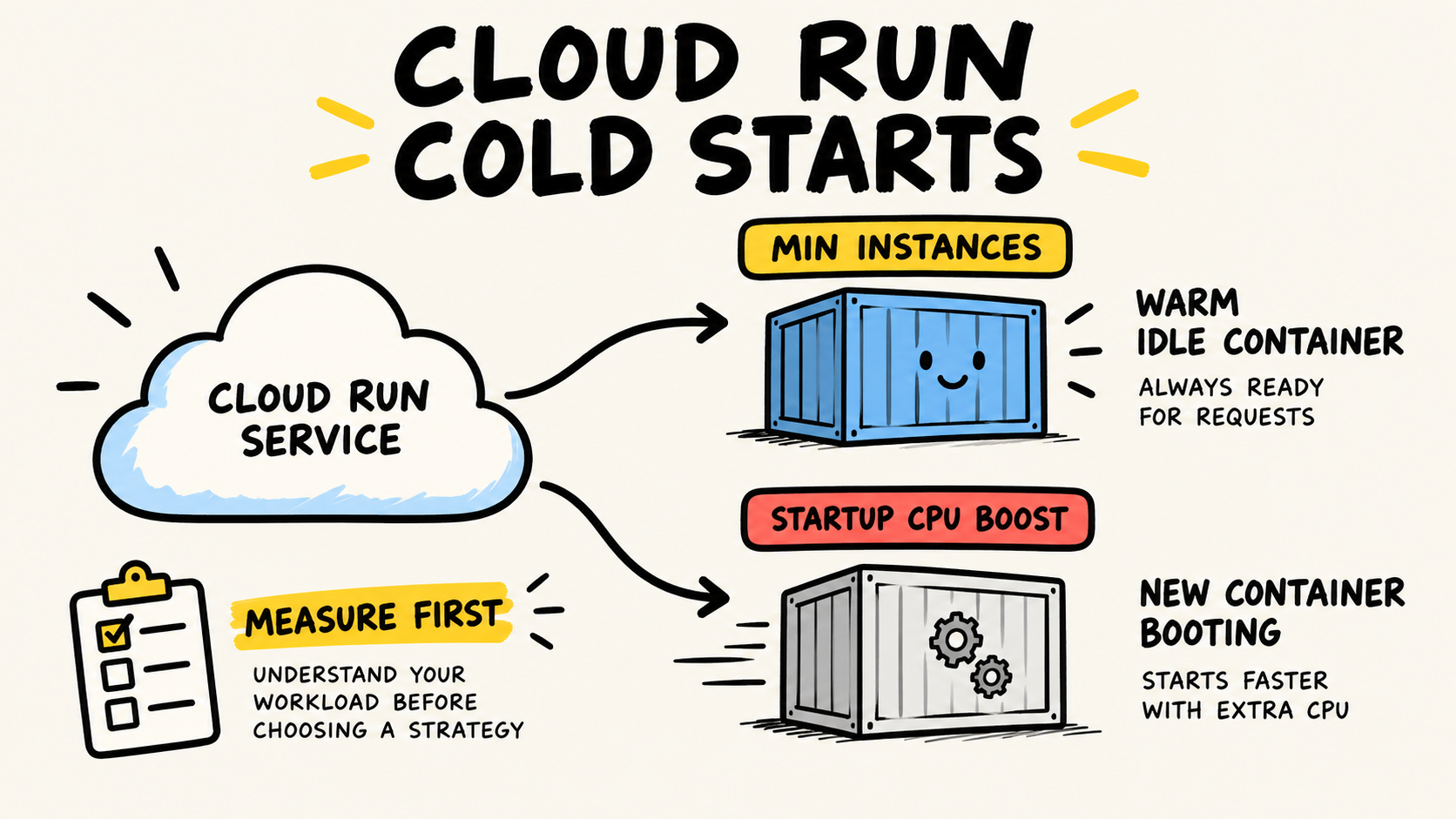
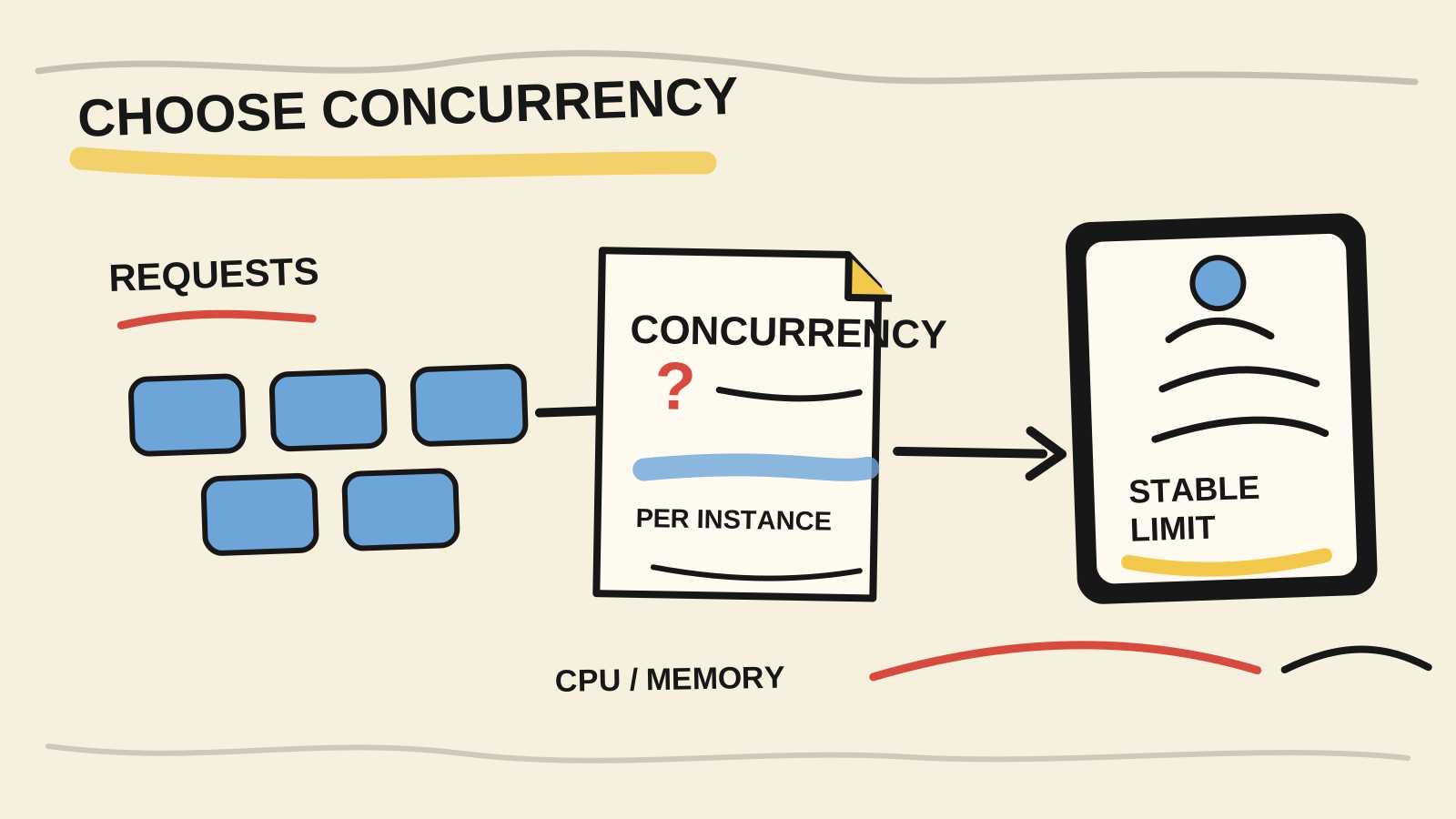
The article on choosing Cloud Run concurrency helps you choose per-instance pressure once the revision starts receiving traffic. The Cloud Run cold-start diagnosis covers another part of latency. Neither replaces compatibility between revisions.
Checklist for the next deployment
Before releasing a revision, check:
- the image and revision identifier are recorded;
- the no-traffic test passed through a tagged URL or isolated environment;
- the main flow uses safe and repeatable test data;
- errors, latency, logs, and dependencies are visible by revision;
- promotion and rollback conditions are written down;
- the old revision remains compatible with new data and messages;
- the team knows which command returns traffic to the stable version;
- rollback has been exercised without requiring a new build;
- test tags and instances will be removed when they no longer serve a purpose.
A good canary is not one that stays at 5 percent. It is one that makes the decision to increase, stop, or return explicit. The percentage is only the exposure mechanism. Confidence comes from the tested flow, signals that can fail, and a stable revision that remains available.
Frequently asked questions
Are canary and blue-green deployments the same on Cloud Run?
Not exactly. Both keep versions that can receive traffic, but a canary usually increases the share gradually. A blue-green rollout may keep one version ready and make a broader switch. On Cloud Run, tags, revisions, and traffic splitting can support either pattern when the version contract remains compatible.
Can I test a revision without sending it traffic?
Yes. Publish it with --no-traffic and use a tag for a direct test URL. The revision stays outside normal traffic, but it may consume resources or create cost depending on minimum-instance configuration. Check the effect of the tag and remove it when the test ends.
What percentage should the first canary use?
There is no universal percentage. The 5 percent example in Cloud Run documentation is one possible stage, not a safety threshold. Choose the smallest exposure that produces useful signals for your service. If volume is low, improve the test quality before increasing the percentage.
Does rollback undo changes made by the new revision?
No. A traffic rollback changes which revision receives requests. It does not delete records, undo messages, reverse external calls, or repair a schema that was already changed. The deployment needs compatibility, a compensating operation, or a documented roll-forward strategy for those effects.
Conclusion
A Cloud Run canary starts before the first traffic split. Identify the revision, test it without exposure, define failure signals, and confirm that the old version can coexist with the new one. Then increase traffic through stages someone can explain.
If the revision fails, return traffic to the stable version and preserve evidence of what already happened. Separating exposure, observation, and rollback makes the deployment reversible at the right point. It also shows when the problem is not routing but change compatibility.
How this article was produced
Samuel Fajreldines is the accountable author. The research compared current Google Cloud documentation on revisions, gradual rollouts, tags, traffic migration, and Cloud Deploy canaries, along with current results in Portuguese, English, and Spanish. The commands and YAML are illustrative examples. No deployment, production measurement, or client case was used as proof.
I used AI assistance for source discovery, organization, drafting, image generation, translation, and consistency review. It did not execute a real rollout, measure traffic impact, or replace verification against official documentation.