The deploy finishes green, but the first request returns an error. In another case, the container is alive and waiting for a database to recover, while a liveness probe restarts the instance before it can recover. “Health check” says very little when the wrong decision is configured.
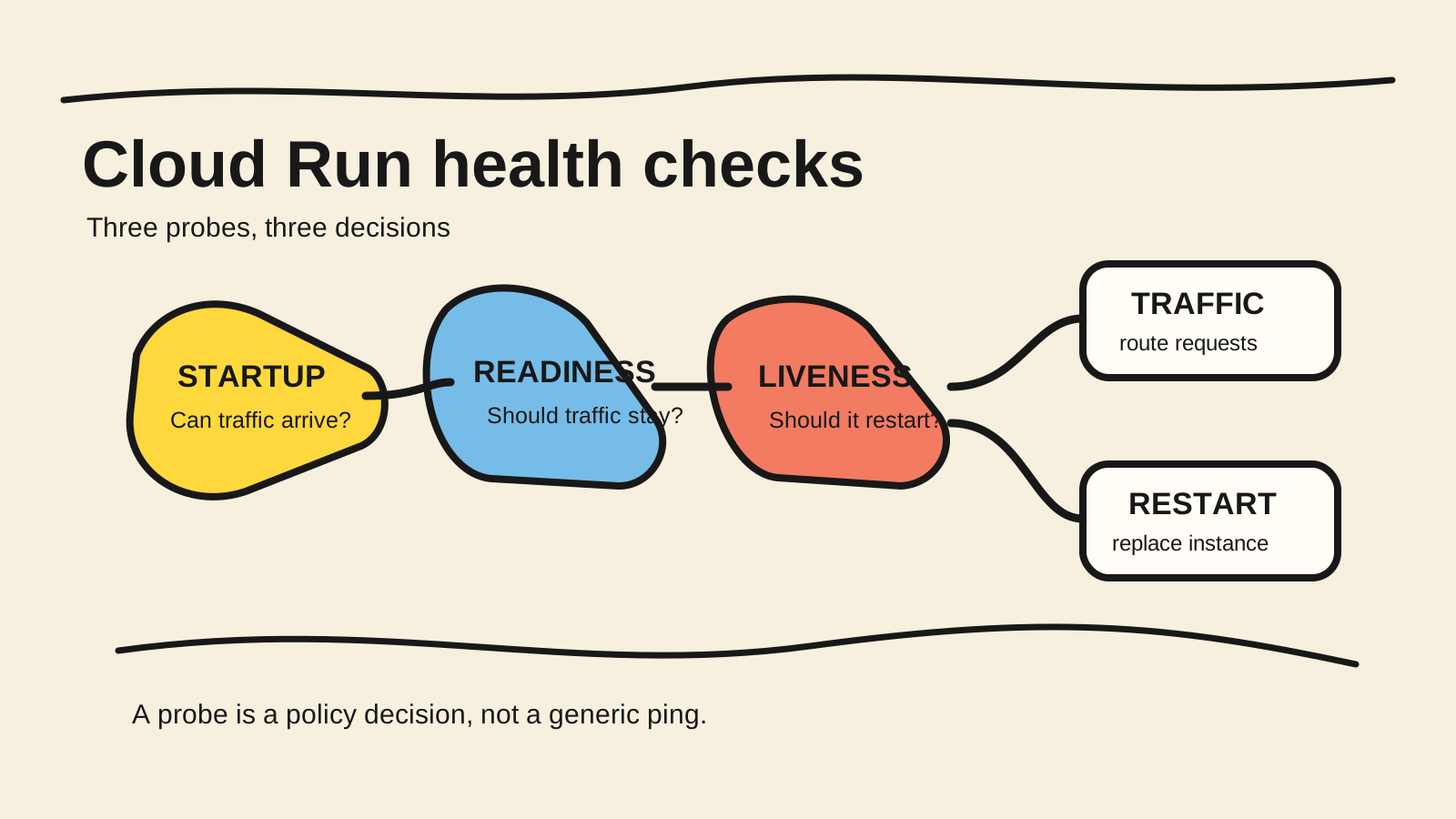
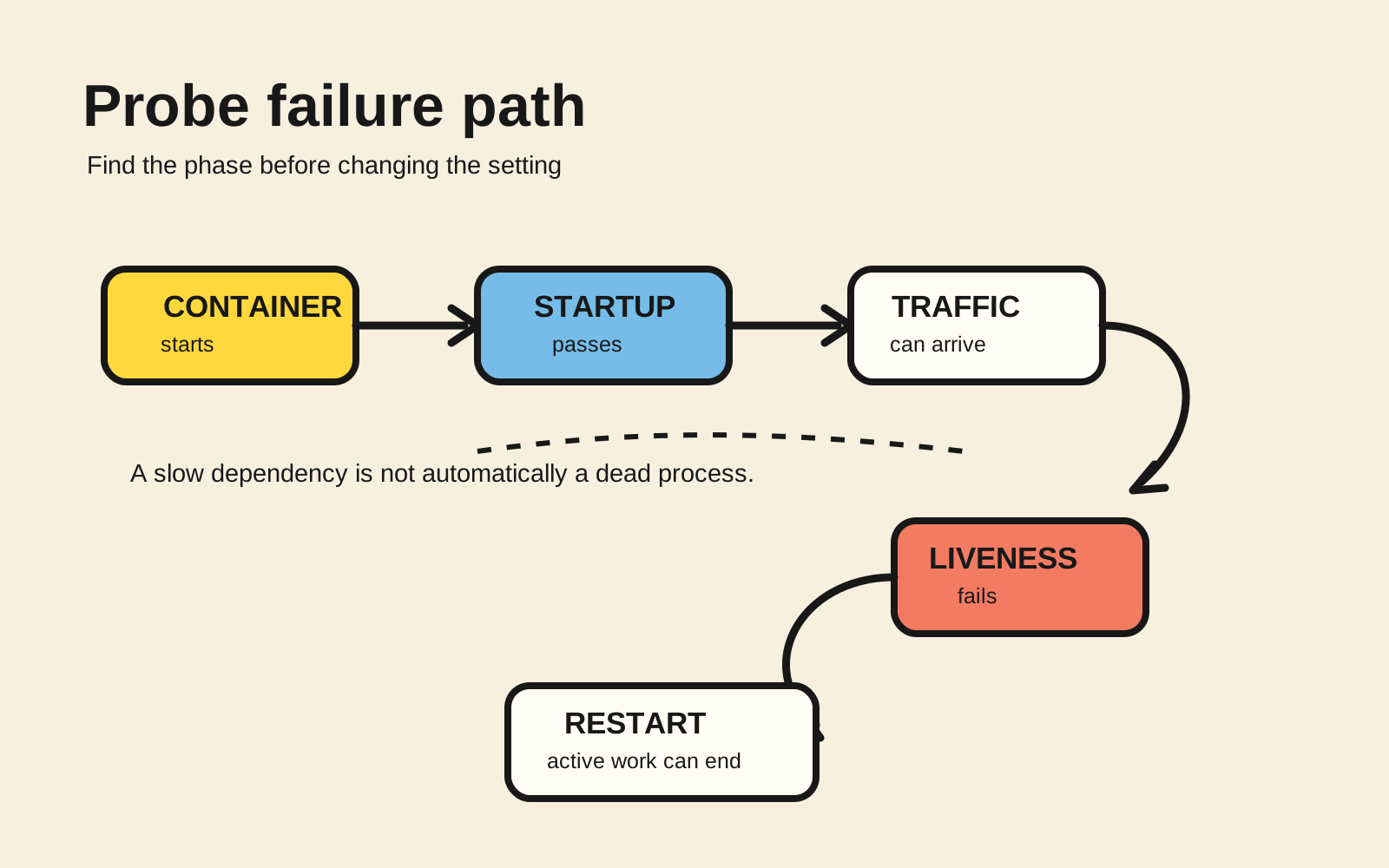
In Cloud Run, startup, readiness, and liveness answer different questions. Startup decides when the container can receive traffic. Readiness decides whether an instance should keep receiving traffic. Liveness decides whether an instance that cannot make progress needs a restart. Choose the probe for the state it protects, not for the endpoint name.
This article turns that distinction into a diagnosis matrix, an illustrative Node.js endpoint, and a small configuration to review. I did not deploy a Cloud Run service for this article. The commands and YAML are examples that must be adapted and verified in the real project.
Short answer
- Use startup to protect initialization and keep an early liveness check from killing the container.
- Use readiness to remove an instance from traffic without treating it as dead.
- Use liveness to detect a process that can no longer make progress, such as a deadlock.
- Do not make liveness depend on every database, queue, or external API without defining what a restart actually fixes.
What does each probe decide in Cloud Run?
In 2026, Google Cloud, “Configure container health checks for services”, retrieved September 30, 2026, separates the three probes by operational consequence. Startup controls the transition to receiving traffic, readiness controls new requests, and liveness can terminate an instance so another one can start.
| Probe | Question | Typical failure | Consequence |
|---|---|---|---|
| Startup | Has the process finished safe initialization? | closed port, incomplete imports, missing required configuration | the container is not released and may be stopped |
| Readiness | Should this instance receive traffic now? | draining mode, temporarily unavailable dependency | Cloud Run stops sending new traffic |
| Liveness | Can the process still make progress? | deadlock or a loop with no progress | the container may be restarted |
The names are not interchangeable. An application can be alive while it is not ready. It can also be ready to answer while becoming stuck hours later. If one endpoint returns 200 for every state, the platform loses the information that should guide the action.
Cloud Run treats startup specially: when it is configured, liveness and readiness checks stay disabled until startup passes. The Google Cloud documentation also recommends that startup prove a condition sufficient for receiving traffic, because an instance can receive a request before its first readiness check finishes.
Why should startup come before liveness?
A slow process is not automatically a stuck process. If the application loads a model, restores configuration, or opens connections before serving, startup should represent that readiness point. An aggressive liveness check during initialization can create a cycle in which the container restarts before the work completes.
Cloud Run’s default TCP startup check verifies that the process opened its port. In the current documentation, when no startup probe is configured, the service receives a TCP configuration with timeoutSeconds: 240, periodSeconds: 240, and failureThreshold: 1 (Google Cloud, “Configure container health checks for services”, retrieved September 30, 2026). That default confirms the port, not the availability of every dependency.
For an application that needs a stronger condition, use HTTP or gRPC. An HTTP startup probe treats a 2xx or 3xx response as success. Any other response fails. The endpoint must use HTTP/1, and the configured path must exist in the container. A successful status should mean the instance can safely serve traffic, not merely that the process opened a socket.
How do you design endpoints without creating a restart loop?
The liveness endpoint should be cheap and local. It needs to detect a state that a restart can fix. If it queries the database on every call and the database becomes unavailable, every instance may look dead at once. The system turns a dependency failure into a restart queue.
A Node.js server can separate the states. The example is illustrative and does not use a specific framework:
import http from 'node:http';

let started = false;
let acceptingTraffic = false;
let stuck = false;

const server = http.createServer((request, response) => {
  if (request.url === '/startup') {
    response.statusCode = started ? 204 : 503;
  } else if (request.url === '/ready') {
    response.statusCode = acceptingTraffic ? 204 : 503;
  } else if (request.url === '/live') {
    response.statusCode = stuck ? 503 : 204;
  } else {
    response.statusCode = 404;
  }

  response.end();
});

server.listen(process.env.PORT || 8080, '0.0.0.0', () => {
  started = true;
  acceptingTraffic = true;
});
The example shows the separation, not a ready-made policy. In a real service, started should change after the initialization that traffic requires. acceptingTraffic should change during draining and recovery. stuck must represent a condition the process cannot fix by itself. Do not return internal details or credentials in the response body.
Google Cloud states that HTTP health-check endpoints are externally accessible and follow the same principles as any exposed endpoint. Keep the response minimal, do not rely on a secret hidden in the path, and use configurable headers only when the design really needs them. The endpoint should not become a public architecture report.
When should you use TCP, HTTP, or gRPC?
TCP proves only that a socket accepts a connection. It is a reasonable start for a simple process, but it cannot tell whether internal routing, required configuration, or application state has finished loading. Cloud Run supports TCP, HTTP, and gRPC for startup; documented HTTP and gRPC forms also exist for liveness and readiness.
HTTP works when the decision fits in a small endpoint. It lets you distinguish 204 from 503, state a clear rule, and test locally with curl. Do not use the main route as a probe if it reads data, requires user authentication, or creates side effects.
gRPC makes sense when the service already implements the health-check protocol. The configuration must point to the correct port and, when applicable, the correct gRPC service. Do not add gRPC only to call the same dependency in another way. The probe should remain cheap and deterministic.
The probe type cannot fix a wrong configuration. A port different from the one the process listens on, a missing path, or a timeout shorter than startup produces failures that look like application unavailability. Check the interface the container actually exposes first.
How do you configure and verify a revision?
The configuration creates a new service revision. Use YAML, Terraform, or the Google Cloud CLI, but keep the example small enough to review in the diff. This version illustrates an HTTP startup probe and an HTTP liveness probe:
apiVersion: serving.knative.dev/v1
kind: Service
metadata:
  name: example-service
spec:
  template:
    spec:
      containers:
        - image: REGION-docker.pkg.dev/PROJECT/REPOSITORY/IMAGE:TAG
          ports:
            - containerPort: 8080
          startupProbe:
            httpGet:
              path: /startup
              port: 8080
            periodSeconds: 10
            timeoutSeconds: 2
            failureThreshold: 12
          livenessProbe:
            httpGet:
              path: /live
              port: 8080
            periodSeconds: 10
            timeoutSeconds: 2
            failureThreshold: 3
These values are not a universal recommendation. They make the example’s questions explicit. Cloud Run limits the timeout to the configured period and documents 3 as the default failureThreshold for configured probes. Tune the values to the startup you observe and to the cost of terminating an instance that is still serving requests.
After deployment, inspect the revision and container logs. Confirm the revision name, image, port, path, probe-failure events, and the point when startup passed. Test the endpoints locally before looking for a Cloud Run cause:
curl -i http://localhost:8080/startup
curl -i http://localhost:8080/live
In production, a liveness 503 can terminate requests that were still being served. The Google Cloud reference describes this effect and the start of a new instance after termination. Trigger the first failure on a revision without critical traffic and confirm that the observed result matches the contract you intended to test.
Which failures belong in the test?
Test each transition that changes the platform’s action. A short suite is more useful when every case has an explicit expectation:
| Scenario | Simulate | Expected result |
|---|---|---|
| slow initialization | delay started beyond the first attempt |
startup keeps failing until the condition exists |
| wrong path | configure /health while serving only /live |
the revision exposes the mismatch |
| wrong port | listen outside the configured port | TCP or HTTP startup does not pass |
| dependency outage | make the database fail without blocking the process | readiness can remove traffic; liveness does not restart without a reason |
| deadlock | keep the process alive but make it stop progressing | liveness fails and the restart is observable |
| draining | set acceptingTraffic to false |
readiness stops new traffic |
The deadlock test should prove that a restart helps. If the cause is persisted configuration or an unavailable database, a new instance will not fix it. In that case, recovery and alerting should point to the dependency instead of hiding the event in repeated restarts.
What does a health check not prove?
A probe proves only the condition you encoded. A 204 from /live does not confirm that the main query is correct, that the queue has messages, that credentials work, or that users can complete an operation. A readiness failure that removes traffic also does not repair the state that caused it.
The general guide to health checks in Google Cloud and AWS covers monitoring, uptime, and load-balancer roles. In Cloud Run, the internal probe is only one layer. Add metrics, logs, traces, and an external check when the question is “can a user complete the flow?”
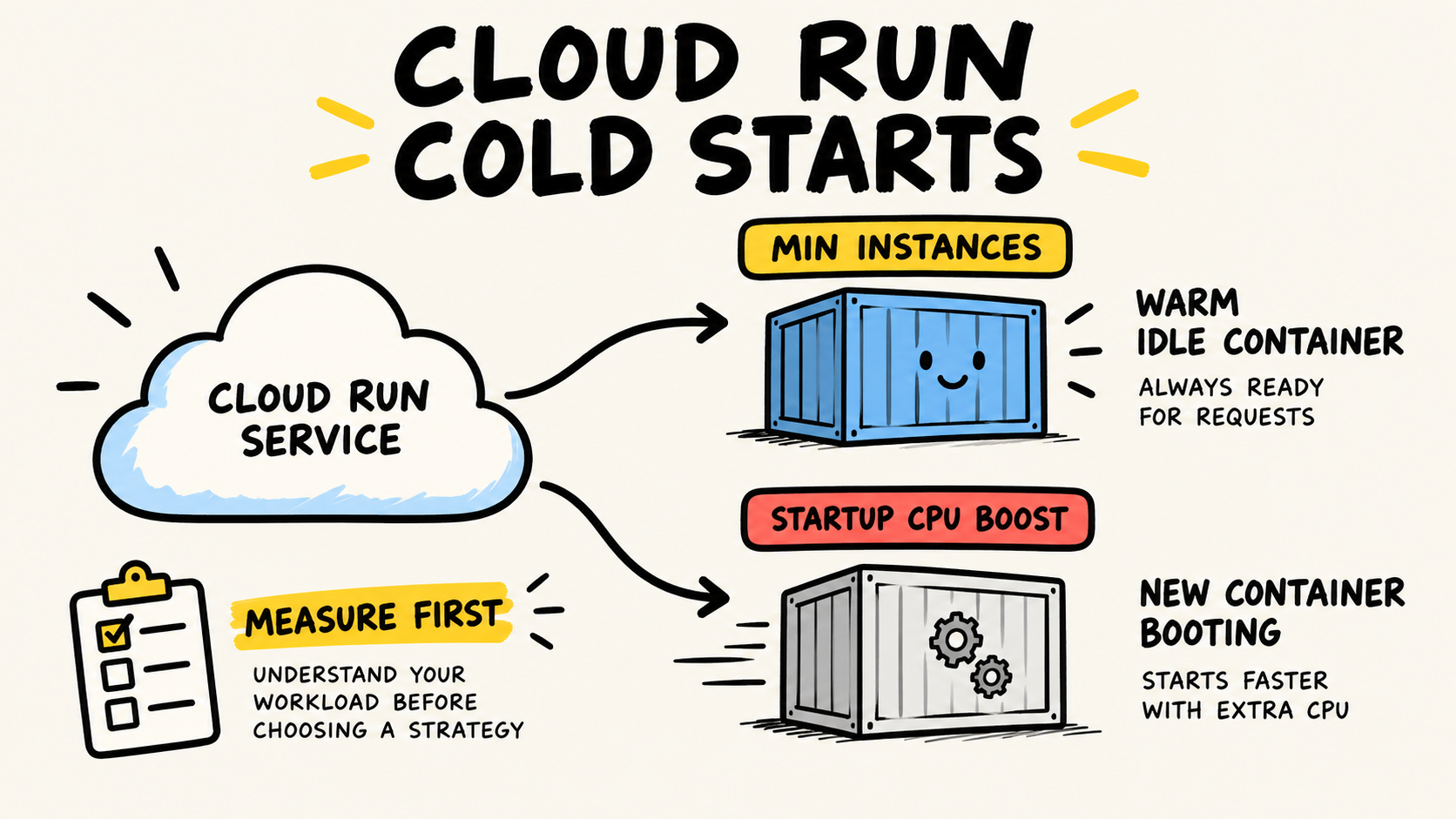
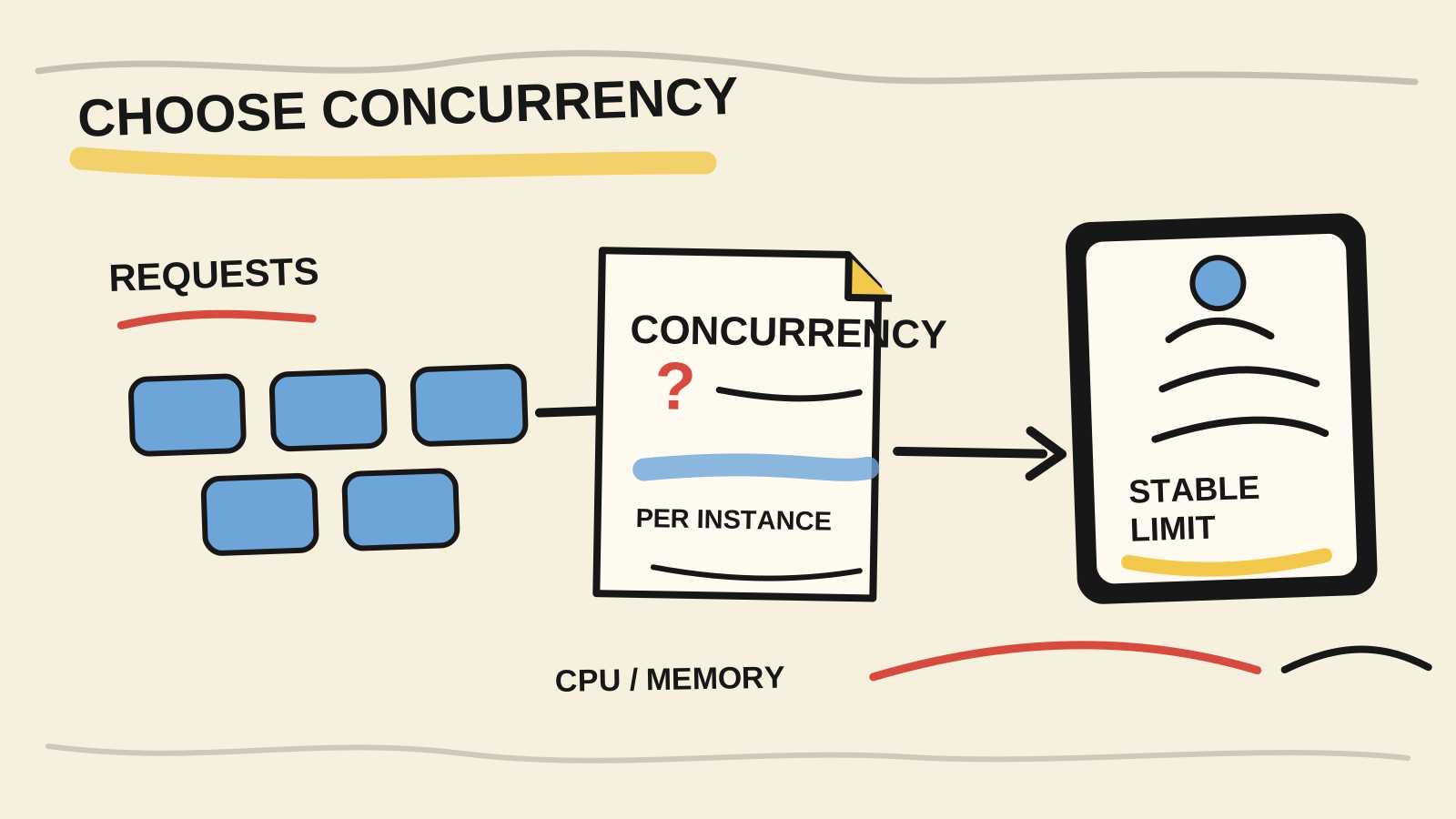
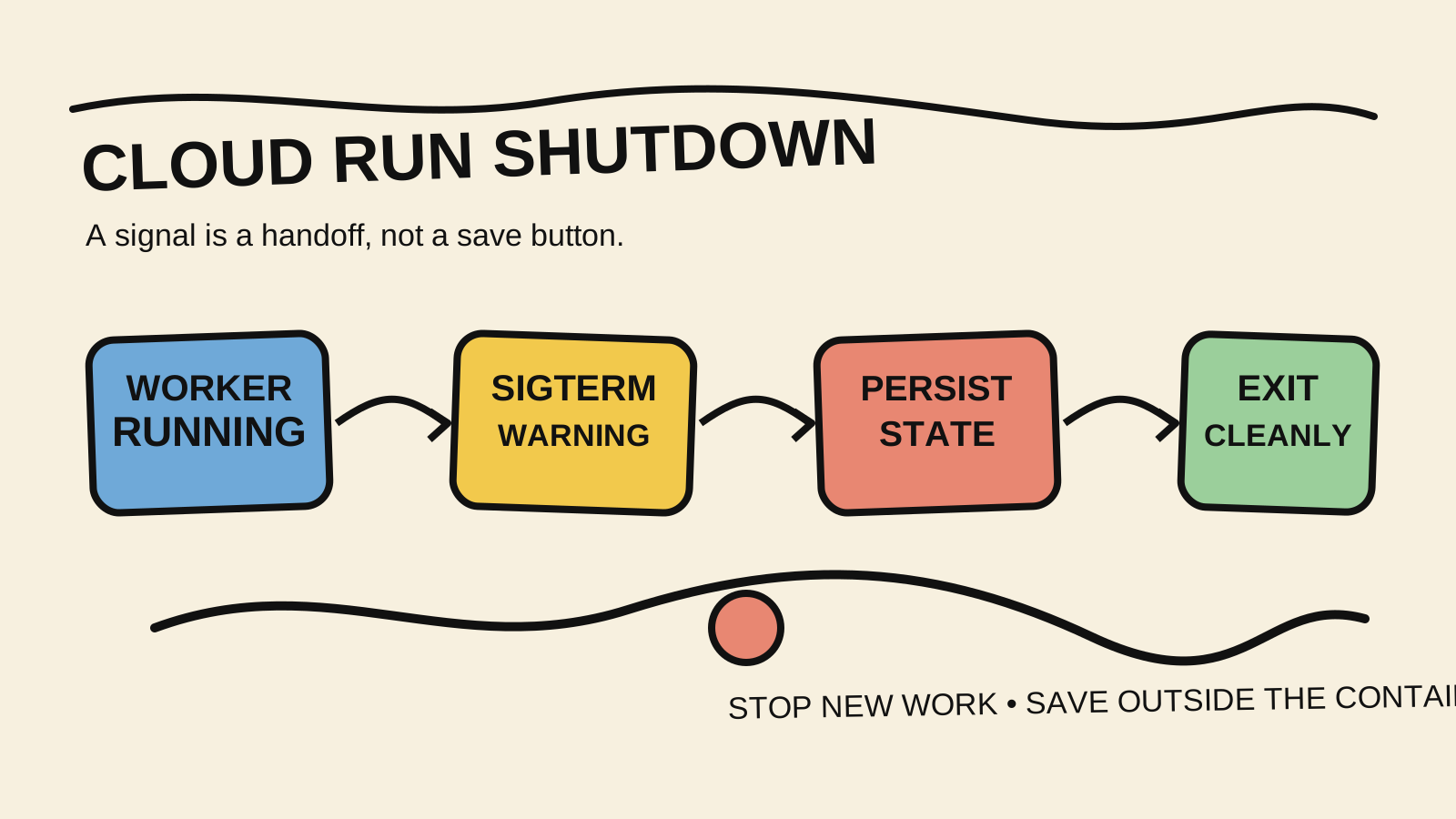
Do not mix a service probe with capacity. Choosing Cloud Run concurrency covers how many requests an instance can sustain. A service can be ready to receive traffic and still become slow under high concurrency. The Cloud Run cold-start comparison covers a different part of the wait. If a restart interrupts active work, see how to handle SIGTERM in Cloud Run before choosing liveness.
Frequently asked questions
Are readiness and liveness the same thing in Cloud Run?
No. Readiness controls whether an instance should keep receiving traffic. Liveness indicates that the instance needs to restart. In the documentation retrieved September 30, 2026, readiness is marked Preview and a failure can remove traffic without terminating the instance, while liveness can terminate it after repeated failures (Google Cloud, “Configure container health checks for services”).
Can you put a database query in liveness?
Only if the contract proves that restarting the instance fixes the failure. If the database is down, every instance can fail at the same time and enter a restart loop. In general, keep liveness local and use readiness, metrics, and alerts for external dependencies. The right design depends on which state the application can repair.
Does a startup probe replace readiness?
Not completely. Startup defines when the instance has finished initialization and can begin receiving traffic. Readiness can remove traffic later and allow the instance to return when its state improves. Cloud Run recommends that startup be sufficient for receiving traffic because a request can arrive before the first readiness check finishes.
Conclusion
Choose the probe for the action a failure should cause. Startup protects entry into the service. Readiness controls temporary participation in traffic. Liveness restarts a process that can no longer make progress. One endpoint with three different names does not create those decisions by itself.
Configure a small revision, test the port and path, simulate slow startup, remove a dependency, and create a no-progress state. If a restart does not fix the cause, do not turn it into liveness. A good health check gives the platform a safe decision instead of returning green for everything.
How this analysis was done
Samuel Fajreldines is the author responsible for this article. The research compared current Google Cloud documentation about health checks and the container contract, Kubernetes documentation about probe semantics, the site’s existing posts, and recent public troubleshooting discussions. There was no Cloud Run deployment or benchmark. The code and YAML are illustrative. AI assistance supported discovery, writing, image generation, and consistency review, but it did not execute the configuration or replace source verification.
Sources consulted
- Google Cloud, “Configure container health checks for services,” retrieved 2026-09-30
- Google Cloud, “Configure container health checks for instances,” retrieved 2026-09-30
- Google Cloud, “Container runtime contract,” retrieved 2026-09-30
- Kubernetes, “Configure liveness, readiness and startup probes,” retrieved 2026-09-30
- Node.js, “HTTP,” retrieved 2026-09-30