

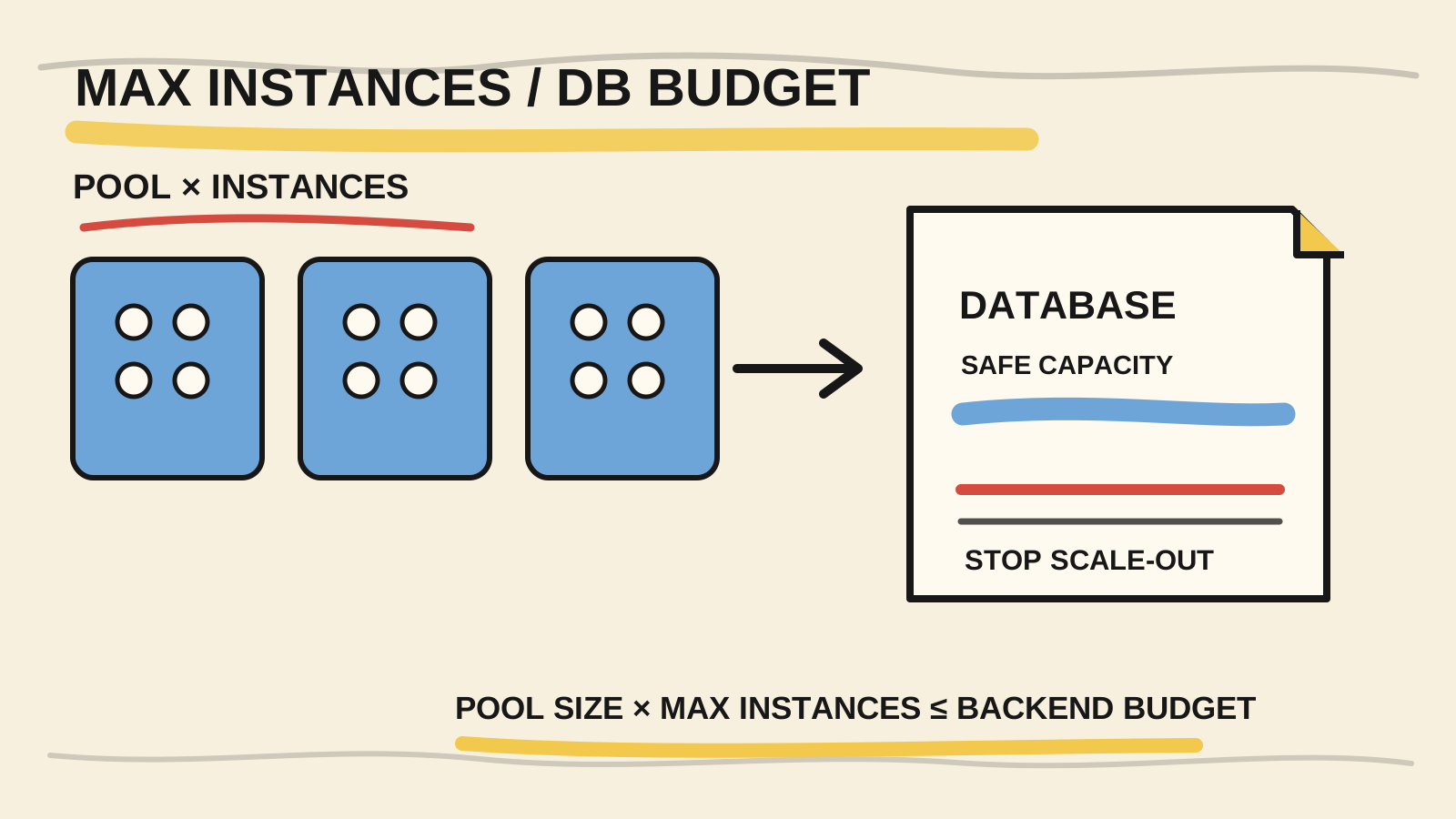
Choosing max instances in Cloud Run is not about picking a comfortable number in the settings panel. Each instance can open its own connection pool, so scaling the service can also increase pressure on the database.
The starting calculation is simple: maximum instances = floor((safe connections - reserved connections) / maximum pool per instance). It turns a database budget into an operational cap. You still need to validate the result with load, watch the metrics, and test behavior during deployments and traffic splits. The guide to choosing Cloud Run concurrency covers the other axis of this decision: how many requests one instance accepts at the same time.
This article uses a numerical example to explain the method. The values are illustrative, not a benchmark or a universal recommendation for Cloud SQL.
Short answer
- First define how many connections this service can use without consuming the budget of other clients.
- Multiply one instance's maximum pool by the maximum number of instances. That product is the service's potential pressure.
- Round down after reserving connections for migrations, jobs, administration, and other consumers.
- Treat the result as a scaling ceiling, not an absolute guarantee. Spikes, revisions, and traffic splits can change the capacity you observe.
What does max instances limit in Cloud Run?
Google Cloud documents the maximum number of instances for a service as a way to control cost or protect connections to a backing service. It limits scaling, but it does not choose a database budget for you.
The Cloud Run autoscaling documentation has three details that matter here: the limit can help protect a backend, traffic spikes or maintenance can temporarily create instances beyond the limit, and different revisions can have their own limits. A traffic split between revisions can also make the service total behave differently from one shared counter.
That makes max instances a containment barrier. It does not fix an oversized pool, replace backpressure, or prove that the database was sized correctly.
Separate concurrency, pool size, and instances
These numbers appear together during an incident, but they control different things:
| Setting | What it limits | Operational question |
|---|---|---|
| Concurrency | Simultaneous requests per instance | How many requests can compete inside the process? |
| Pool size | Connections one instance can keep or open | How many operations from this instance can talk to the database? |
max instances |
Instances the service is allowed to use as a ceiling | How many copies can multiply the pool? |
| Safe budget | Connections the database can give this service | What remains after other consumers are accounted for? |
Concurrency of 80 does not mean 80 database connections, and a pool of 5 does not stop the platform from creating several instances. The relationship that matters for a connection cap is the per-instance pool multiplied by the number of instances at scale.
If you are still investigating pressure inside one instance, start with the Cloud Run concurrency model. If the service has request handlers, jobs, and workers with different lifecycles, also compare Cloud Run services, jobs, and worker pools instead of putting every workload under one limit.
Calculate a ceiling from the database budget
Make four inputs explicit:
B: safe connections this service may consume;R: connections reserved for other consumers or operations;P: maximum pool size for one instance;M: maximum number of instances allowed by the calculation.
The formula is:
M = max(0, floor((B - R) / P))Suppose, only to demonstrate the arithmetic, that the service has a safe budget of 42 connections, reserves 2 for another purpose, and configures a maximum pool of 5 per instance:
floor((42 - 2) / 5) = 8The initial result is 8 instances. The product 8 × 5 = 40 stays within the 40 connections available after the reservation. If the pool grows to 9, the same calculation falls to 4. If reservations consume the whole budget, the result is 0, which means the assumptions leave no room for an instance.
Do not use the database's maximum connection count as B without investigating who else uses that database. For the integrated Cloud Run and Cloud SQL connection path, the Cloud SQL for PostgreSQL documentation warns that each Cloud Run instance can have up to 100 connections per database and that the total grows as the service scales. That observation is specific to that connection path, not a rule for every driver or topology.
Test the calculation without waiting for a whole application
A small fixture helps prevent rounding up or accepting invalid inputs. Save this example as connection-budget.mjs and run it with Node.js. It tests the calculation, not the real capacity of a database:
import assert from "node:assert/strict";

function maxInstances({ safeConnections, reservedConnections, poolPerInstance }) {
  for (const value of [safeConnections, reservedConnections, poolPerInstance]) {
    if (!Number.isInteger(value) || value < 0) {
      throw new TypeError("connection values must be non-negative integers");
    }
  }

  if (poolPerInstance === 0 || reservedConnections > safeConnections) {
    return 0;
  }

  return Math.floor(
    (safeConnections - reservedConnections) / poolPerInstance,
  );
}

assert.equal(
  maxInstances({
    safeConnections: 42,
    reservedConnections: 2,
    poolPerInstance: 5,
  }),
  8,
);

assert.equal(
  maxInstances({
    safeConnections: 9,
    reservedConnections: 2,
    poolPerInstance: 5,
  }),
  1,
);

console.log("connection budget fixture passed");
node connection-budget.mjsThen replace the illustrative numbers with values you can explain: the configured pool limit, connections observed during load, consumers outside Cloud Run, and the operating margin your team chose. If there is no measurement or explicit decision behind B, the formula only gives an assumption a mathematical appearance.
Apply the limit at the scope you intend to protect
Google Cloud documents the maximum-instance configuration with gcloud. To update the service-level limit, a command like this is a starting point:
gcloud run services update SERVICE \
  --max 8 \
  --region REGION
Confirm in the command and in your service's exported configuration which scope you are using. Revisions, tags, and traffic splits can produce a different result from the value you saw in one panel. Make the change in an identifiable revision, record B, R, and P beside it, and avoid changing concurrency, pool size, and application code in the same test.
A successful deployment only proves that the configuration was accepted. It does not prove that the database can handle a spike, that the pool will be fully used, or that an old revision stopped receiving traffic.
Verify behavior under load and during deployment
Validate the limit in a sequence that keeps the causes separate:
- Generate progressive load for the database-backed route, starting below the expected limit.
- Watch latency, errors, pool wait time, instance count, and database connections together.
- Confirm that the service is not merely holding requests inside instances while the database is already saturated.
- Repeat the observation during a deployment with traffic split between two revisions.
- Record the highest stable level and what happened when a dependency reached its limit.
The Cloud Run autoscaling guide explains why spikes and maintenance deserve a separate check. The maximum-instance limits documentation also makes clear that the value is an upper scaling limit, not a promise that the service will never observe a transient overrun.
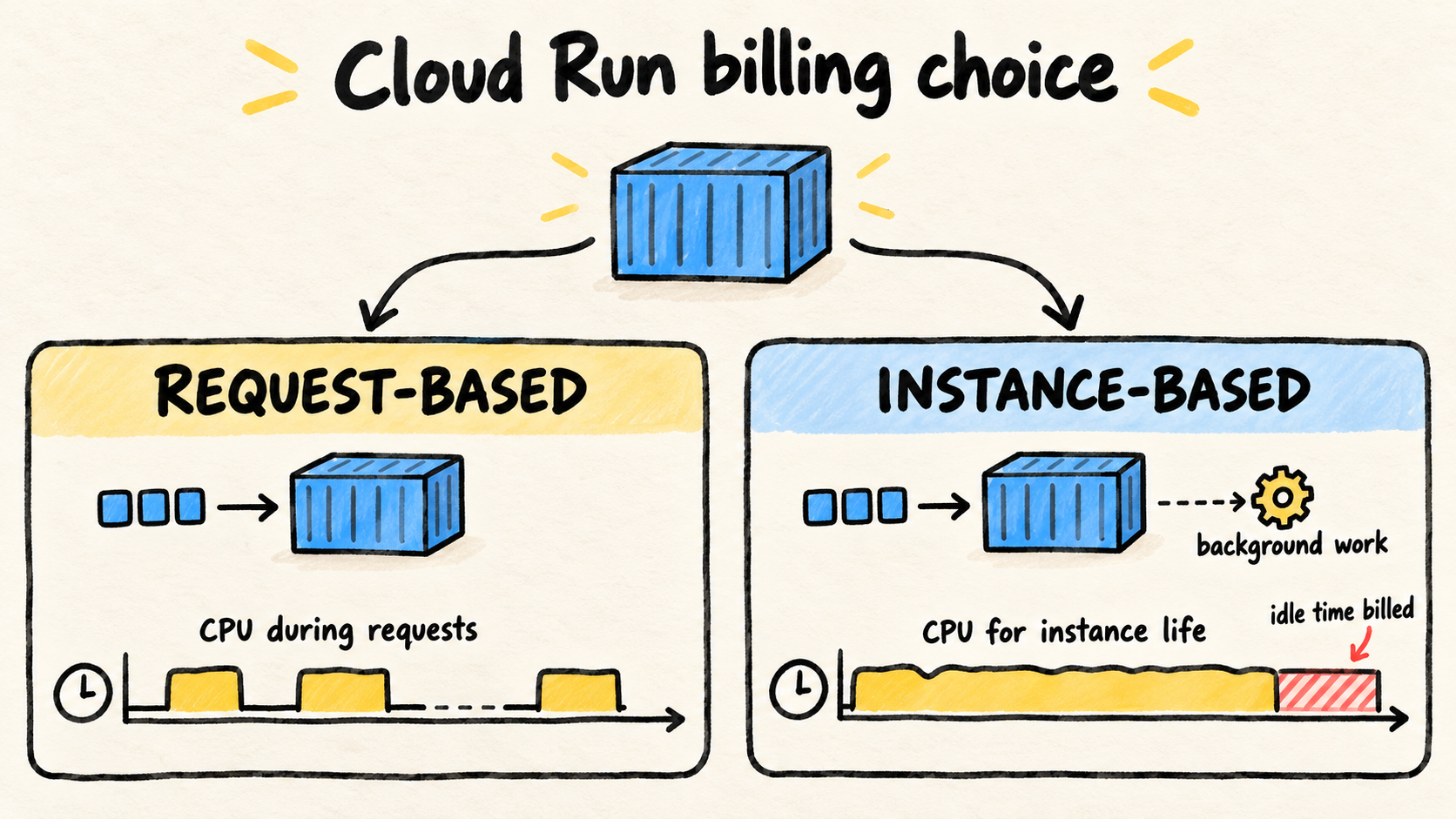
If the test shows that an old revision still receives requests, treat it as a rollout problem. If the database saturates before the ceiling, reduce the cap or the pool, adjust concurrency, and investigate the route. The Cloud Run canary deployment guide helps structure a controlled comparison, while Cloud Run request and instance billing helps separate capacity protection from a cost decision.
Common failures in this calculation
Dividing the database limit by the pool and forgetting other consumers
The database serves more than the web service. Include jobs, administrative tools, migrations, replicas, and other services in the reserved budget. If you do not know those clients' usage, mark B as uncertain and test before turning the calculation into configuration.
Confusing concurrency with connections
An instance can receive more requests than its pool can execute in parallel. That may be acceptable when the queue fits the latency target, but it can also hide saturation. Lowering max instances does not fix a poorly chosen concurrency value, and increasing concurrency does not create database connections.
Configuring each revision as if it were the whole service
During a rollout, two revisions may receive traffic. Add the potential capacity of each revision before claiming that the database is protected. Analyze the cap together with traffic configuration, not in isolation inside one revision's YAML.
Treating 0 as a valid production setting
The 0 in the fixture means that the assumptions leave no room for an instance. It is not a recommendation to turn the service off. Revising the pool, reservations, or budget is the missing decision.
Method and limits of this guide
I consulted the official Cloud Run and Cloud SQL documentation on November 18, 2026, and ran the fixture with Node.js 25.5.0. I did not run a Cloud Run service or load against a production database. AI assistance helped organize the research and review the prose, but it did not provide measurements, universal values, or validation of your infrastructure. Use the commands as a starting point and confirm syntax and limits in the environment you operate.
Conclusion
Choosing max instances to protect a database is a capacity decision, not a guess about autoscaling. Write down the safe budget, subtract reservations, divide by the maximum pool, and round down. Then validate the calculation with progressive load, service and database metrics, and a deployment with split traffic.
The final value is defensible when another engineer can reproduce the calculation and understand which consumers, revisions, and exceptions were considered. When those assumptions change, the limit needs review too.
Sources consulted
- Google Cloud, "Set maximum instances for services", accessed November 18, 2026.
- Google Cloud, "About instance autoscaling in Cloud Run services", accessed November 18, 2026.
- Google Cloud, "Maximum instance limits", accessed November 18, 2026.
- Google Cloud, "Cloud SQL for PostgreSQL quotas and limits", accessed November 18, 2026.