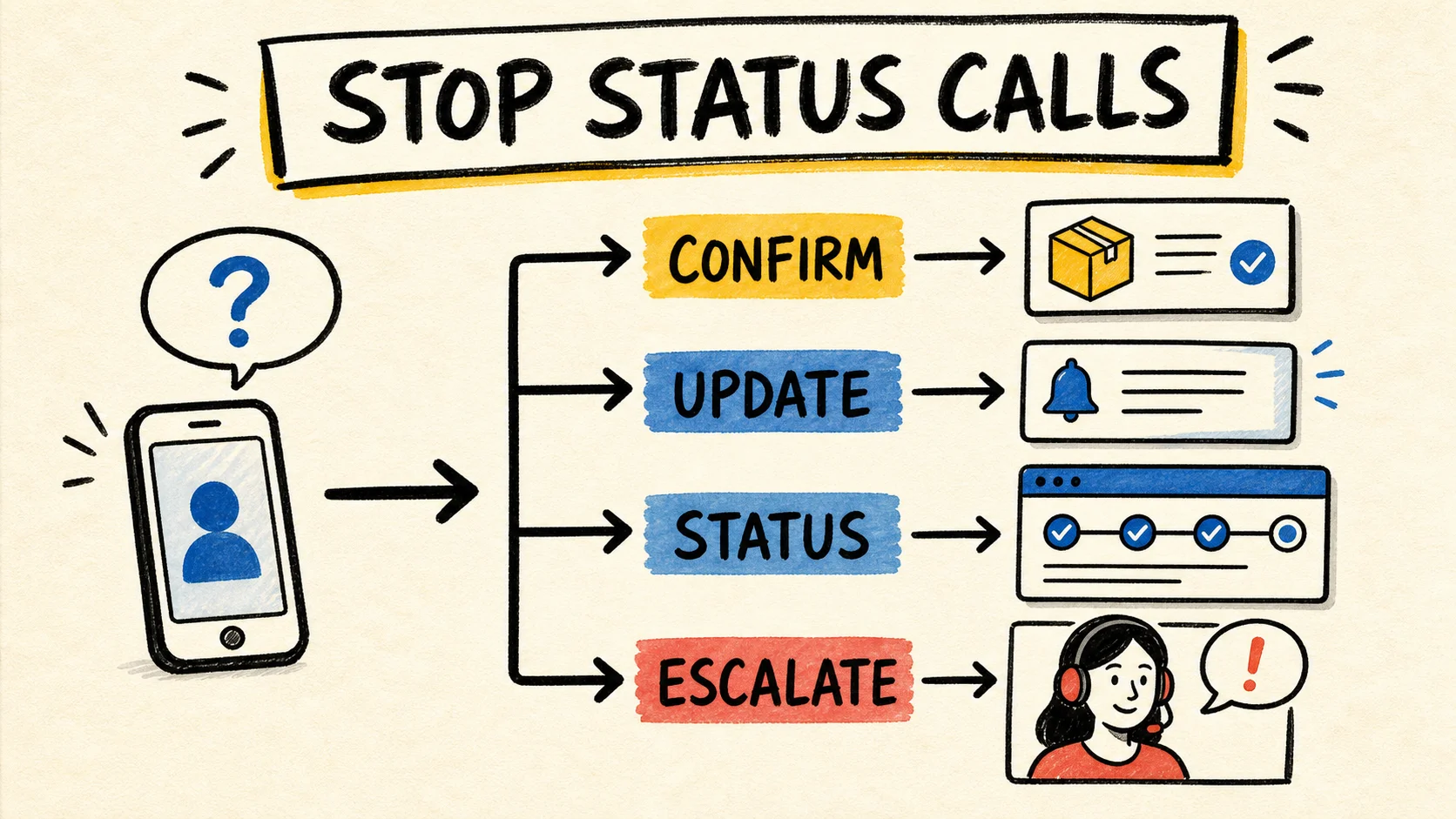
How to Stop Customers Calling for Order Updates
Learn how to stop customers calling for order updates. APQC surveyed 289 organizations; choose messages, a status page, a portal, or human help with confidence.
Accepting new clients
You run the business.
I handle the software.
I'm Samuel Fajreldines, a senior software engineer. Growing U.S. businesses hire my team to become their software department, not a vendor they rehire every quarter. I set the technical direction, my team builds and ships, and I stay accountable for everything that goes out.
Learn how to stop customers calling for order updates. APQC surveyed 289 organizations; choose messages, a status page, a portal, or human help with confidence.
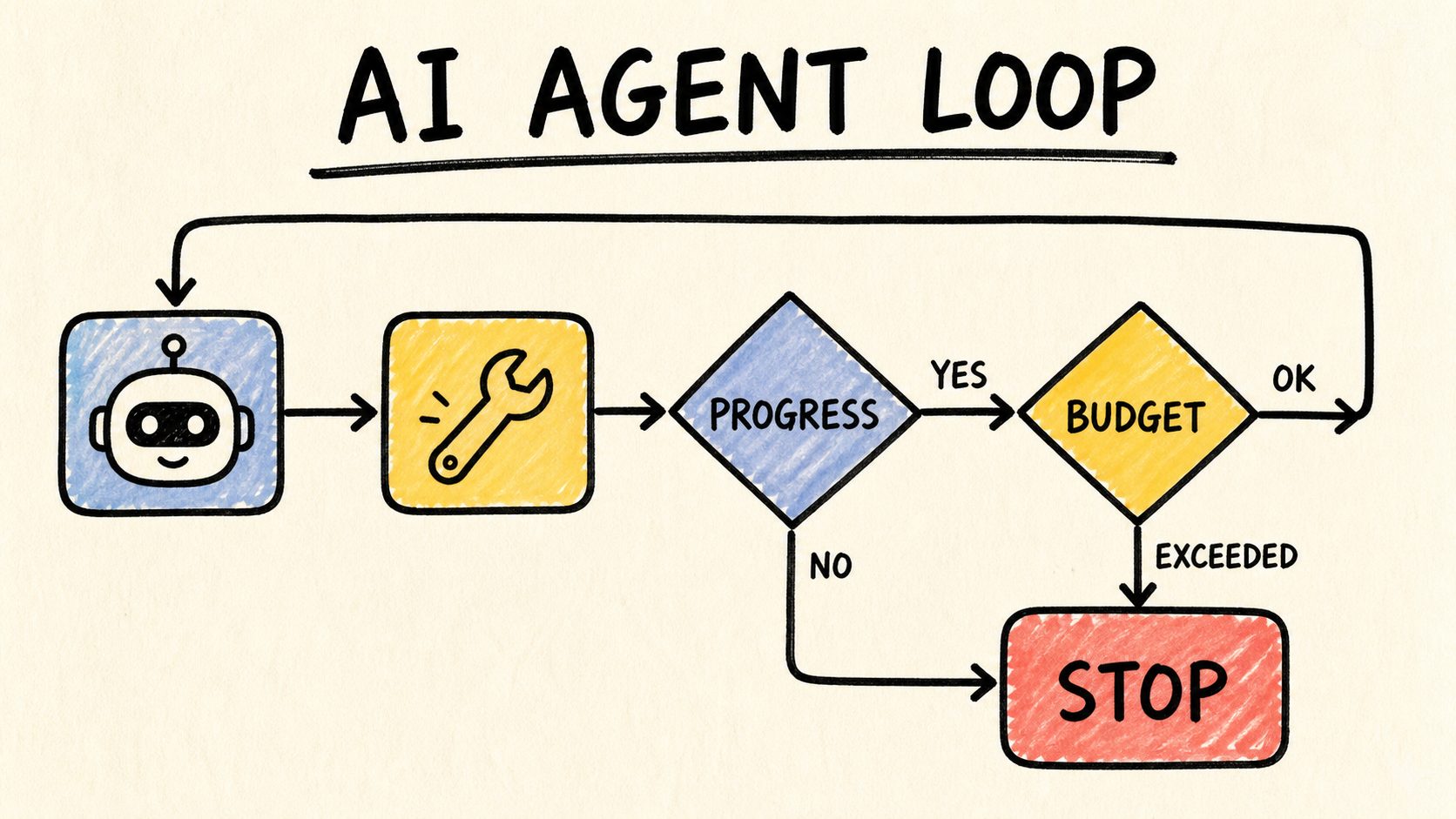
Prevent AI agent loops with 4 guardrails: completion, progress, budget, and a terminal state the runtime can explain and recover from in a production system.
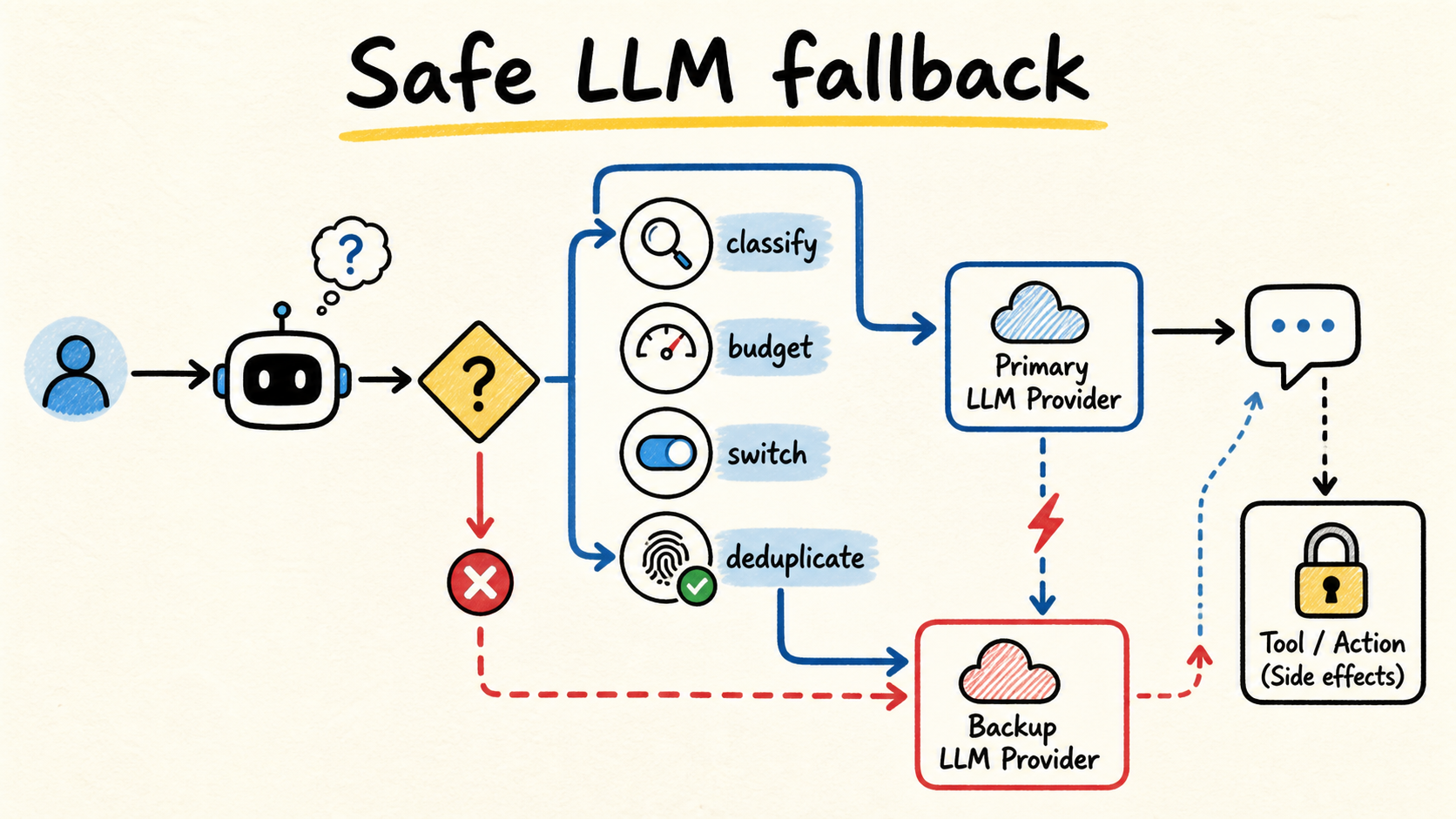
Design LLM retry, failover, and stop decisions without replaying tool calls, losing the output contract, or hiding cost, latency, and partial effects.
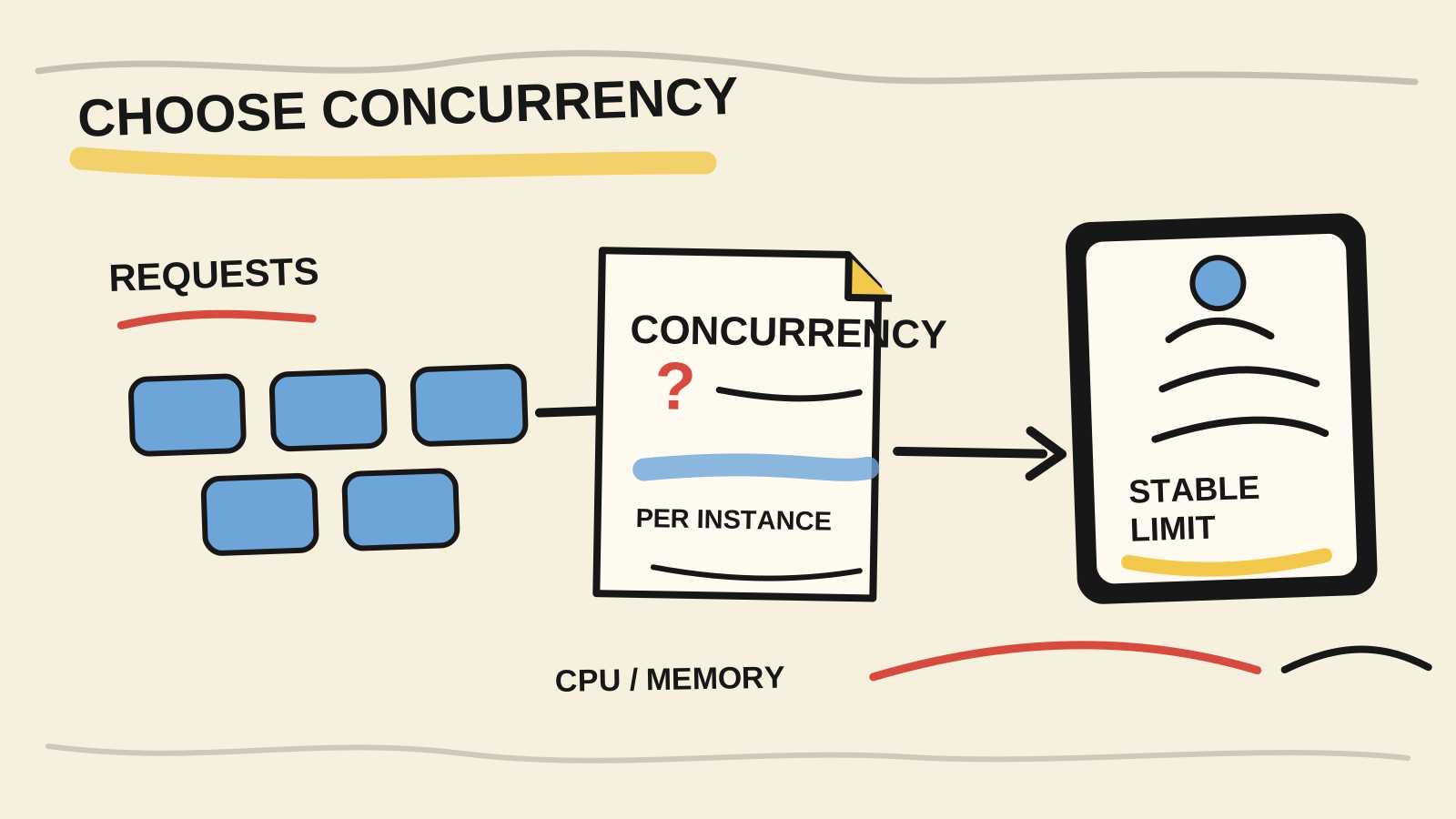
Choose Cloud Run concurrency with CPU, memory, Node.js, and database limits in mind. The default is 80: load test it, then tune toward a stable limit.
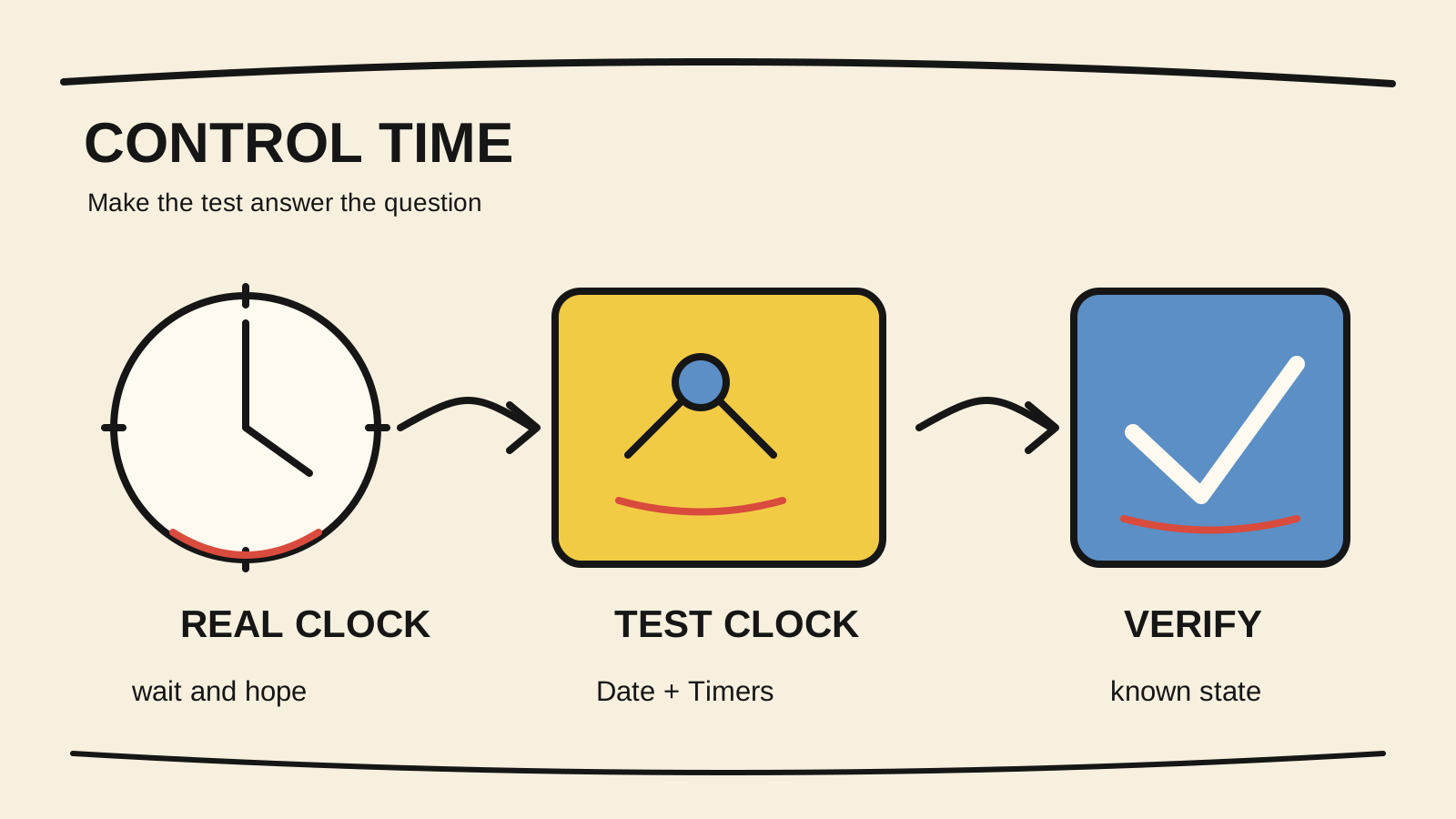
Test dates, setTimeout, and intervals in JavaScript with a controlled clock, async timer advancement, and cleanup that keeps tests fast.